
01
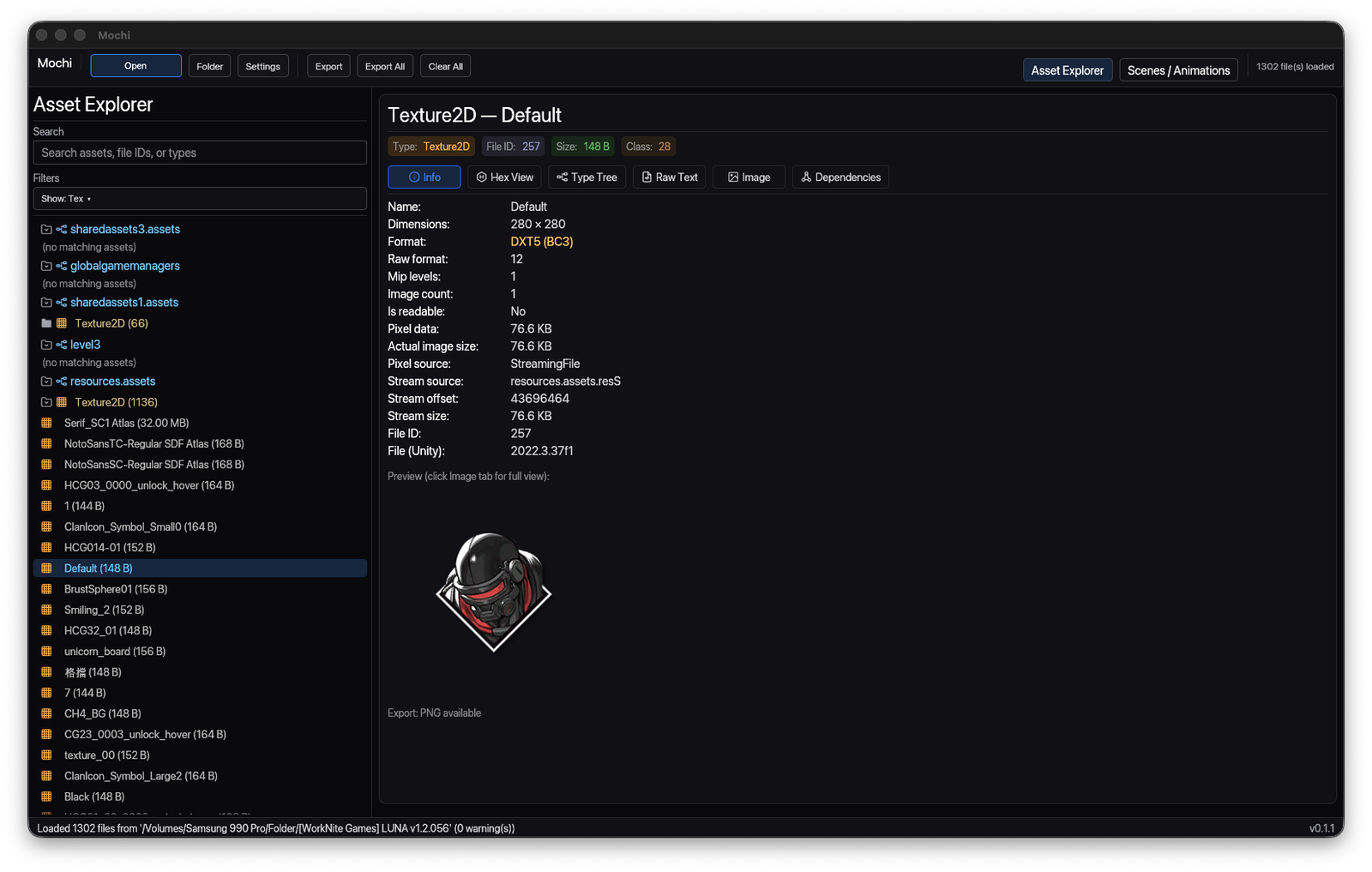
Scan results sit beside metadata.
The asset list, source path, IDs, format, dimensions and export actions stay in one frame so a scan never sends you hunting.
 Mochi · Unity asset explorer
Scan Unity data folders, preview textures, sprites and atlases, decode compressed images, and inspect info, type tree, raw bytes and animation clips — then export exactly what you need.
✳ Four ways in
Mochi treats a single asset as a stack: the rendered image up front, metadata and type tree behind it, raw text and raw bytes deeper still — all without leaving the selection.
✳ Workspace
The asset list, source path, IDs, format, dimensions and export actions stay in one frame so a scan never sends you hunting.
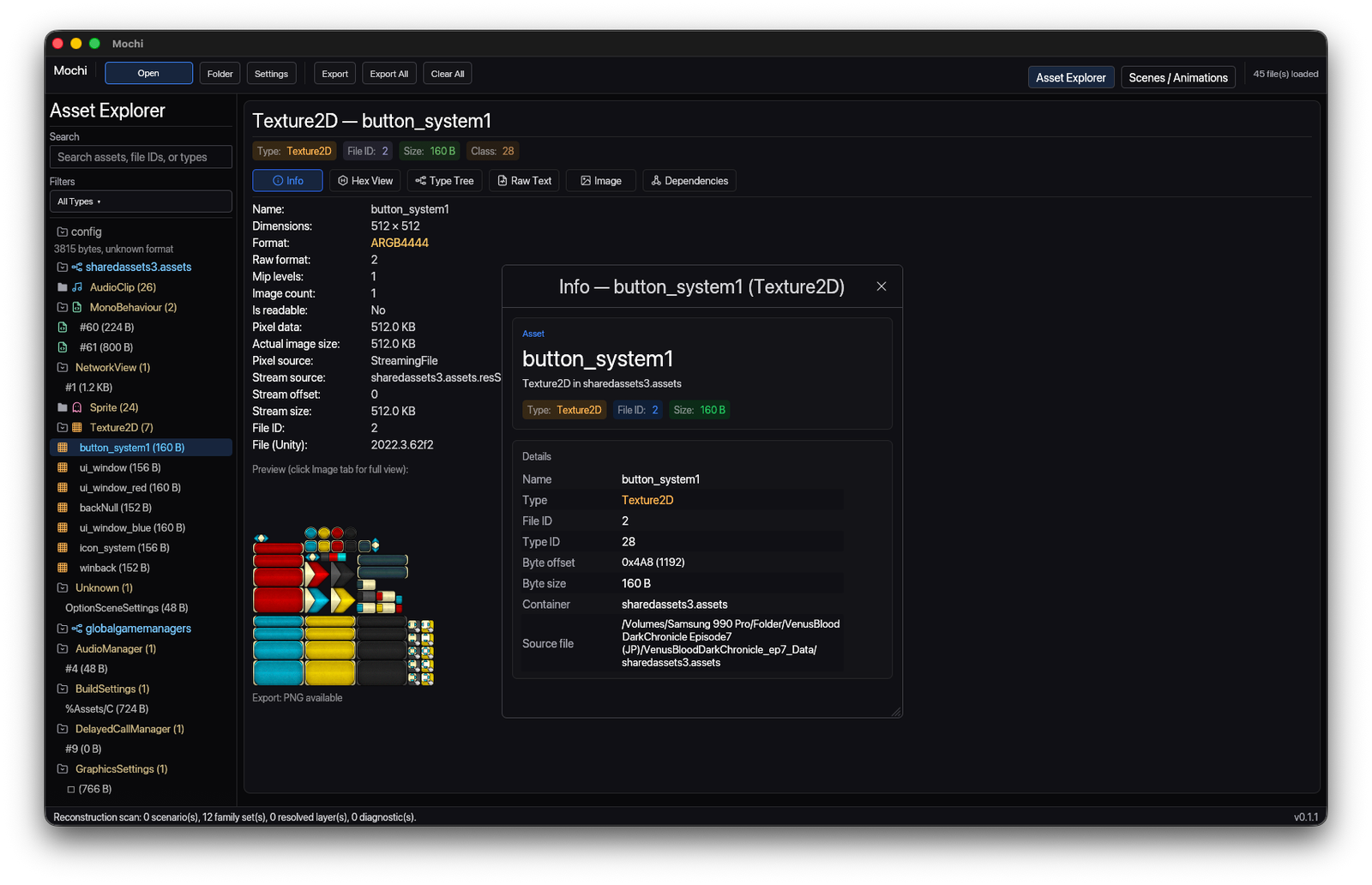
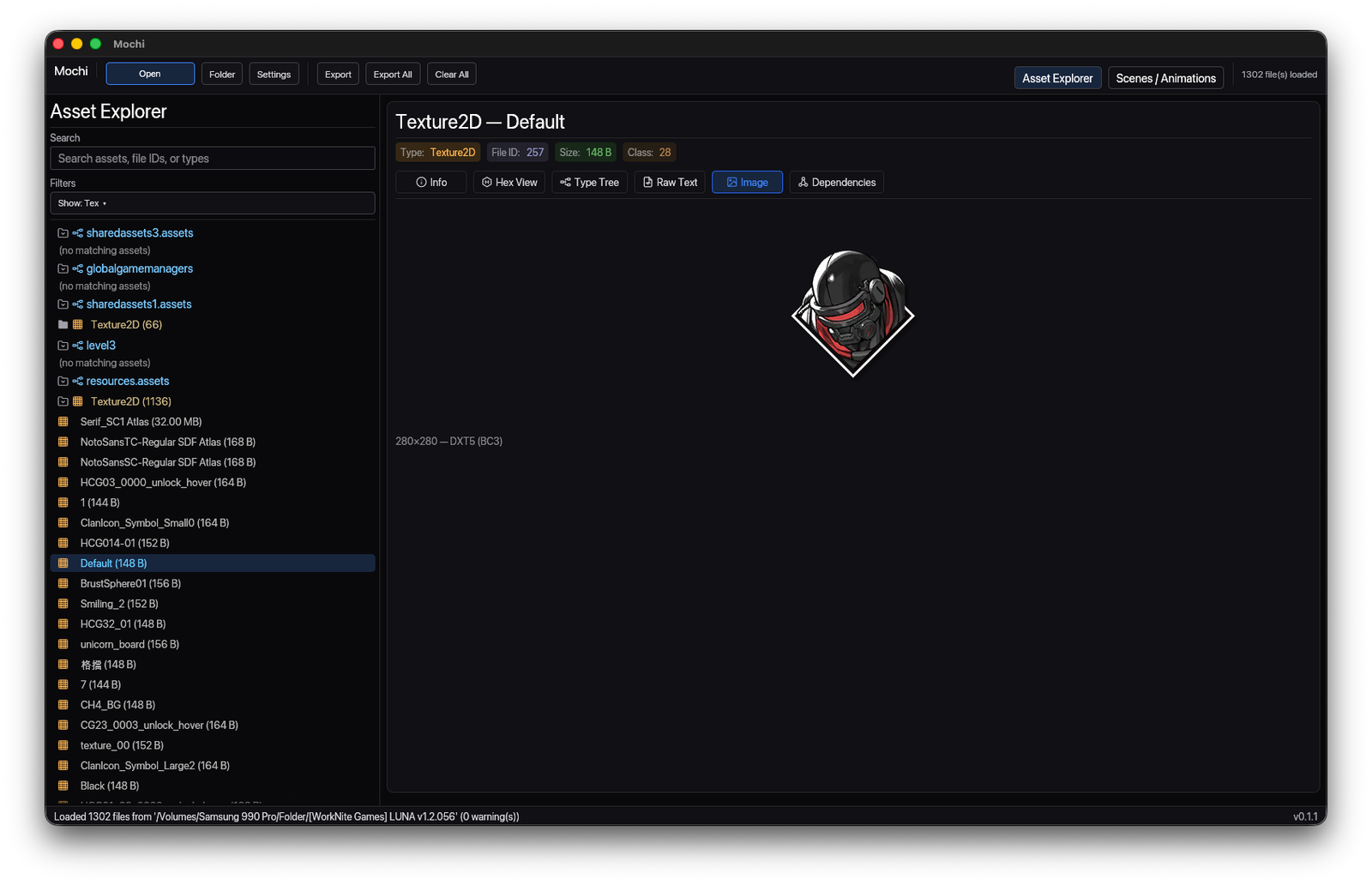
Sprites, atlases and packed textures render inline — anchored info popups included — so you read the pixels, not just the labels.
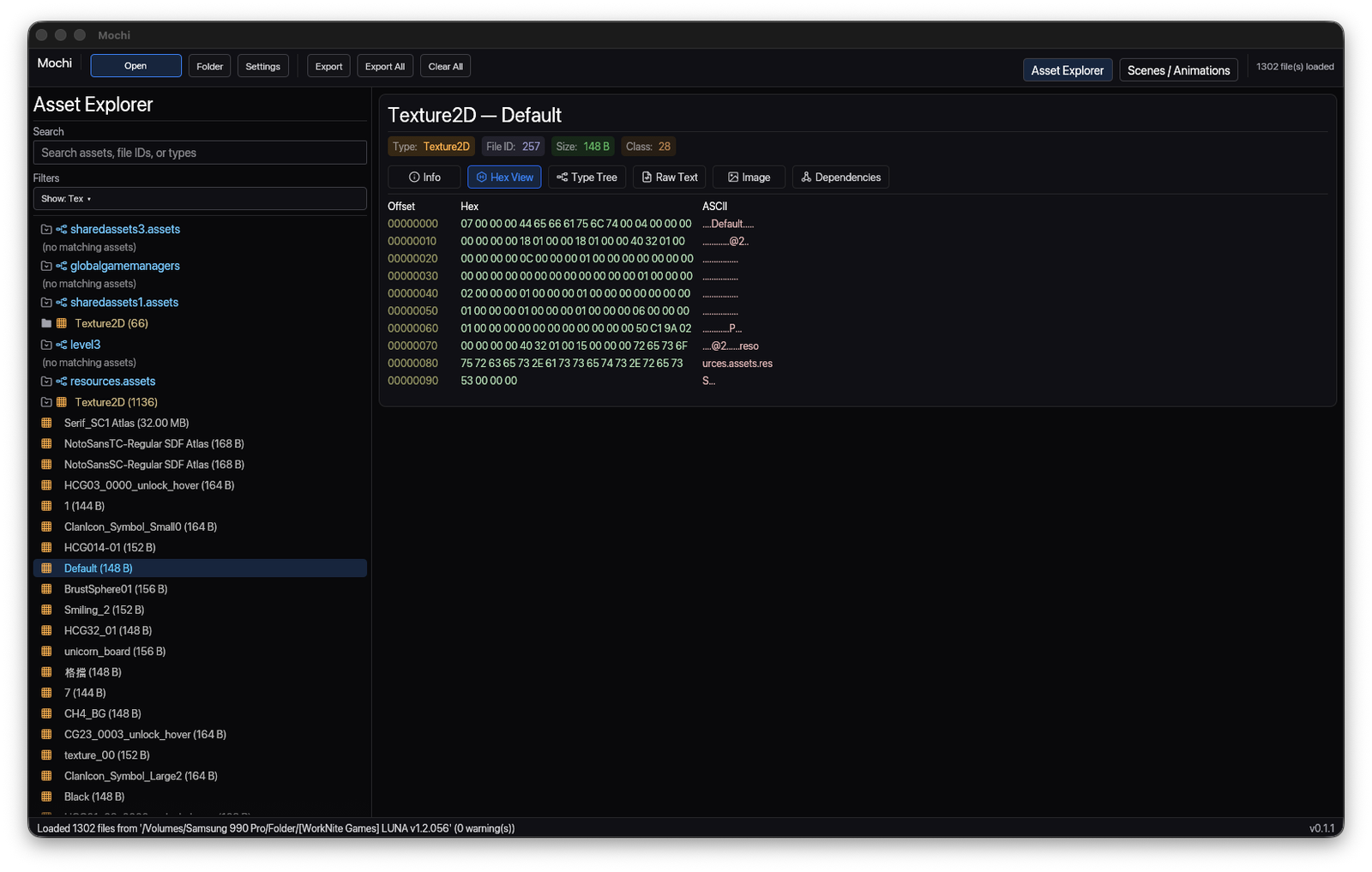
Drop to offsets, hex and ASCII right next to the selected asset when a format needs decoding by eye.
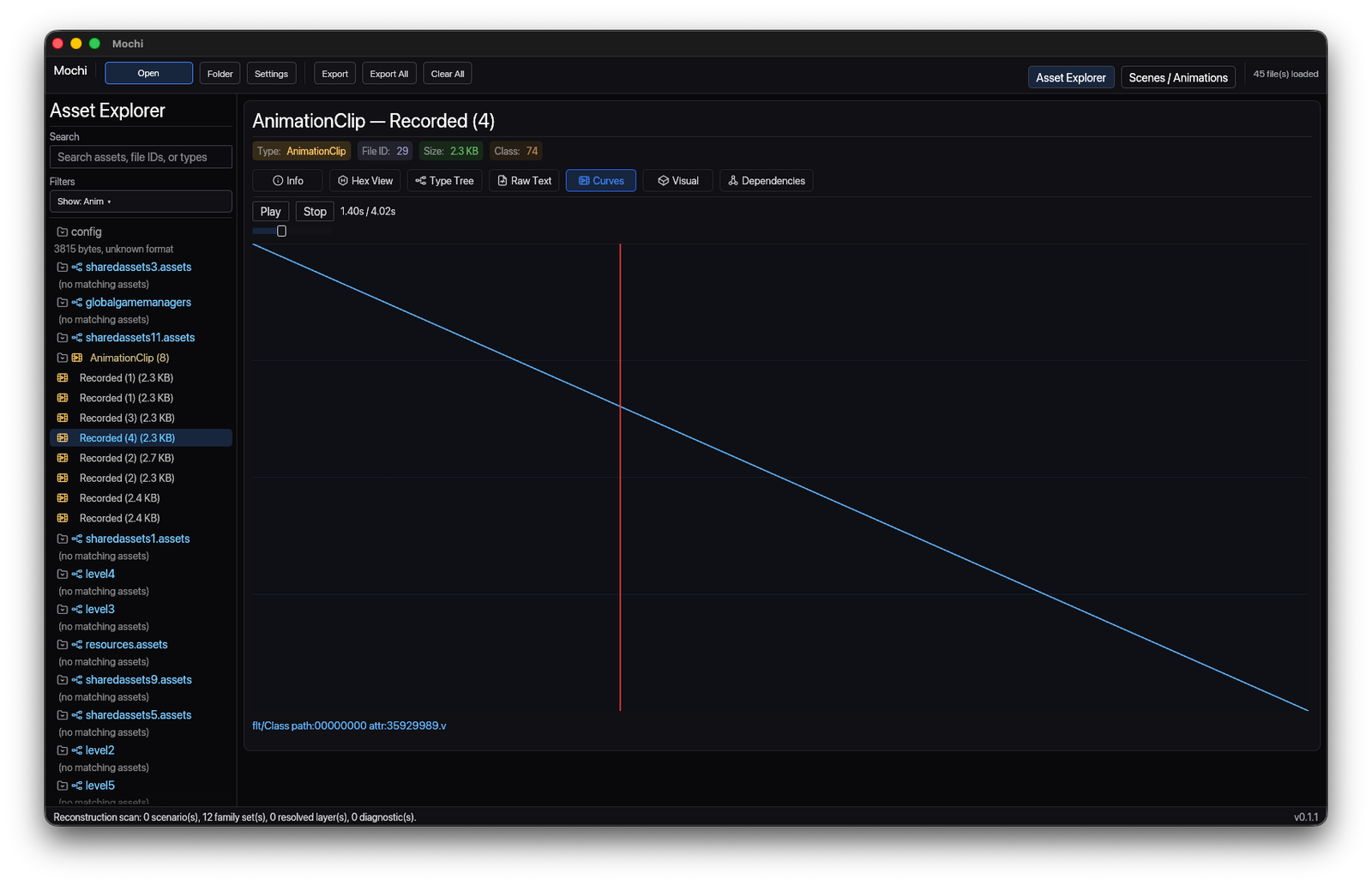
Recorded clips open as readable curves and keyframes, so motion data is inspectable before you trust or export it.
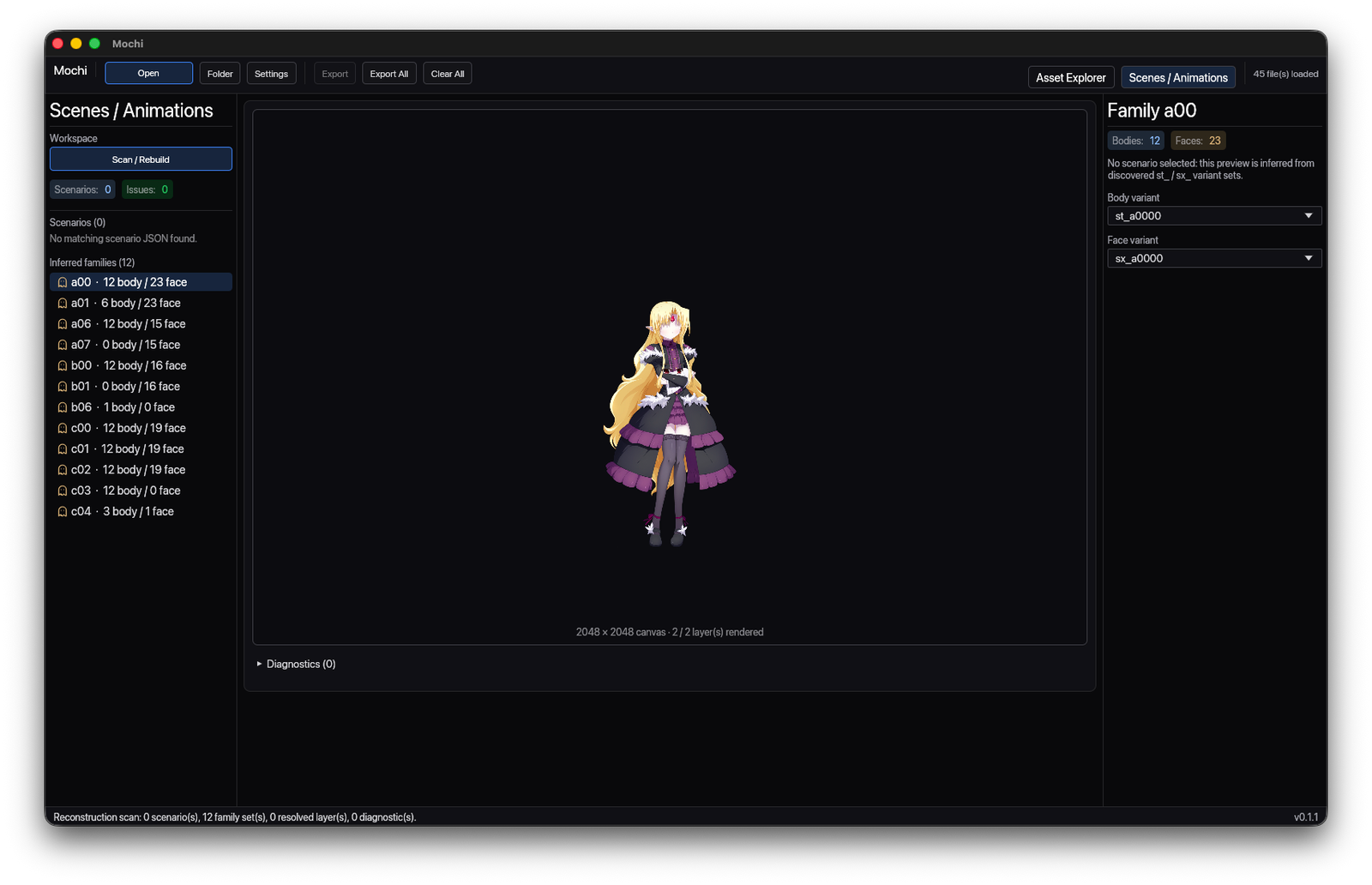
Inferred families rebuild into a previewable character on canvas — body and face variants resolved from discovered sets.
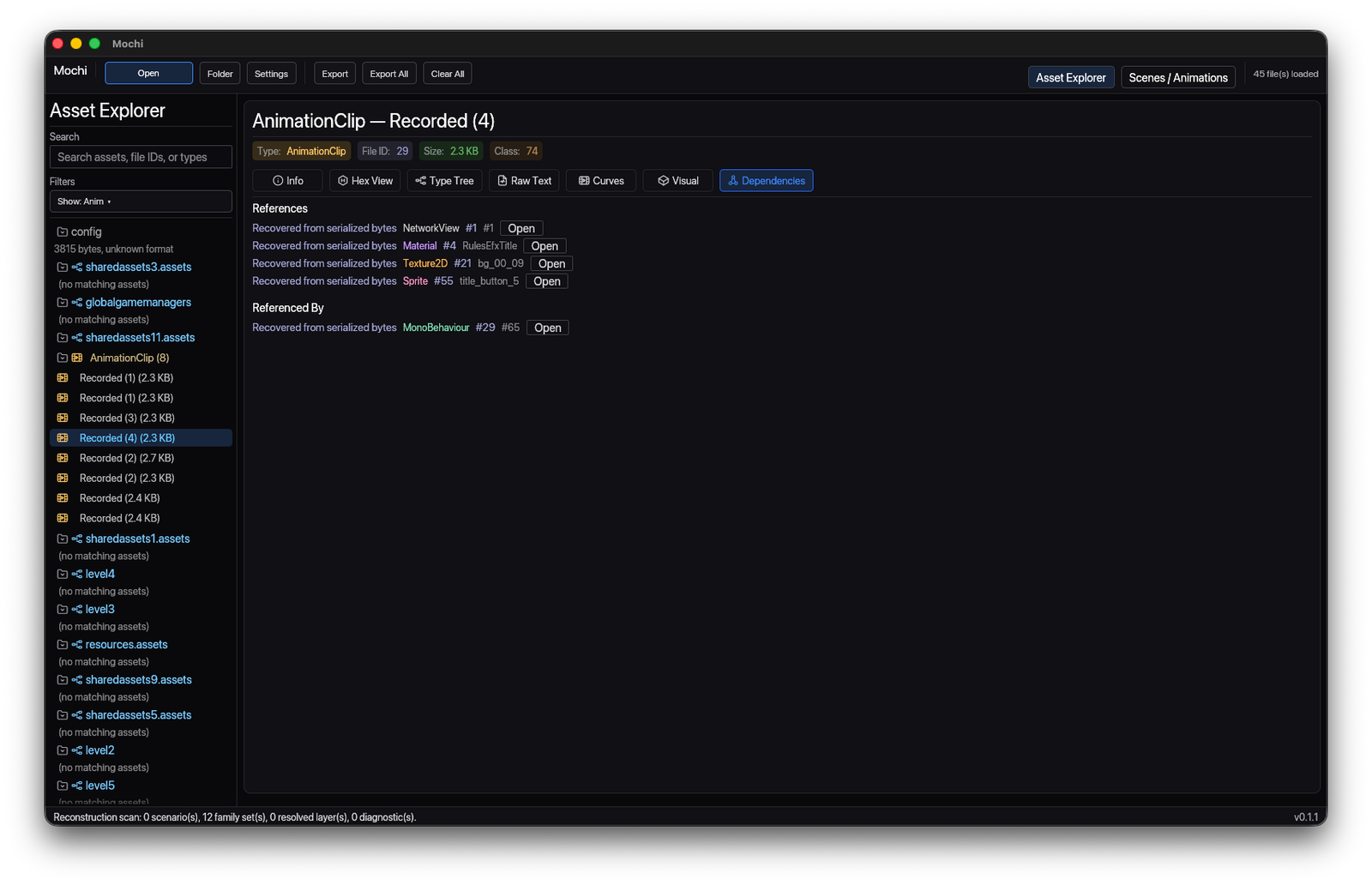
Follow references and referenced-by links before you export or compare, so nothing leaves the project half-resolved.
✳ Details
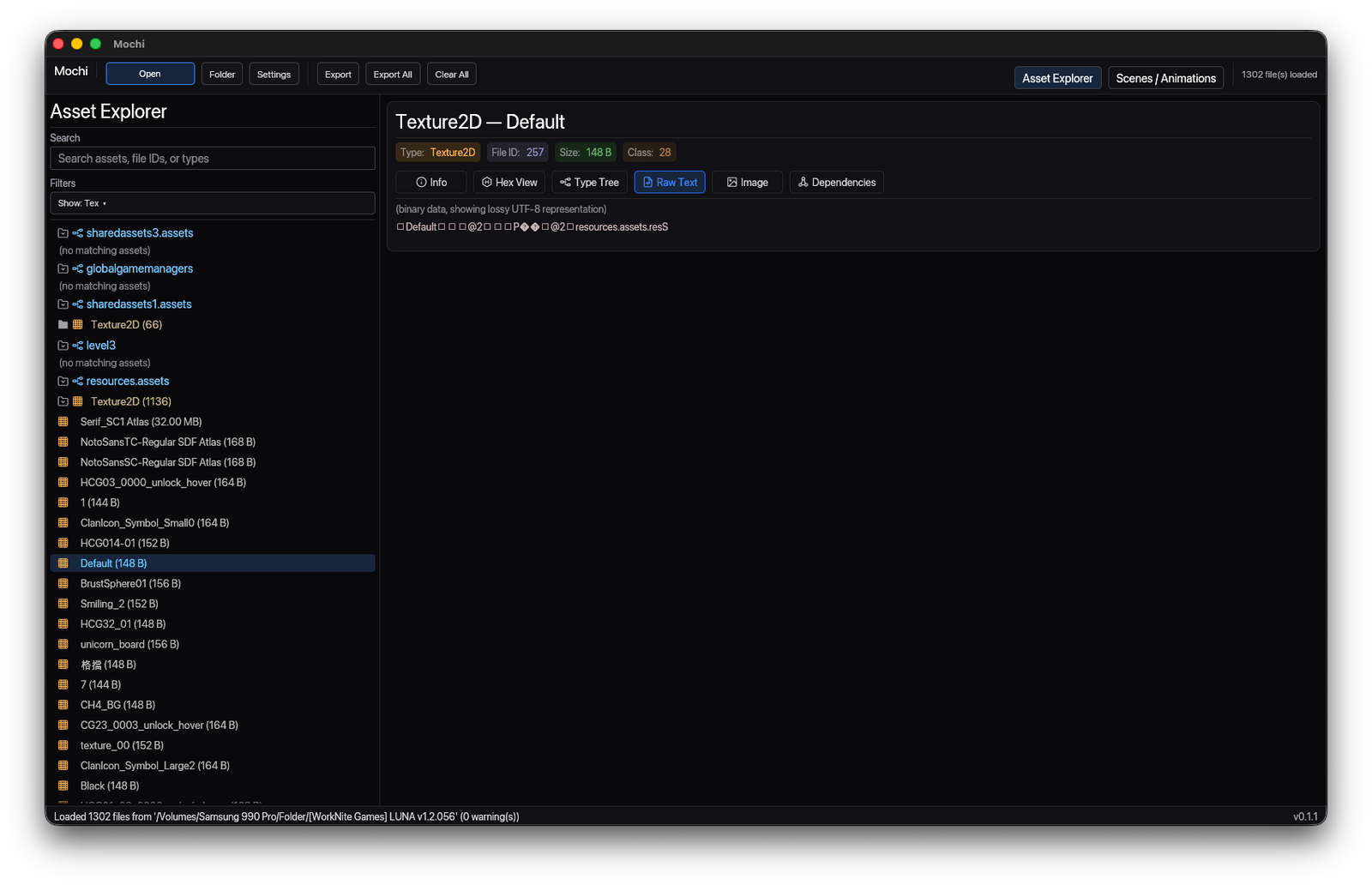
Switch to the type tree or raw text whenever a format is easier to read decoded by eye.
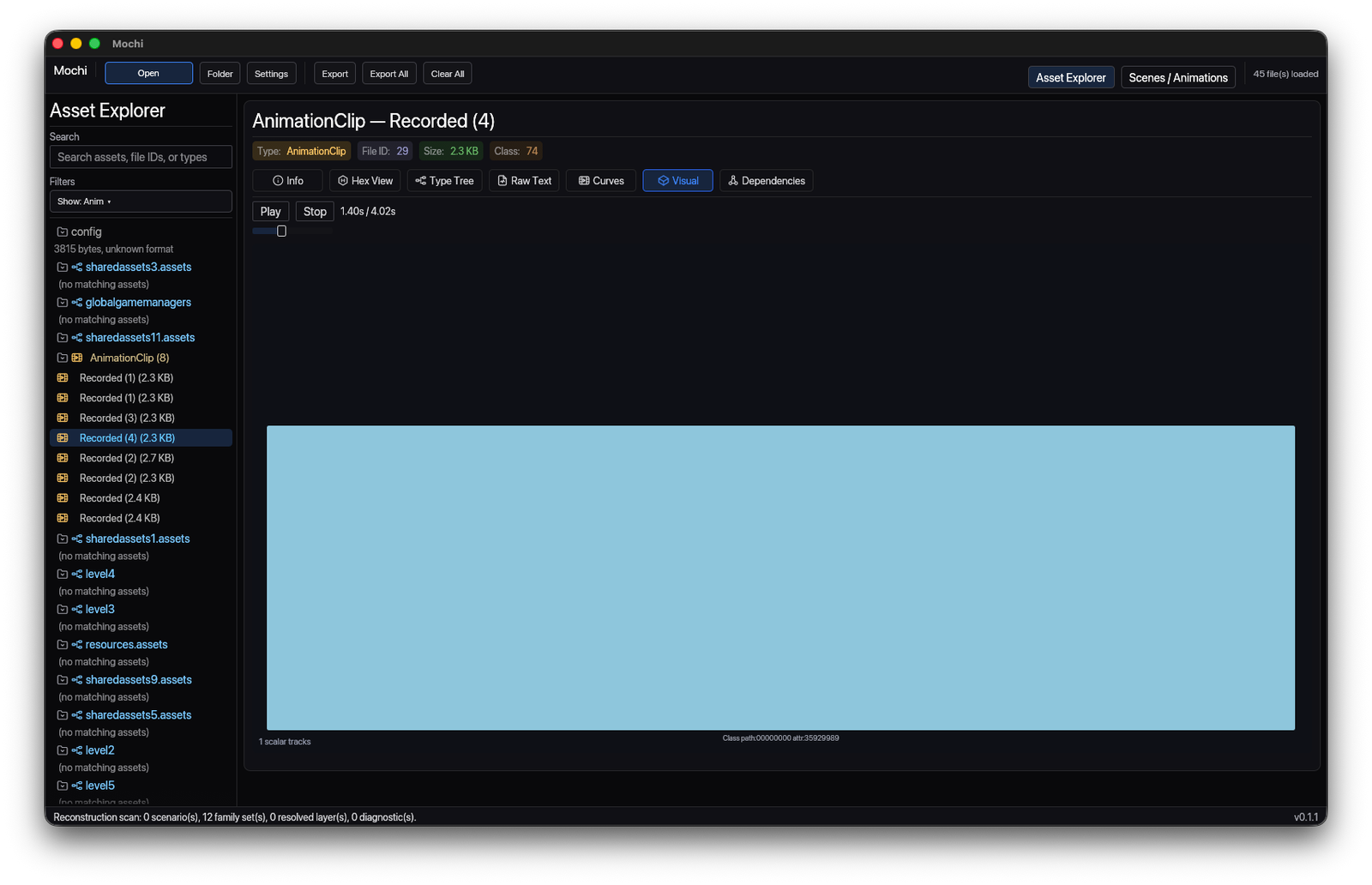
See an animation clip's rendered region, not only its underlying data.
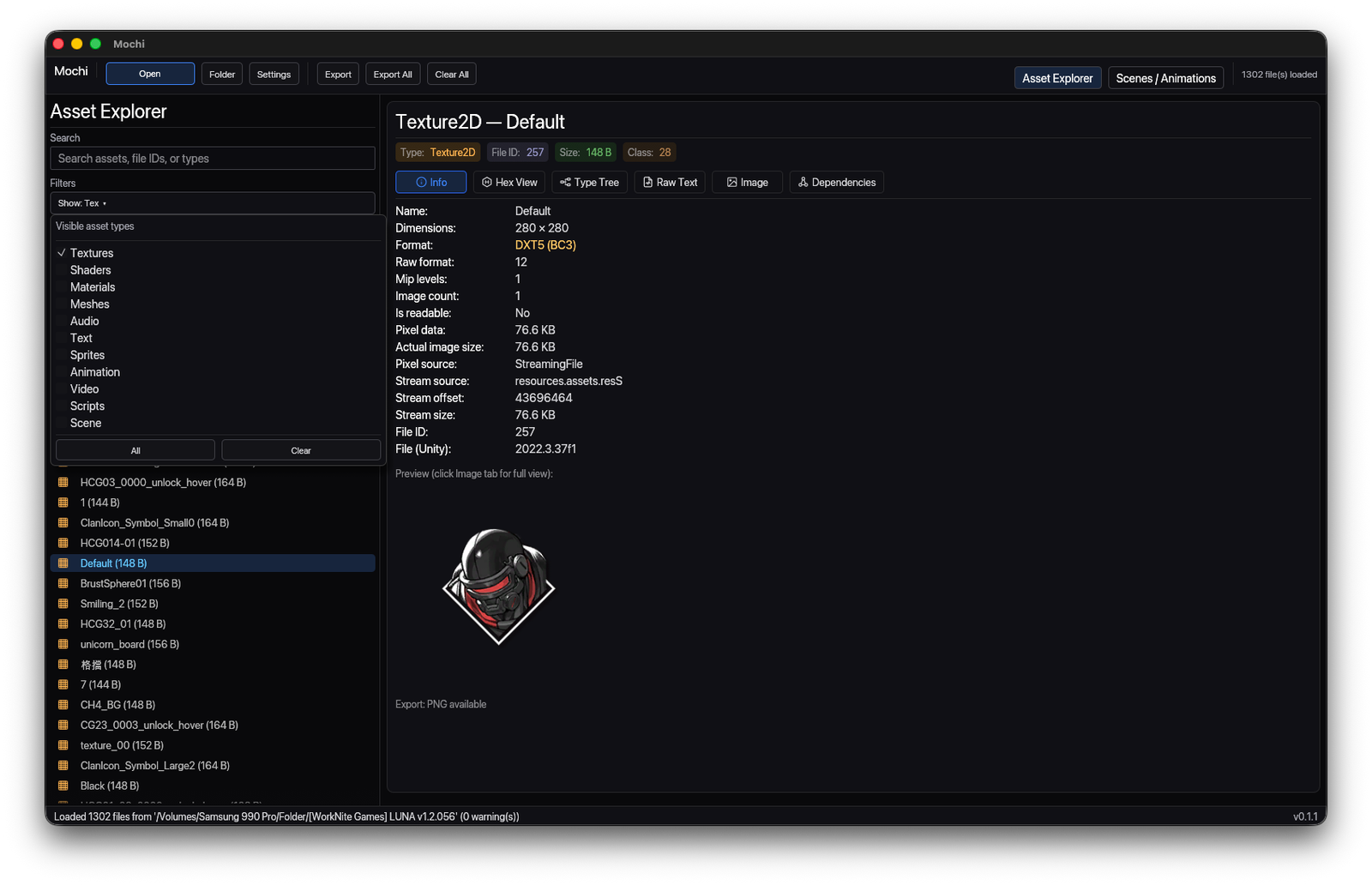
Asset info stays a click away, pinned to exactly what you are inspecting.
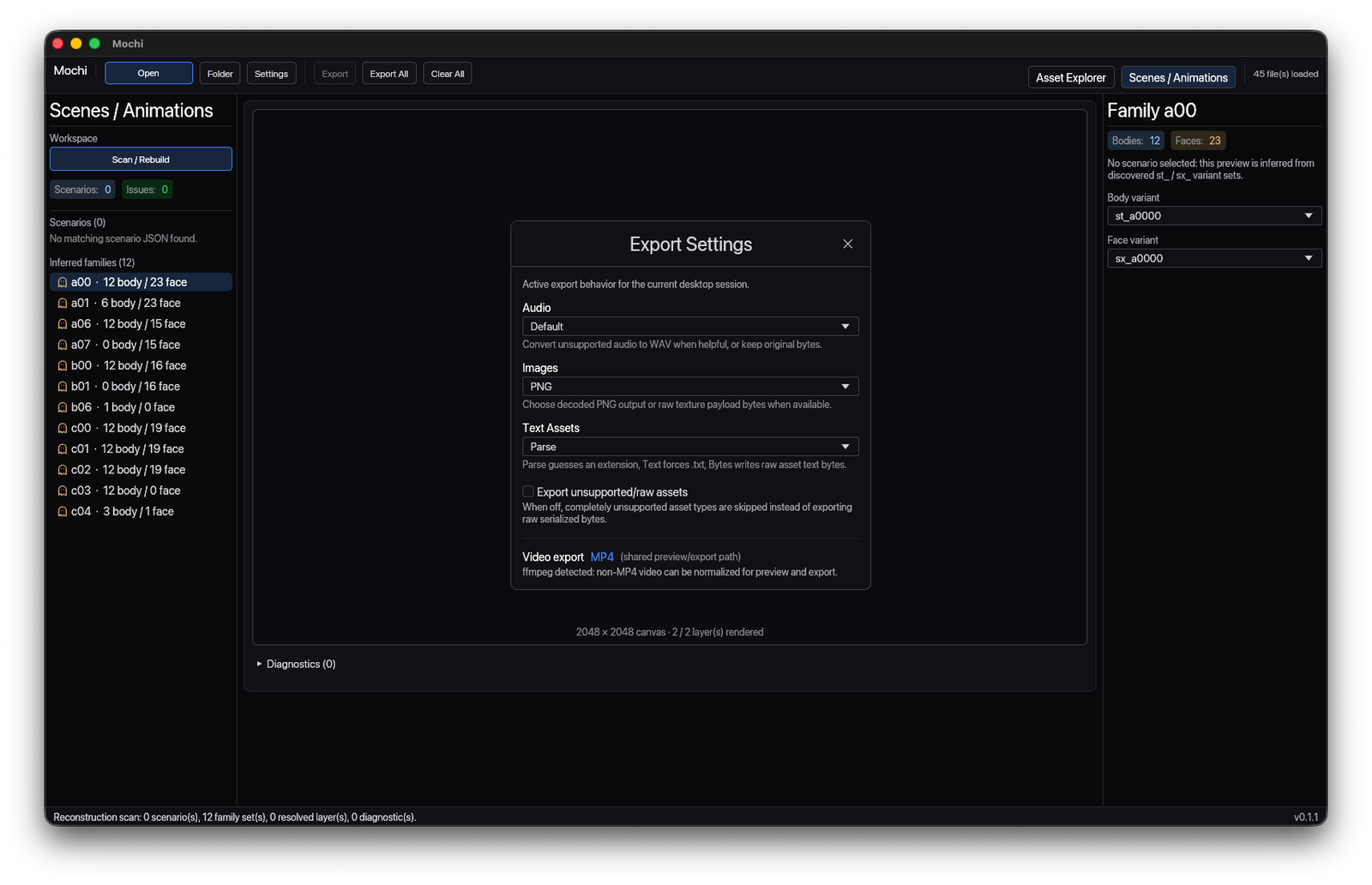
Choose audio, image and text-asset handling instead of dumping a noisy folder.
✳ Capabilities
Mochi opens single files or whole data folders, filters by type, previews and decodes assets, then exports exactly the pieces you select — kept dark, compact and direct.
Open a single asset file or scan an entire local Unity data folder.
Narrow to textures, sprites, meshes, audio, shaders, text or animation.
Render textures, sprites and atlases without leaving the explorer.
Decrypt and decode supported compressed textures in place.
Read metadata, the type tree, raw text and raw bytes side by side.
Export one asset or a focused batch with explicit settings.
✳ Coverage
✳ Mochi
Open the folder, preview the asset, read it every way and export exactly the pieces you need — without the round trip through an engine.