← All work
Tsukiyomido iconTsukiyomido · Reader

A quiet reader for manga stored on your machine.

Import local folders and CBZ/ZIP archives, then read with single pages, double-page spreads, vertical scroll and resume.

Free · macOS & Windows

macOS 12+Windows 10+Folders · CBZ · ZIPLocal progress
Download unavailableSee it work
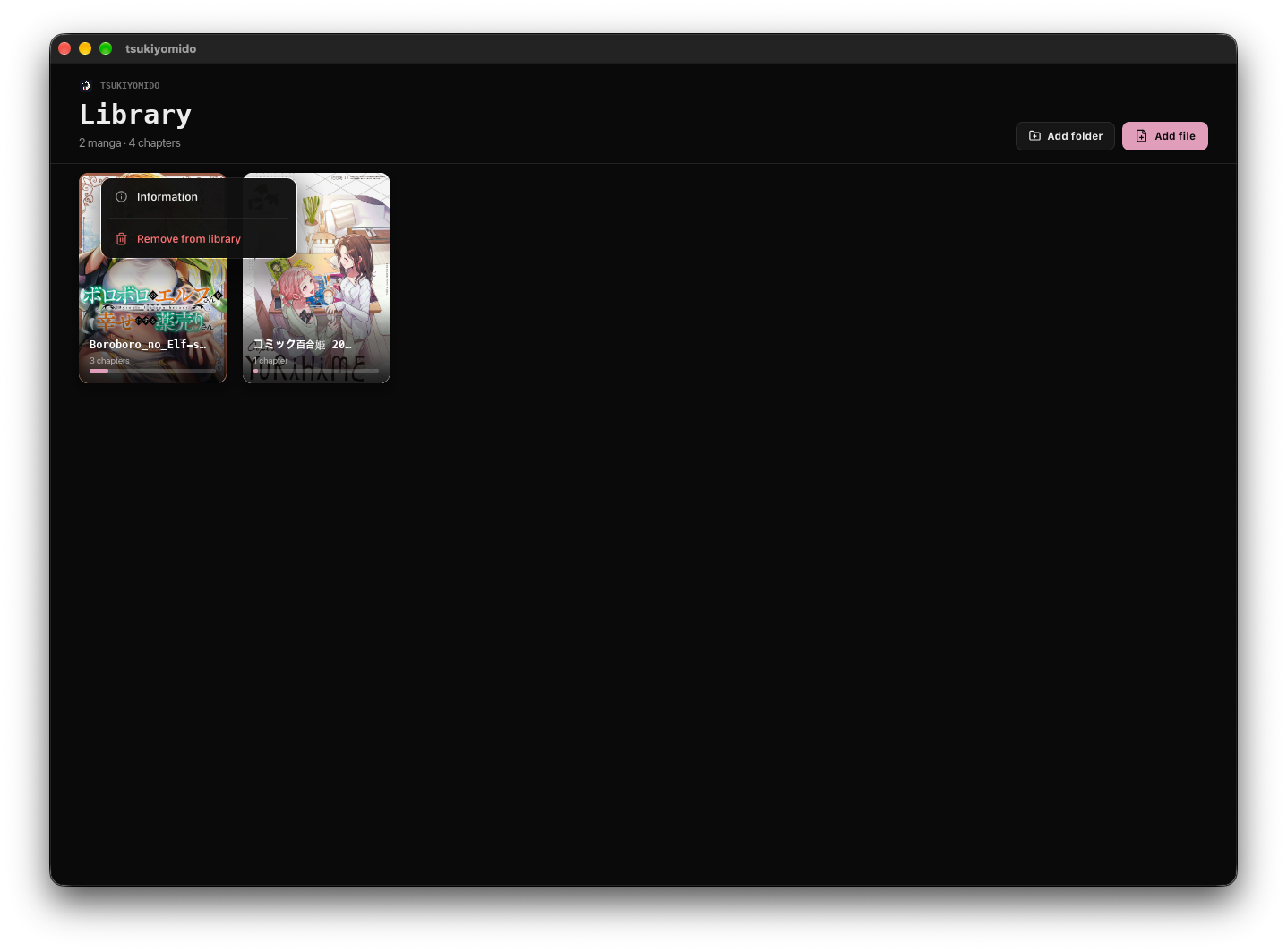
Tsukiyomido library view showing local manga covers.

Capabilities

Local by default.

  1. 01

    Local library

    Folders and archives become a clean cover grid.

  2. 02

    Chapter list

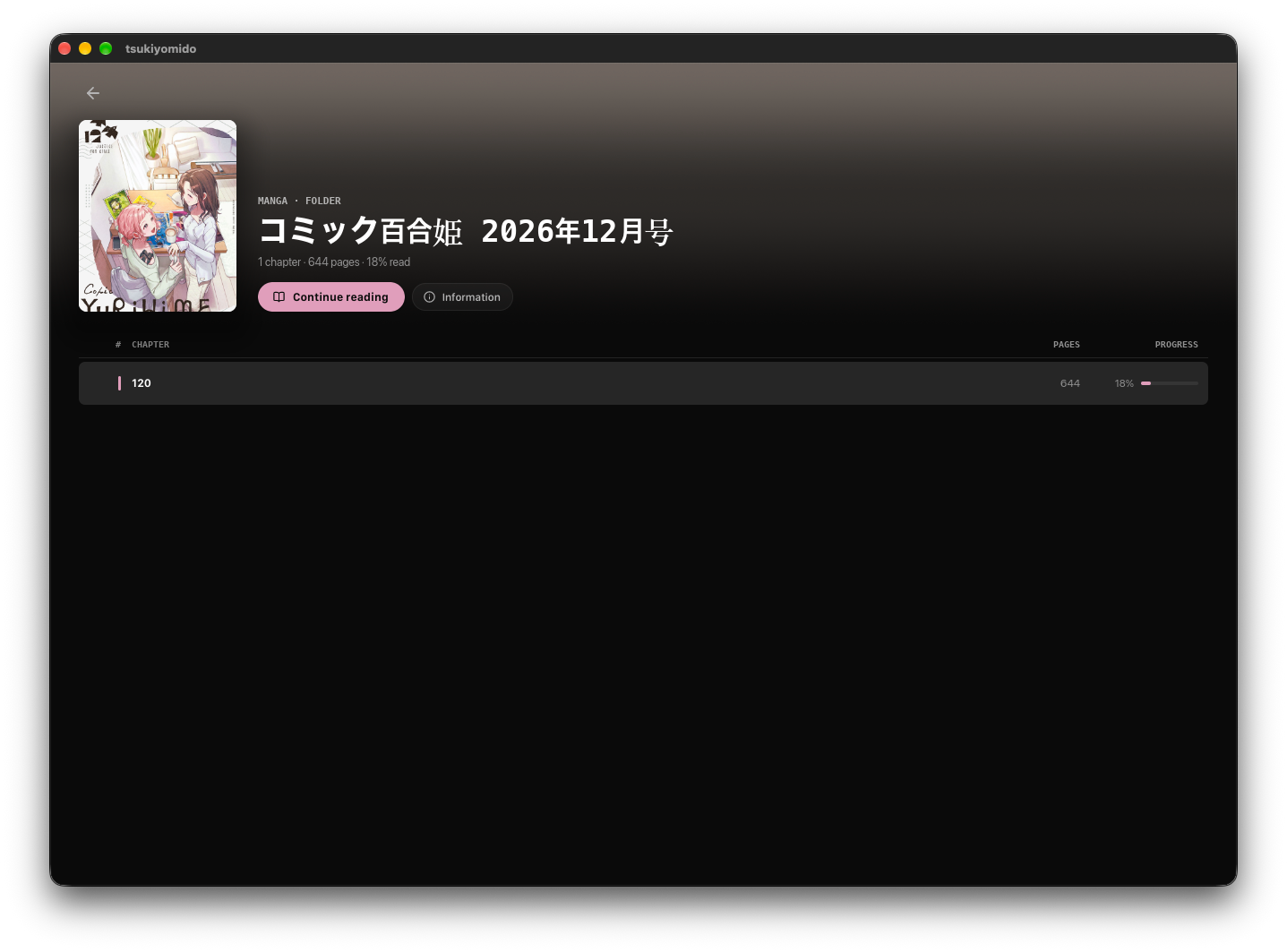
    Open a chapter and keep reading progress visible.

  3. 03

    Reading modes

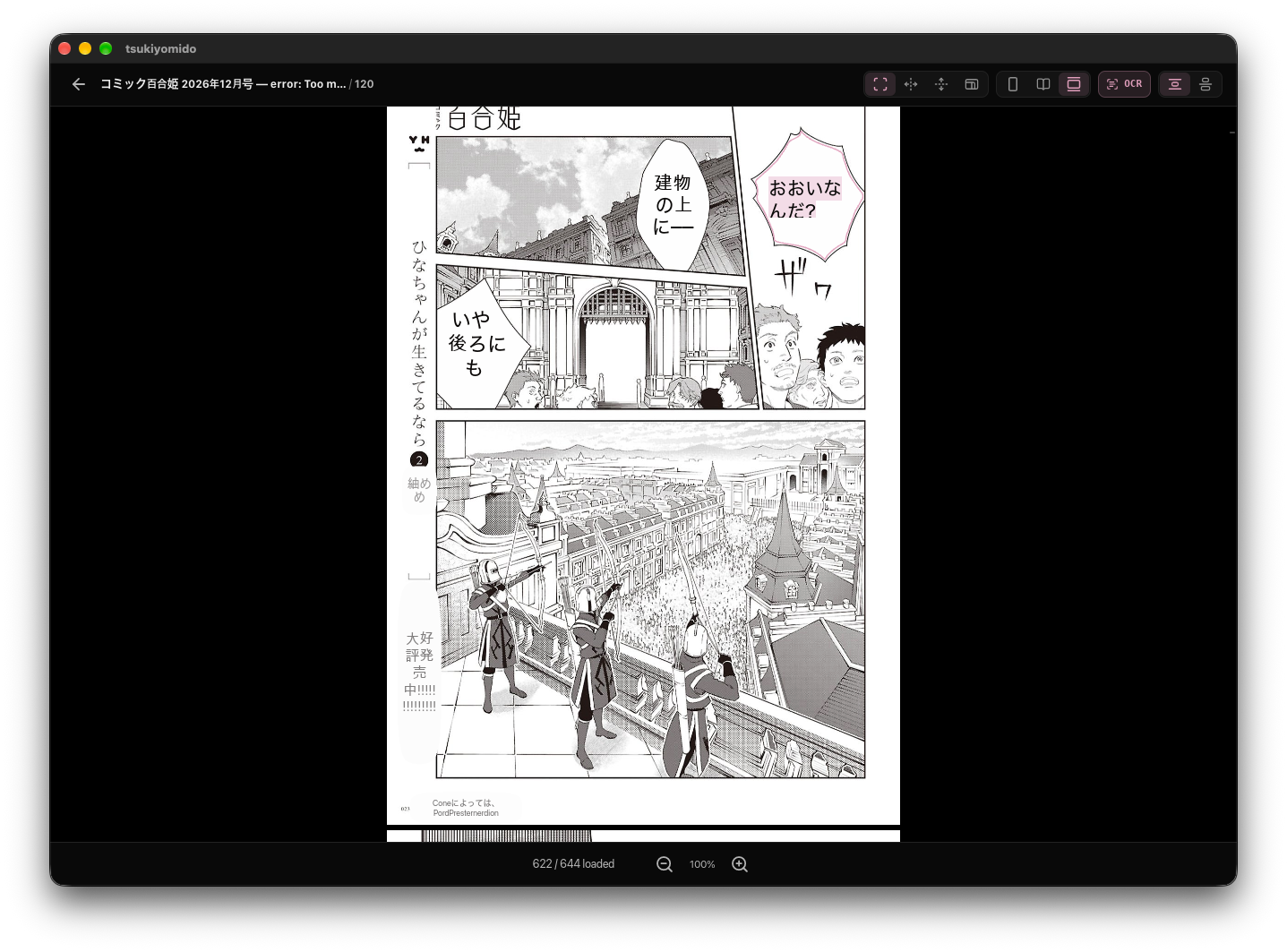
    Single page, double-page spread and vertical scroll.

  4. 04

    Zoom & fit

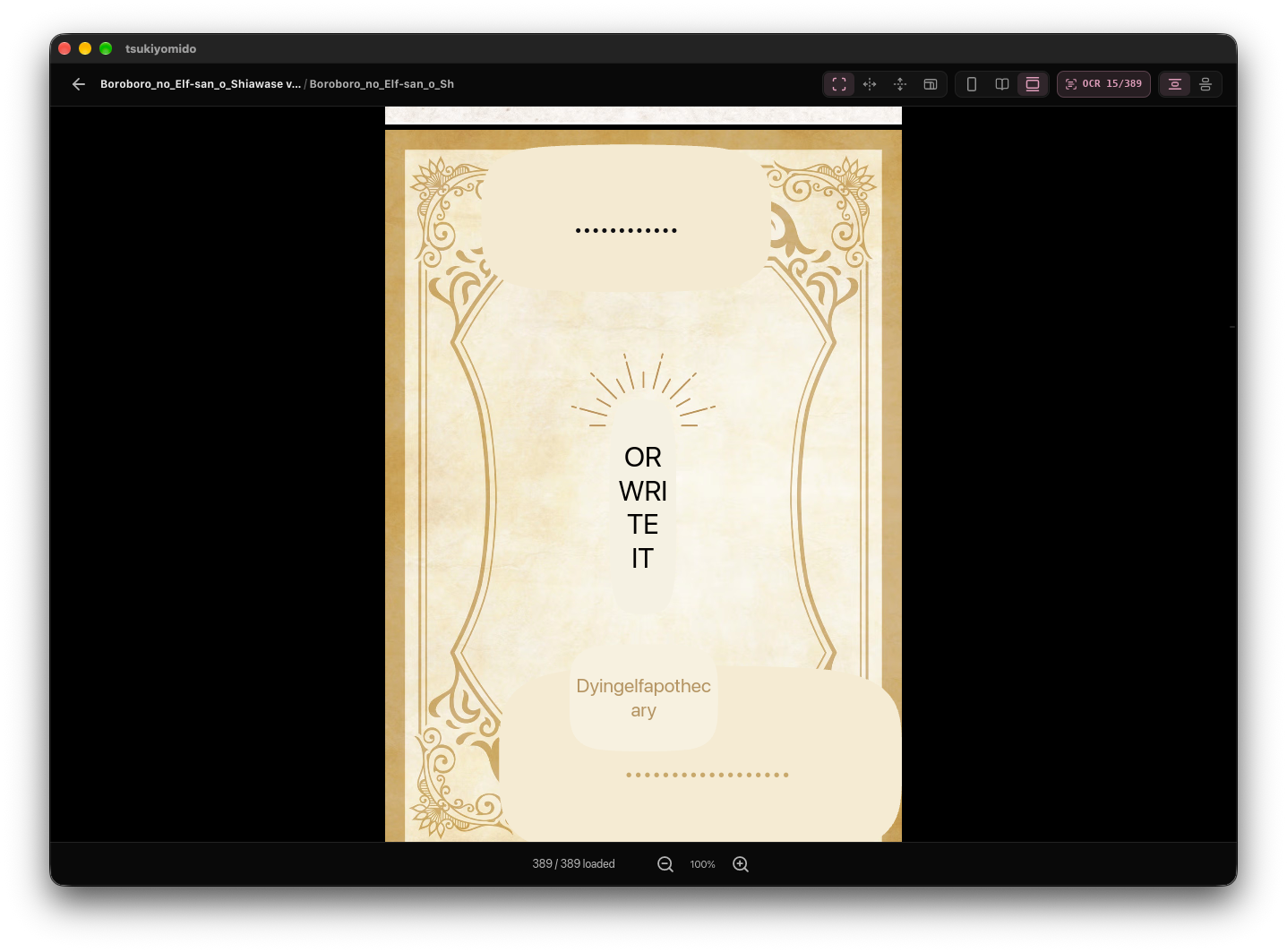
    Fit modes and zoom stay close to the page.

  5. 05

    Quick actions

    Save-image and context actions right where you read.

  6. 06

    Resume

    Last-page memory, stored locally — no account.

Walkthrough

Page first.

01

Local shelf.

Folders and archives become a clean cover grid you can browse at a glance.

Tsukiyomido library view.
02

Pick up a volume.

Open a chapter and keep your progress visible the whole way through.

Tsukiyomido chapter list.
03

Read, quietly.

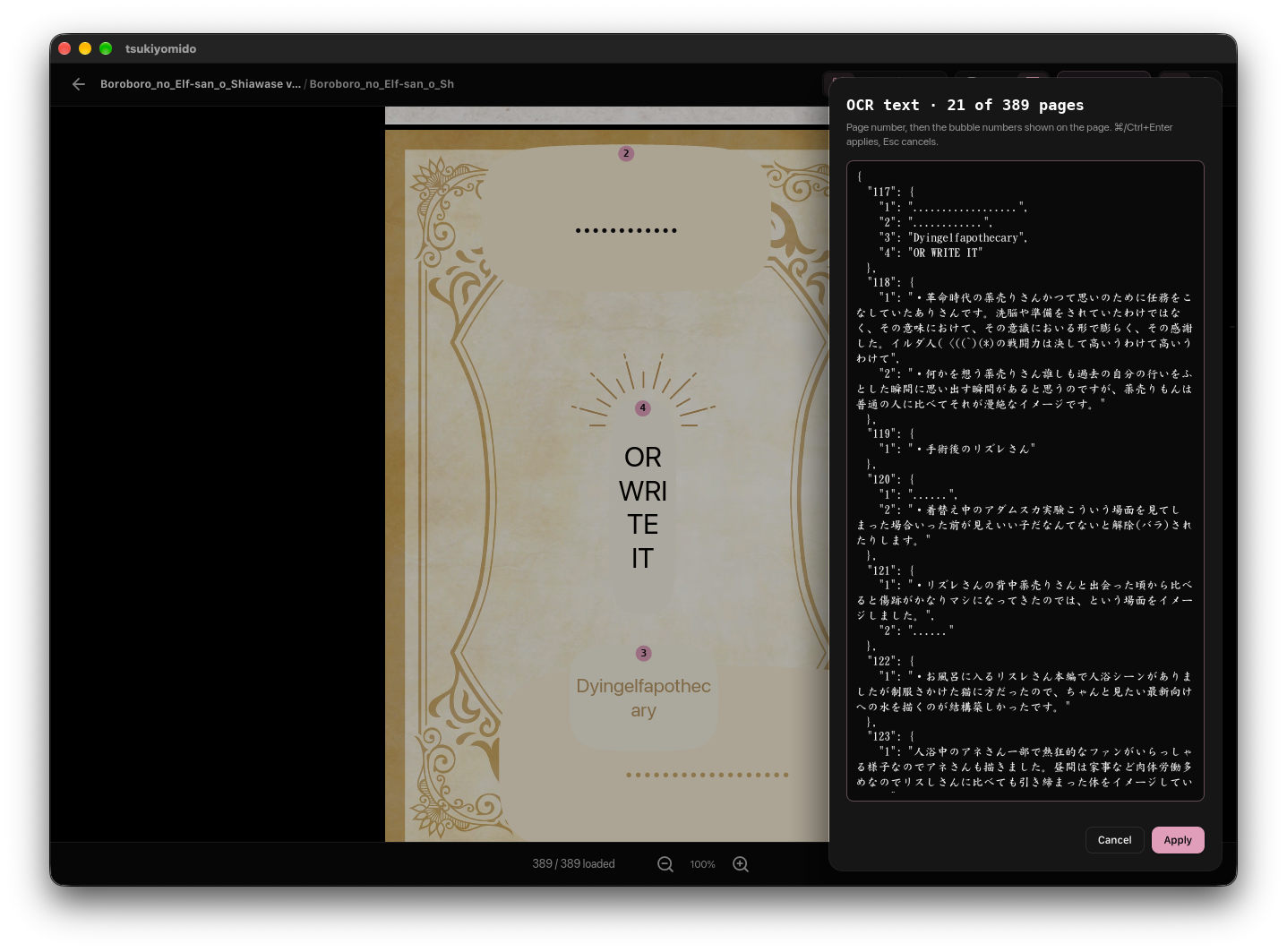
Single page, spread and vertical scroll with controls that stay out of the way.

Tsukiyomido reader view.
04

Zoom when you need it.

Enlarge a page for detail, then drop straight back into the flow.

Tsukiyomido zoom view.

Details

Local by default.

FoldersCBZZIPSingleSpreadVerticalZoomLTR / RTL

Details

  • macOS 12+ or Windows 10+.
  • Local library and last-page memory.
  • No account or sync service.
  • LTR and RTL reading direction.

Import the folder. Open the page. Pick up where you left off.

Tsukiyomido keeps reading local, quiet and yours.