

Tsukiyomido
A quiet reader for your manga shelf.
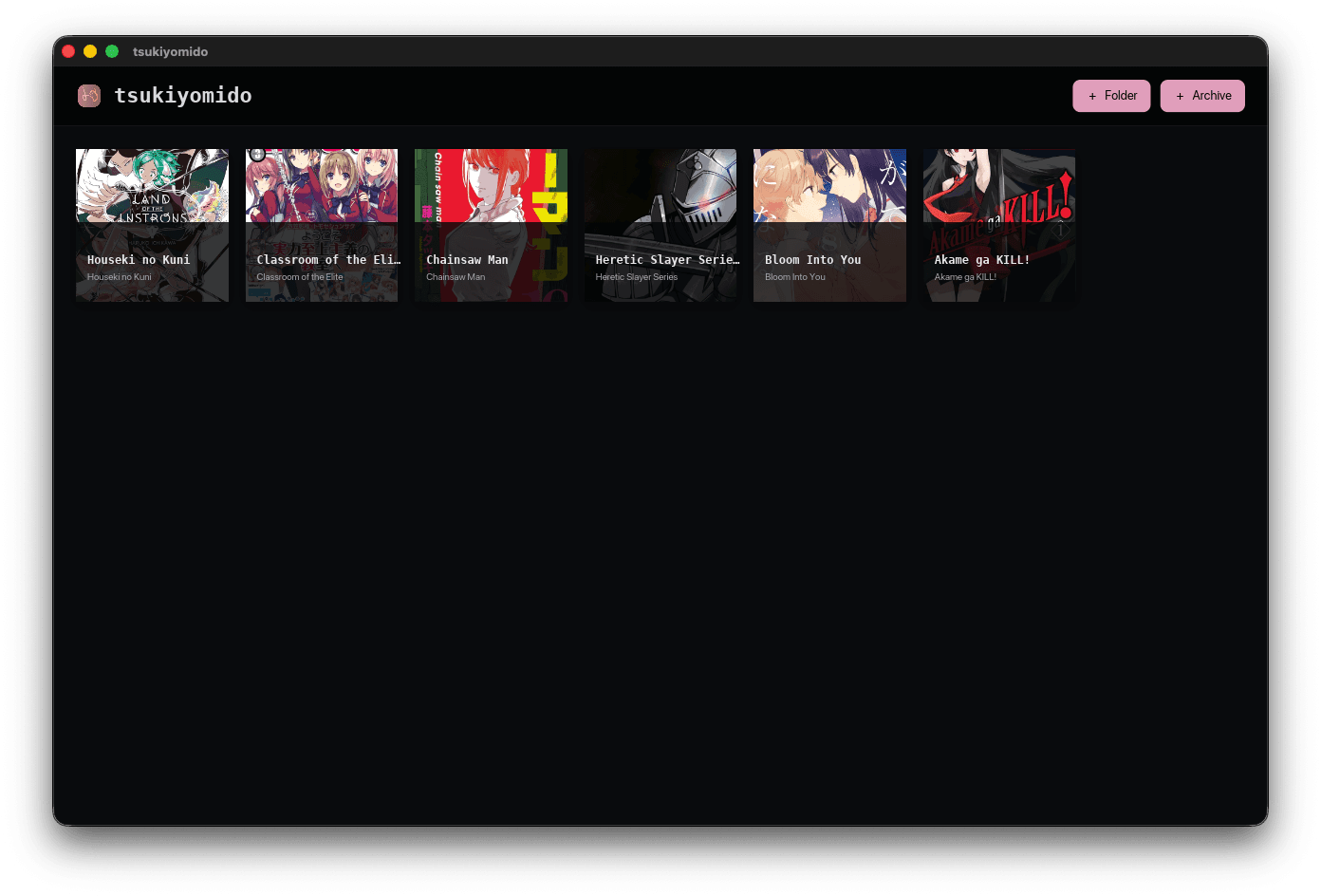
Import folders, CBZ and ZIP archives into a shelf. Read single pages, double-page spreads or a continuous vertical scroll, zoom into the artwork, and pick up exactly where you stopped.
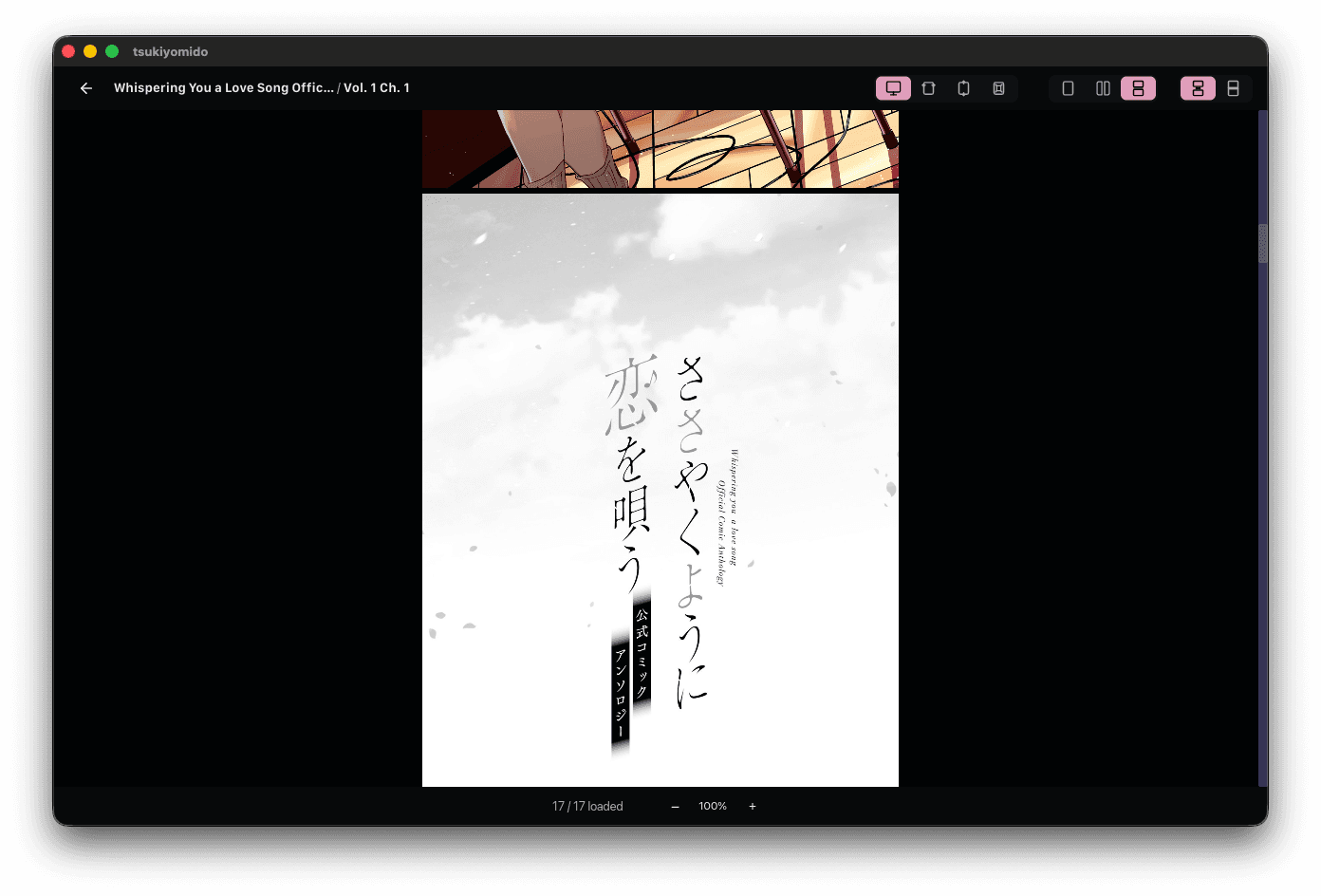
That's the whole interface.
A reader that steps out of the way.
Fit, layout and direction in the corner; the page counter and zoom in the footer. Everything else is the manga.
Point it at a folder.
Add a folder, a CBZ or a ZIP. Tsukiyomido scans it on disk, caches a cover for every title and lays them out as a shelf — nothing unzipped.
Library. Chapters. Reader.
01 · Library
Pick a cover.
Choose any title on the shelf. Covers are cached on disk, so it opens as fast as you can scroll it.

02 · Chapters
See every chapter.
The chapter list shows page counts and reading progress, so the next page is always one click away.
03 · Reader
Open it. The controls step back.
Fit, layout and reading direction stay in one toolbar while the rest of the window belongs to the page.
Fit the page. Then zoom in.
01 · Fit
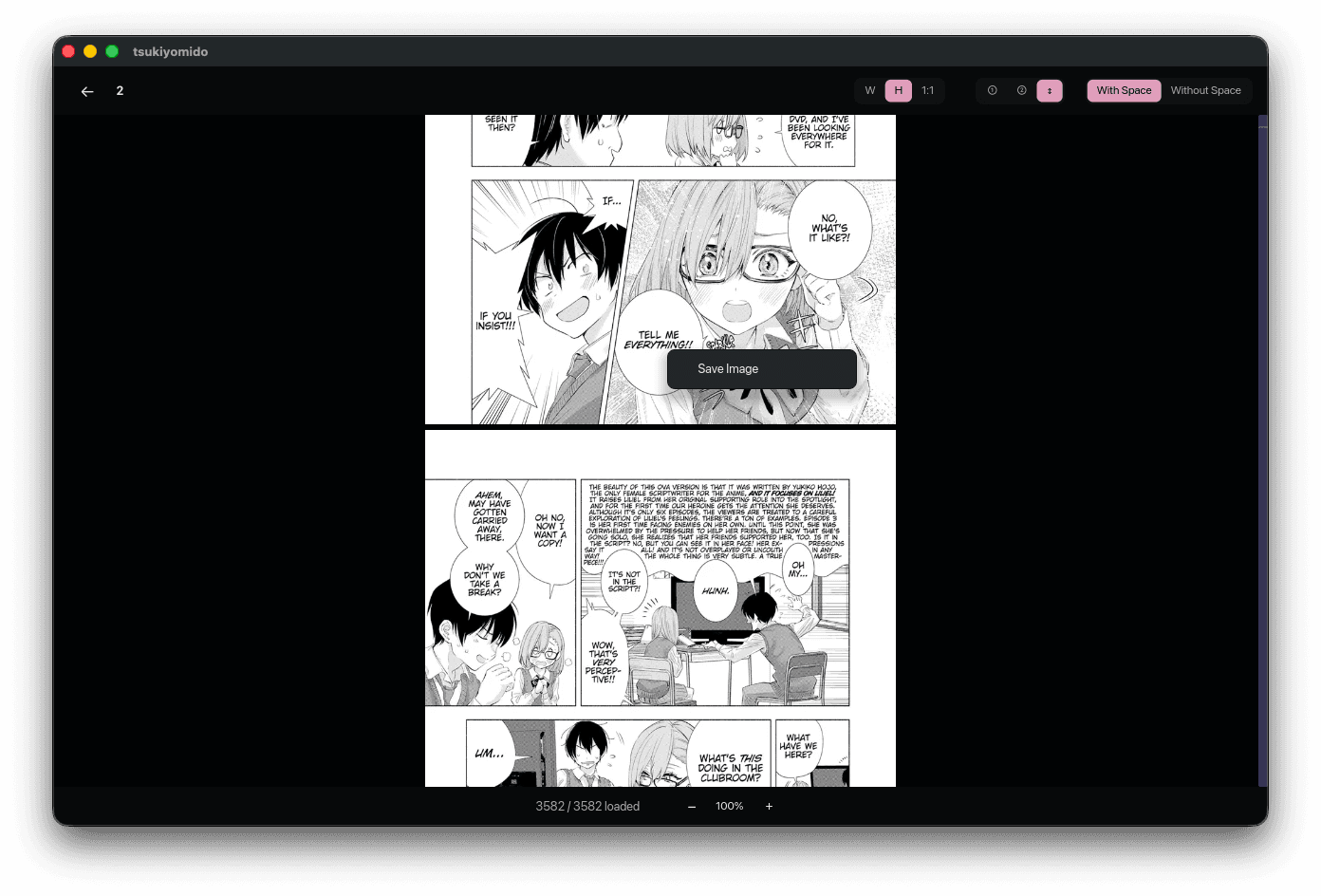
Fit it to the window.
Fit to width, height or actual size, with or without a gutter. Pages are decoded ahead of you for smooth navigation.
02 · Detail
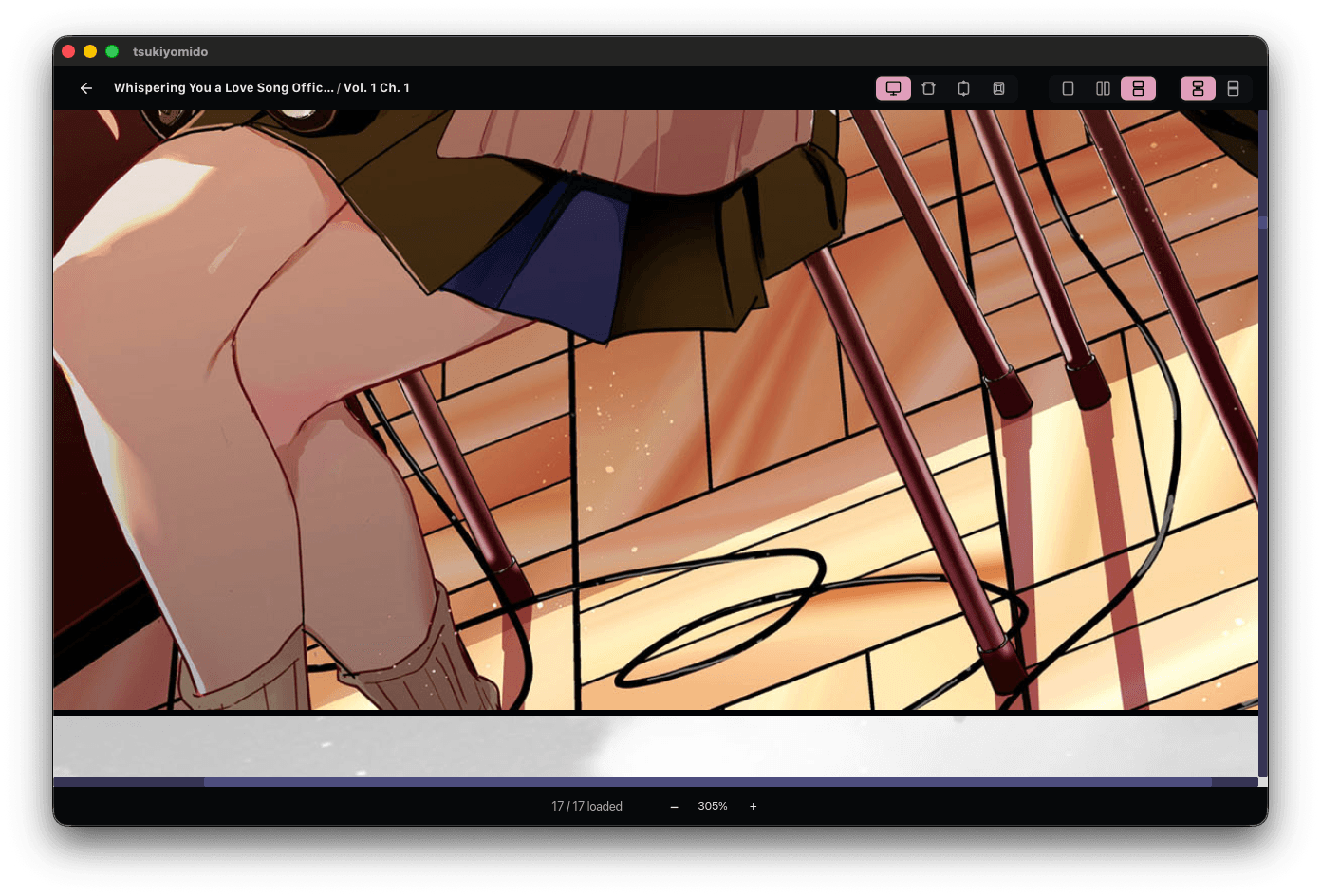
Then into the ink.
Zoom under the cursor while fine details stay sharp. Pan by dragging or using the keyboard, then return to fit with one click.
Right-click. Save the page.
Any page, at the resolution it was drawn — save it to disk, copy it to the clipboard, or reveal the archive it came from. Nothing is unzipped to a temp folder first.
Everything it does, it does quietly.
Eight things Tsukiyomido does without a server, an account or a banner.
Double-Page Spreads
Right-to-left or left-to-right, paired with a zero-gutter seam, aspect-compensated, with cover pages detected so a splash never splits.
Folder & Archive Scanner
Folders, CBZ and ZIP read directly from disk into a visual shelf; covers are cached the first time they are seen.
Continuous Vertical Webtoon Mode
Read a chapter as one continuous vertical strip.
Reading Memory
Last chapter, page, direction and zoom, per title, in an embedded SQLite file — resume is instant.
Fine Artwork & Screentone Zoom
Cursor-anchored zoom, fit to width, height or actual size, smooth interpolation, and panning by drag or keys.
Pre-Decoded Page Flipping
A multi-threaded decoder buffers the pages around you, so a flip is a swap in memory, not a read from disk.
Right-Click Page Extraction
Save the lossless page, copy it to the clipboard or reveal its archive — without unzipping anything.
Tsukiyomido, on paper.
What it reads, how it reads it, and where it keeps what it remembers.
- Platforms
- macOS 12+ (Apple Silicon & Intel) · Windows 10 / 11, 64-bit
- Input
- Local folders
- CBZ
- ZIP
- Image directories
Recursive scan; covers cached on disk.
- Formats
- PNG
- JPG
- WebP
- AVIF
- Reading modes
- Single page
- Double-page spread · RTL
- Double-page spread · LTR
- Vertical webtoon scroll
Zero-gutter pairing, aspect compensation, cover-page detection.
- Memory
- Last chapter, page, direction and zoom per title — embedded SQLite.
- Zoom
- Cursor-anchored. Fit to width, height or 1:1; With Space or Without Space; pan by drag or keys.
- Export
- Save Image (lossless)
- Copy to clipboard
- Reveal archive
Straight from the archive — nothing is unzipped to a temp folder.
Import the folder. Open the page. Pick up where you left off.
Tsukiyomido keeps reading quiet, private and yours on macOS and Windows.