
Mochi
See the scene inside the data.
Unity games store characters as dozens of separate pieces — bodies, hairstyles, eye frames, mouth shapes. Mochi puts them back together, then lets you inspect and export anything inside. No Unity Editor required.
Explorer · No Unity Editor · macOS 12+ / Windows 10+
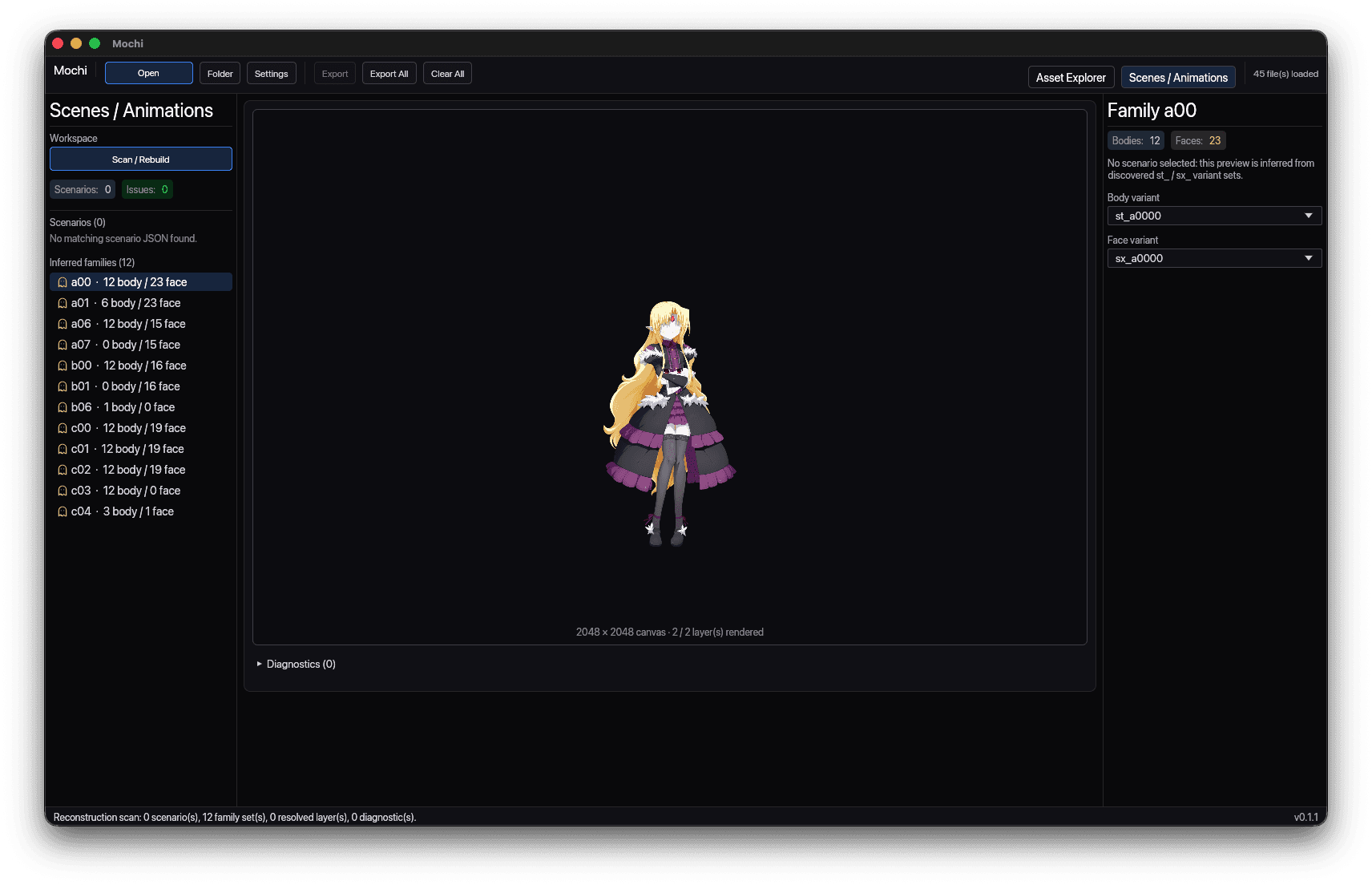
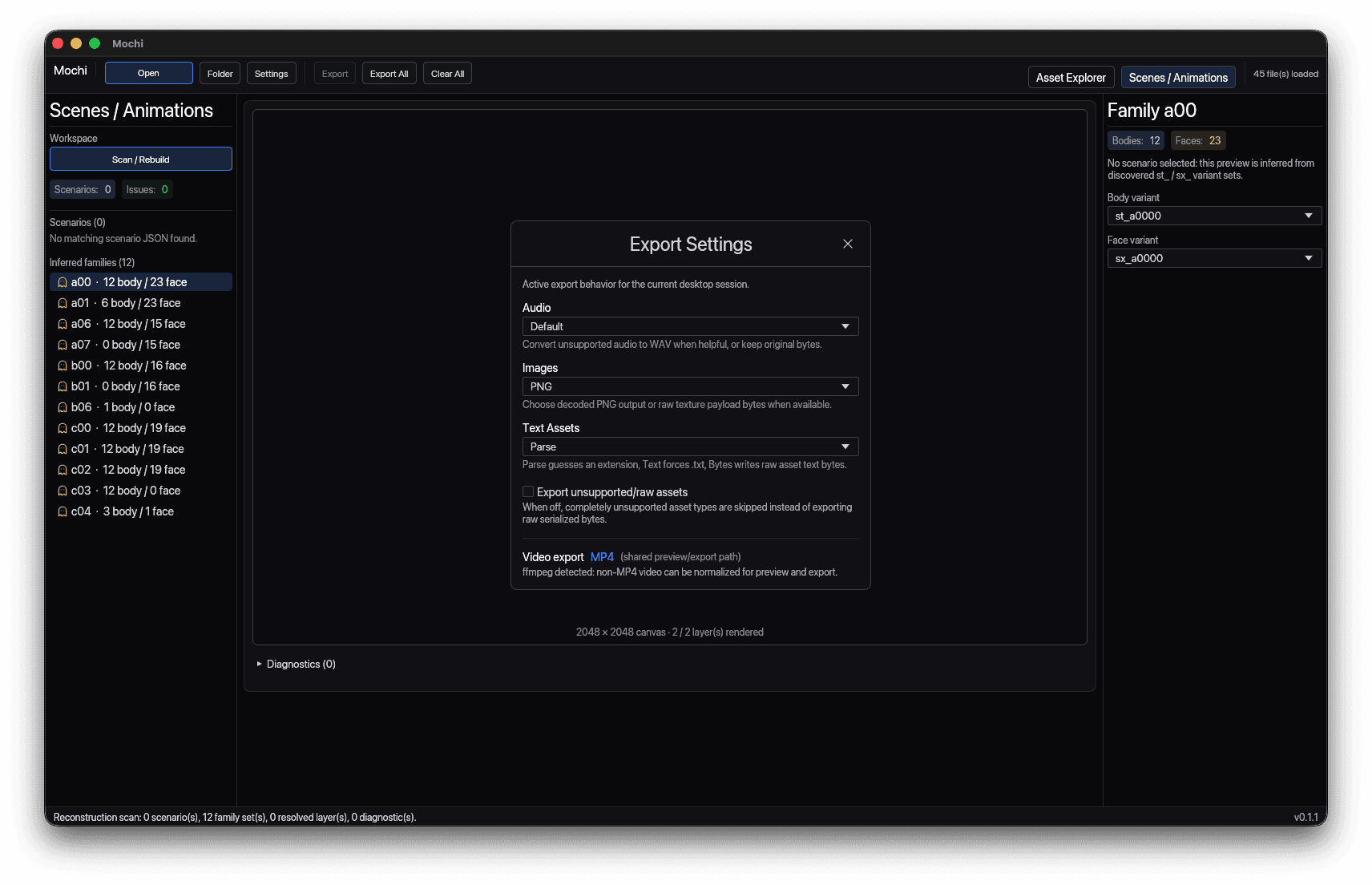
That's a character, reassembled. Not fifty PNGs.
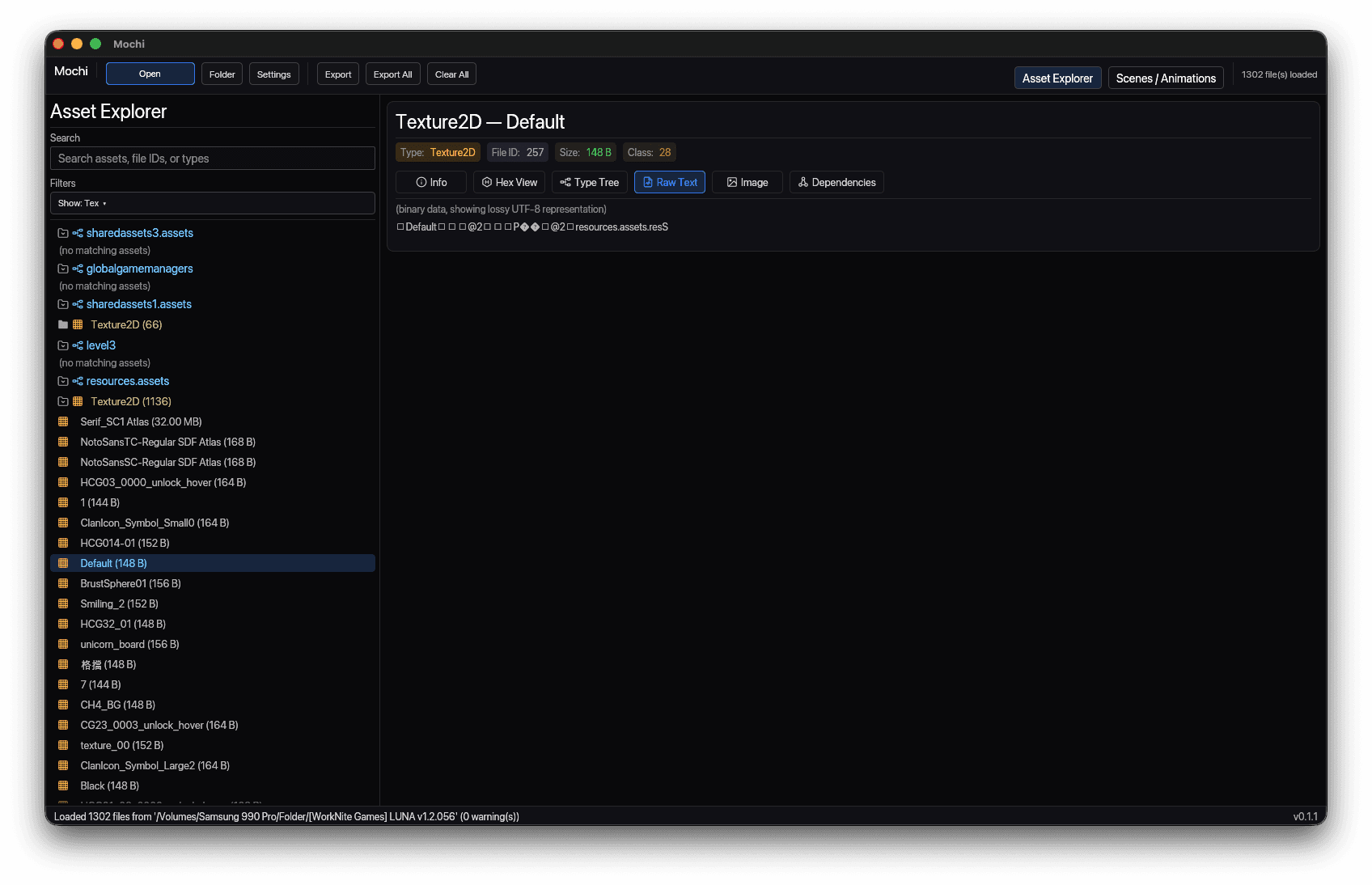
Open a bundle. Or the whole folder.
Every bundle at onceGrouped by typeLinks kept across files
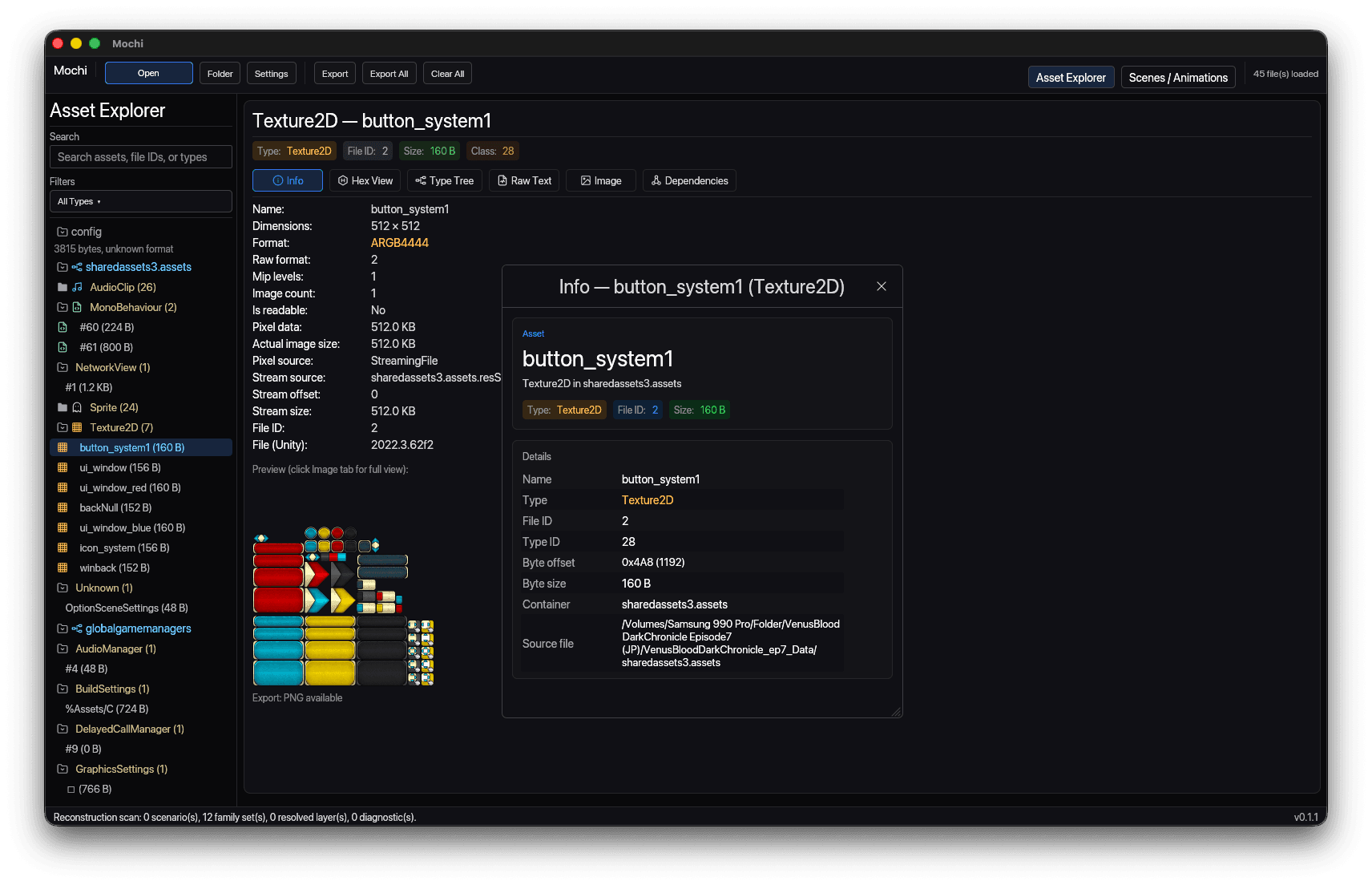
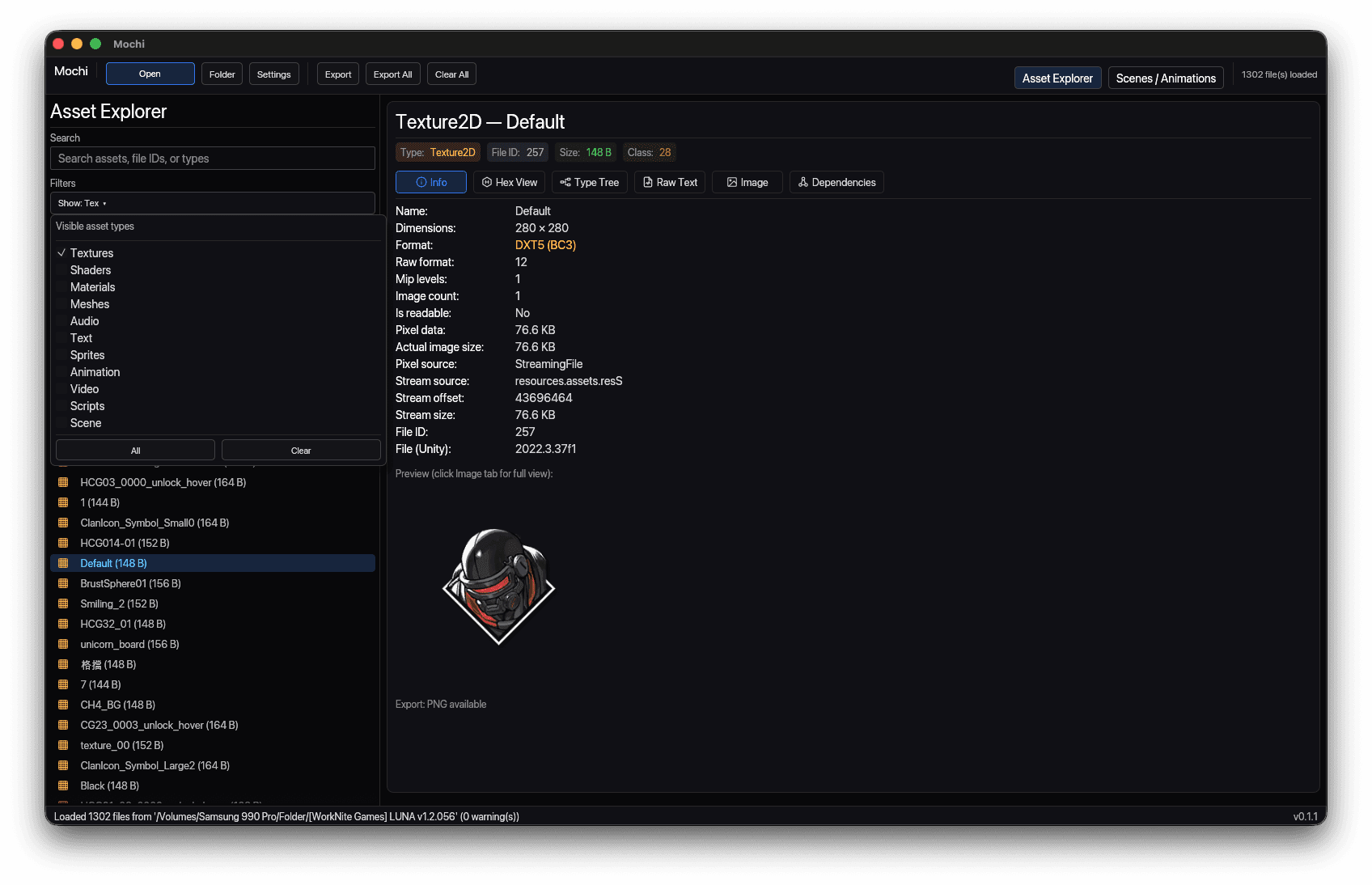
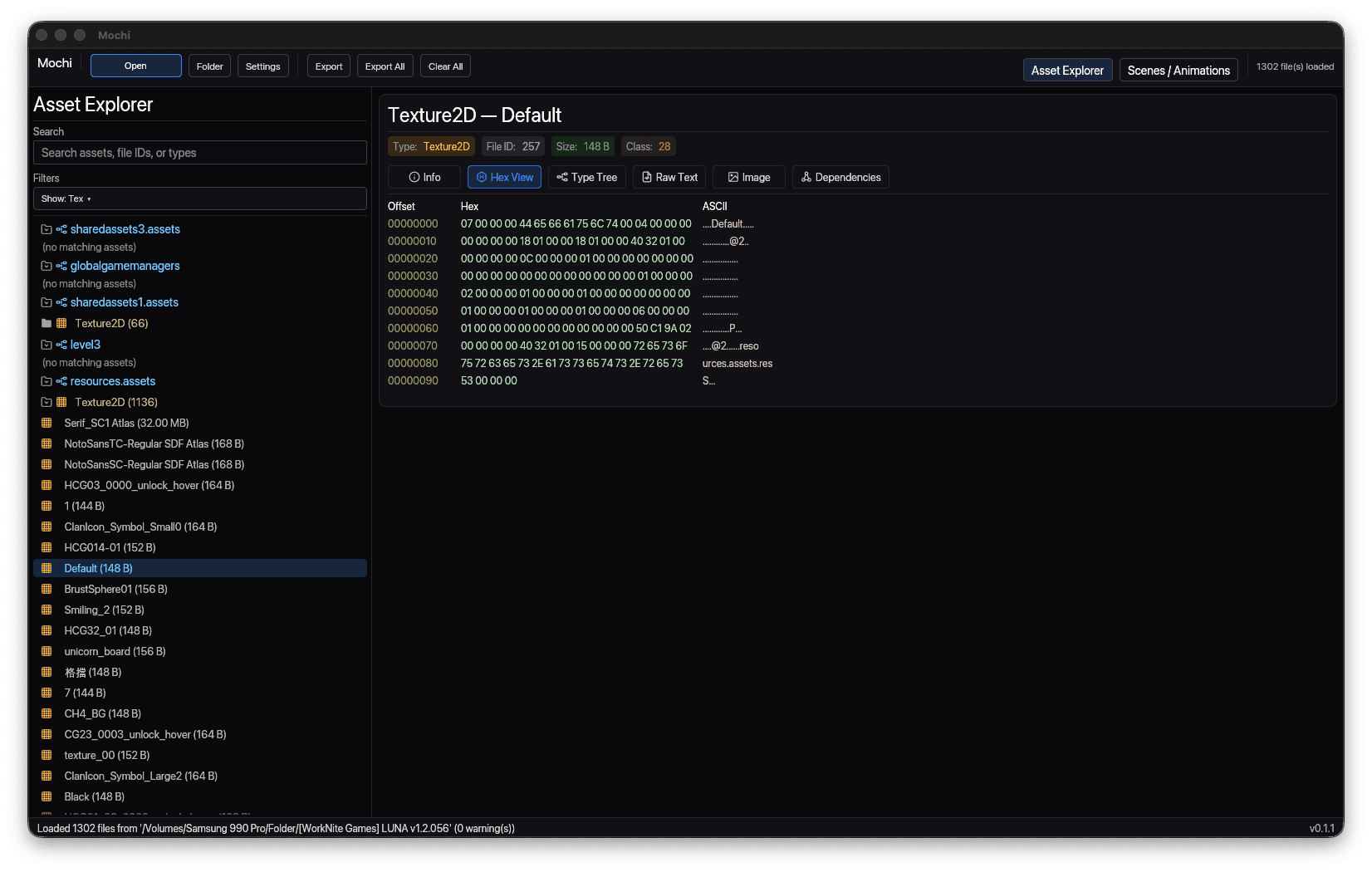
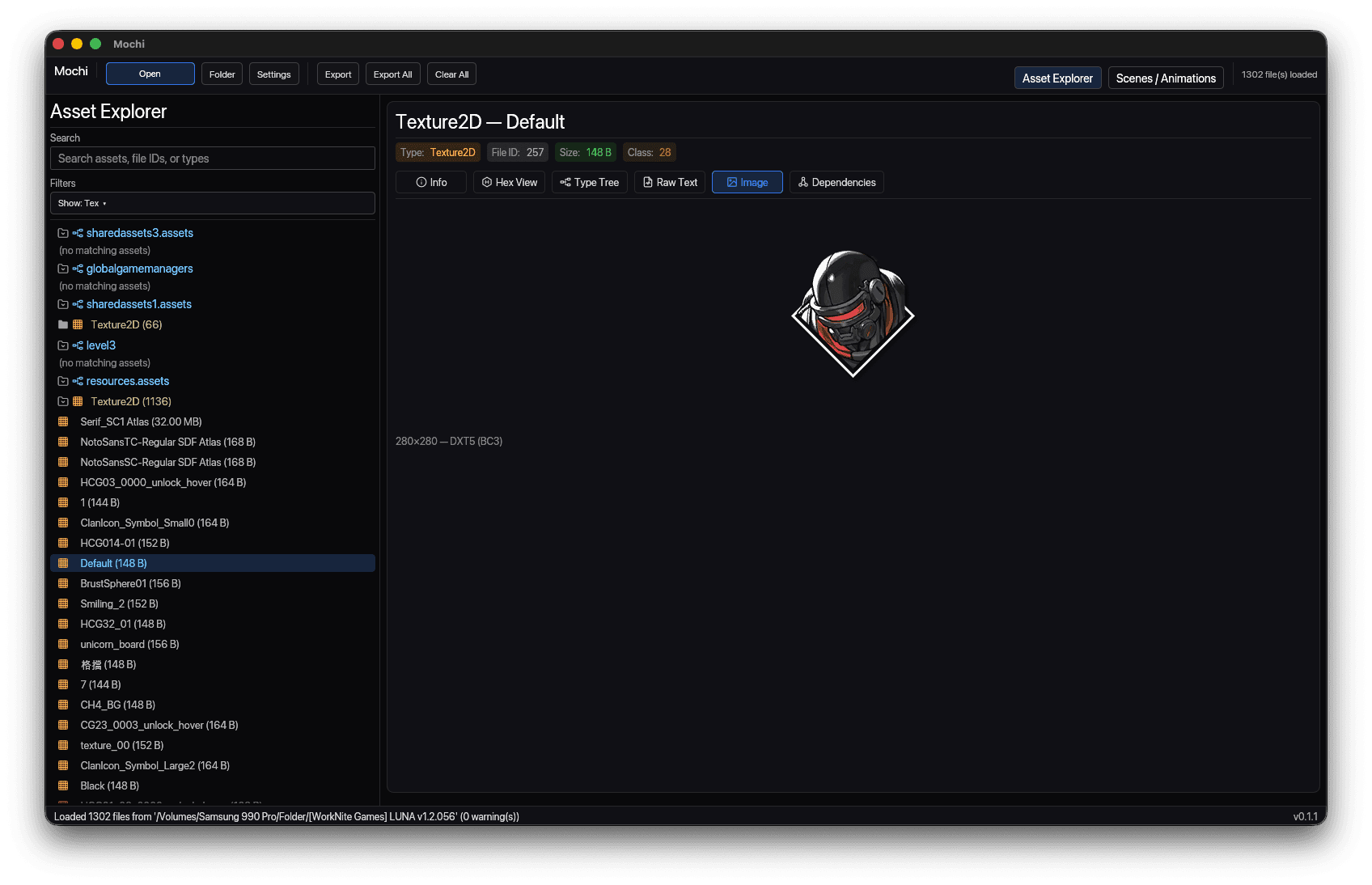
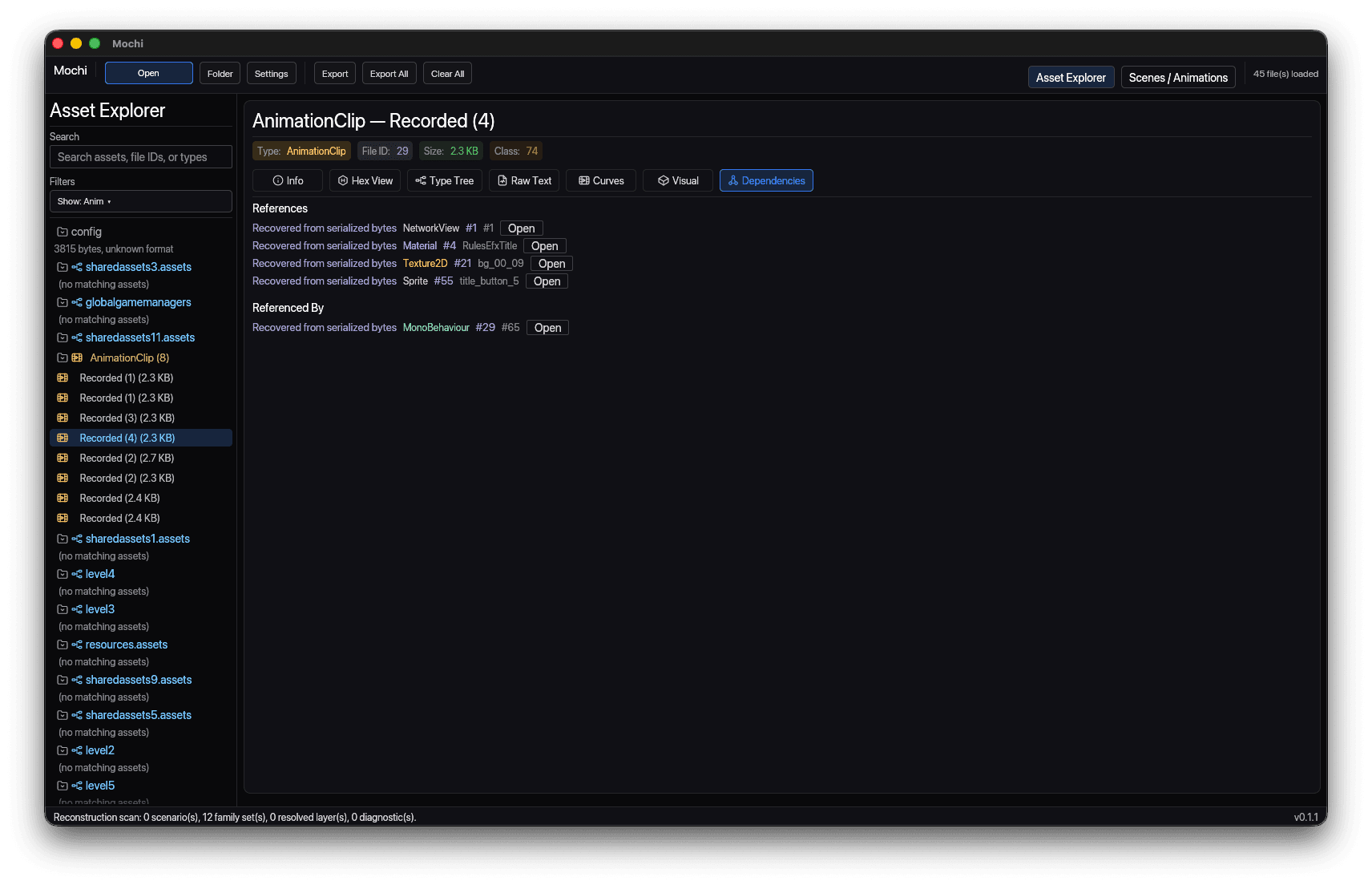
One asset. Four ways to read it.
InfoHexRaw textDecoded pixels
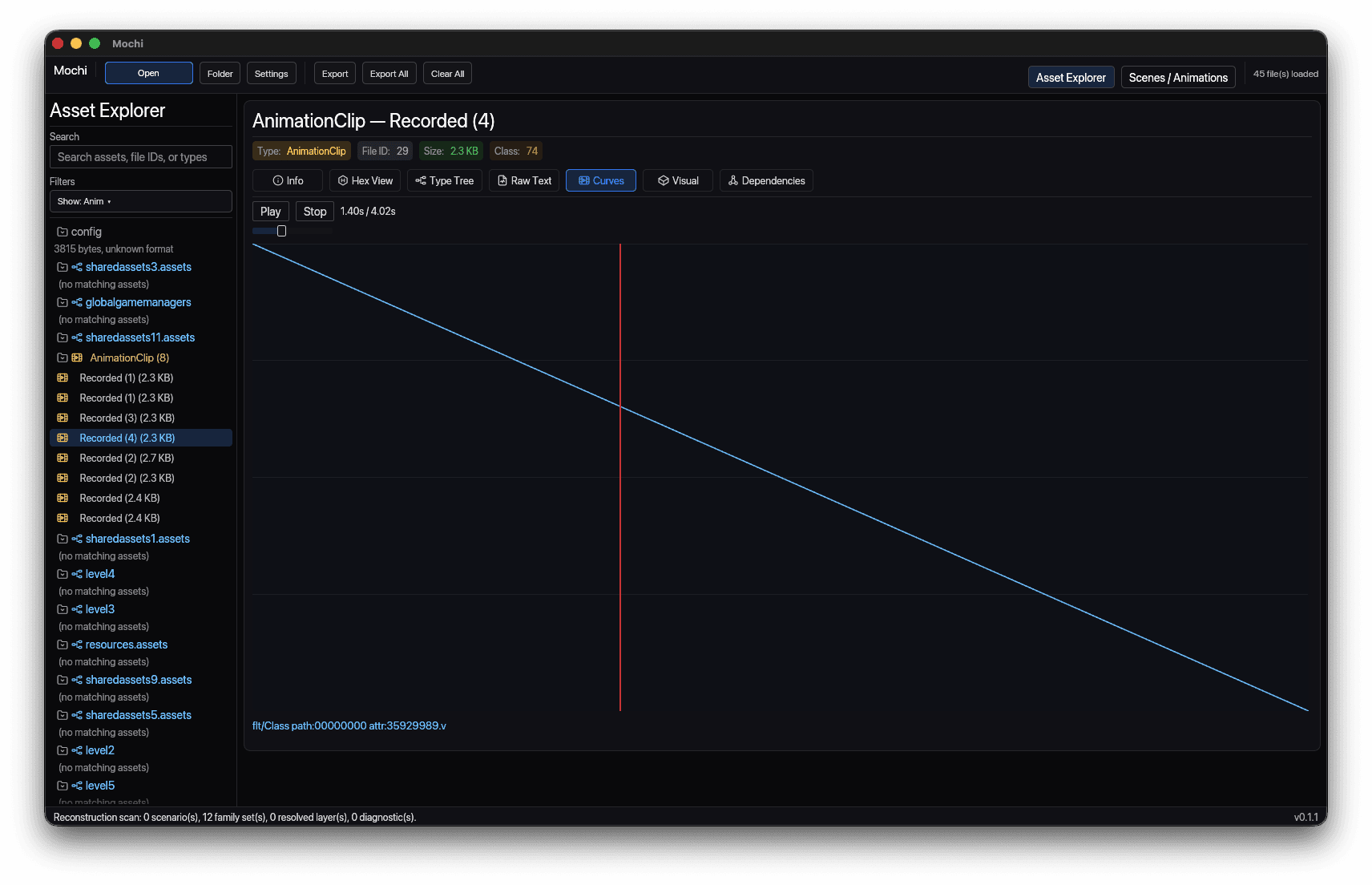
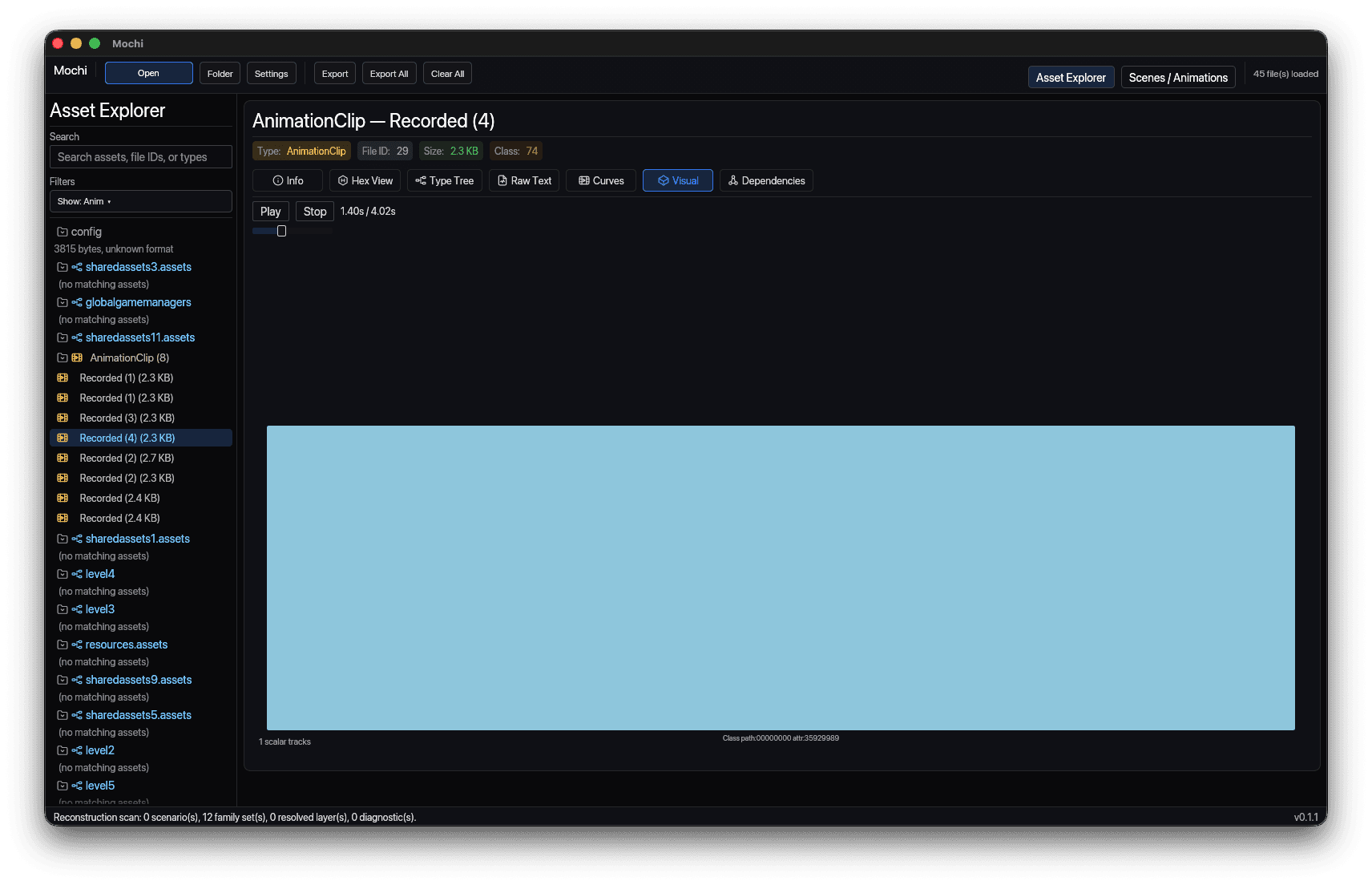
Play it. Read it. Trace it.
Scrub the clipKeyframe curvesFollow every reference
Then take it with you.
PNG · WebPWAV · MP3 · MP4FBX · JSON · raw bytesNothing to install
4
ways to read one asset
10
asset types, no engine runtime
8
export formats, converters built in
2
platforms: macOS · Windows
For Unity games that hide their scenes in bundles.
Open the folder, watch the scene rebuild itself, and export exactly the pieces you need.