
Tiramisu

See the game inside the files.

Characters, expressions, backgrounds and music, put back together as a scene — without launching the game.

Inspector · 16+ engine formats · macOS 12+ / Windows 10+
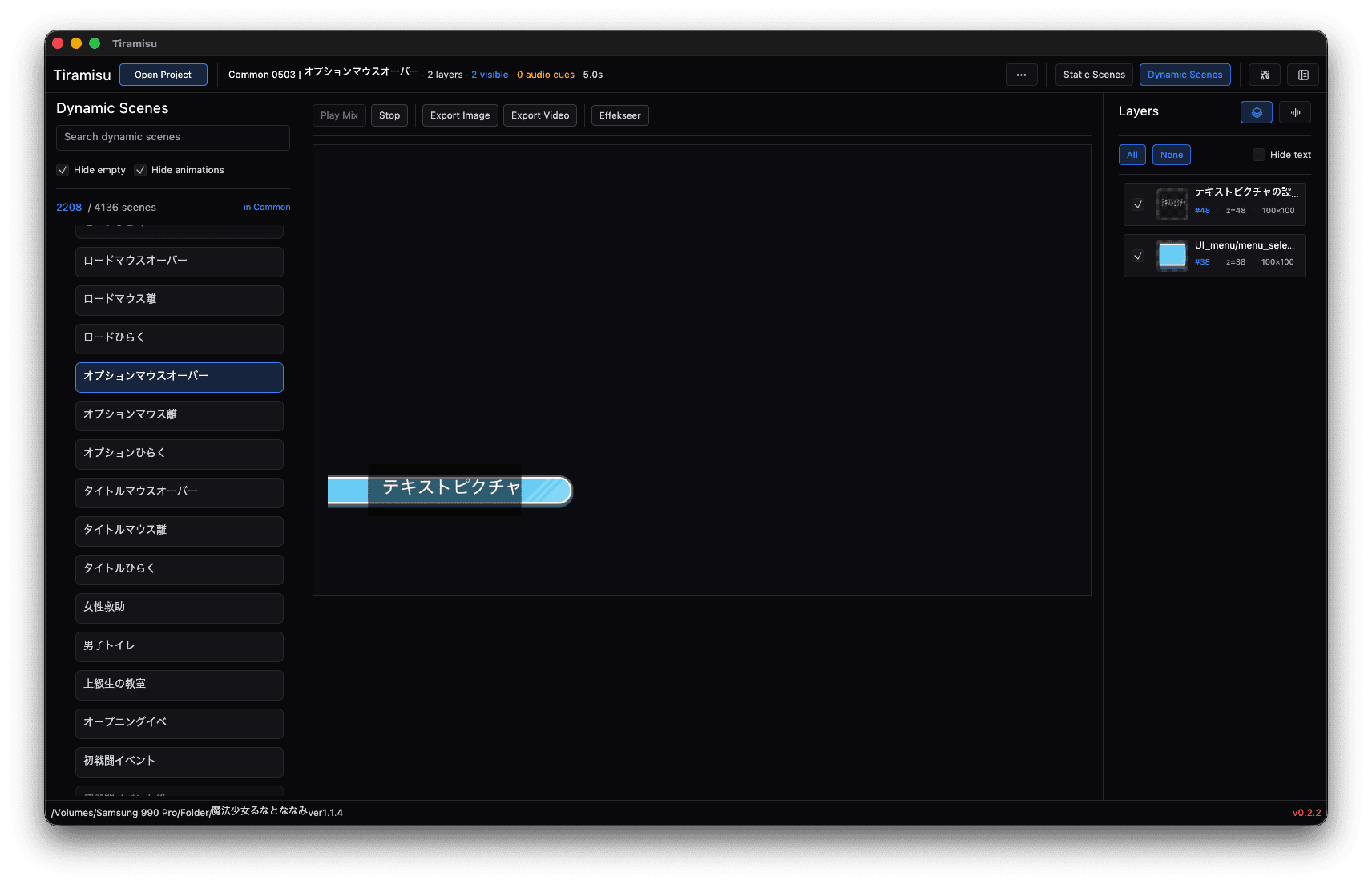
Tiramisu's Dynamic Scenes workspace: the scene list on the left, a text picture on the canvas, and the Layers panel on the right

Scenes, not loose files. Composed as written.

Tiramisu's Dynamic Scenes workspace: the scene list on the left, a text picture on the canvas, and the Layers panel on the right

Scenes, the way the game meant to show them.

Follows the scriptLayered charactersIsolate any layer
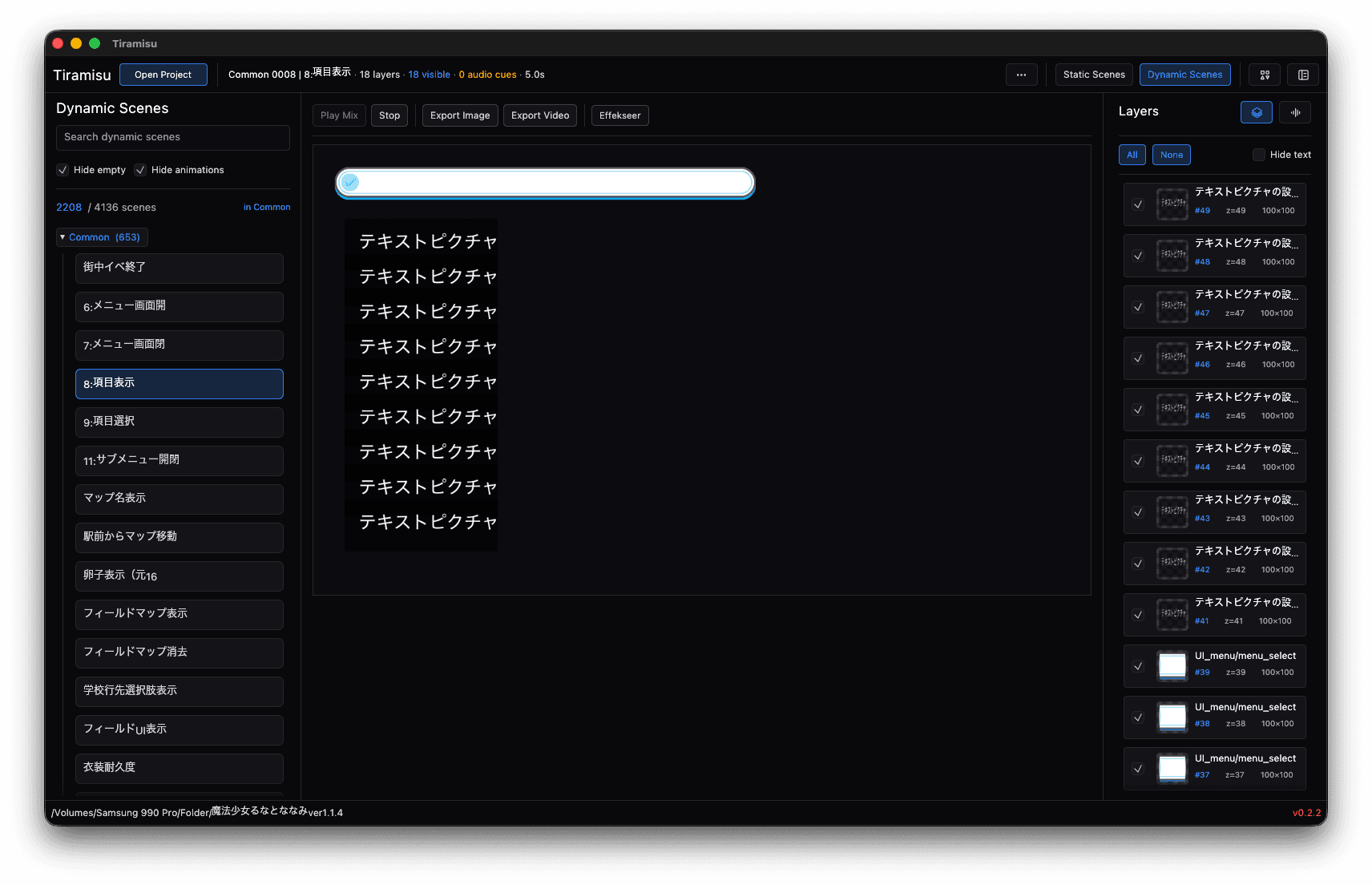
A dynamic scene with 16 layers composed on the canvas — a stack of text pictures over a message window — and every layer listed in the Layers panel
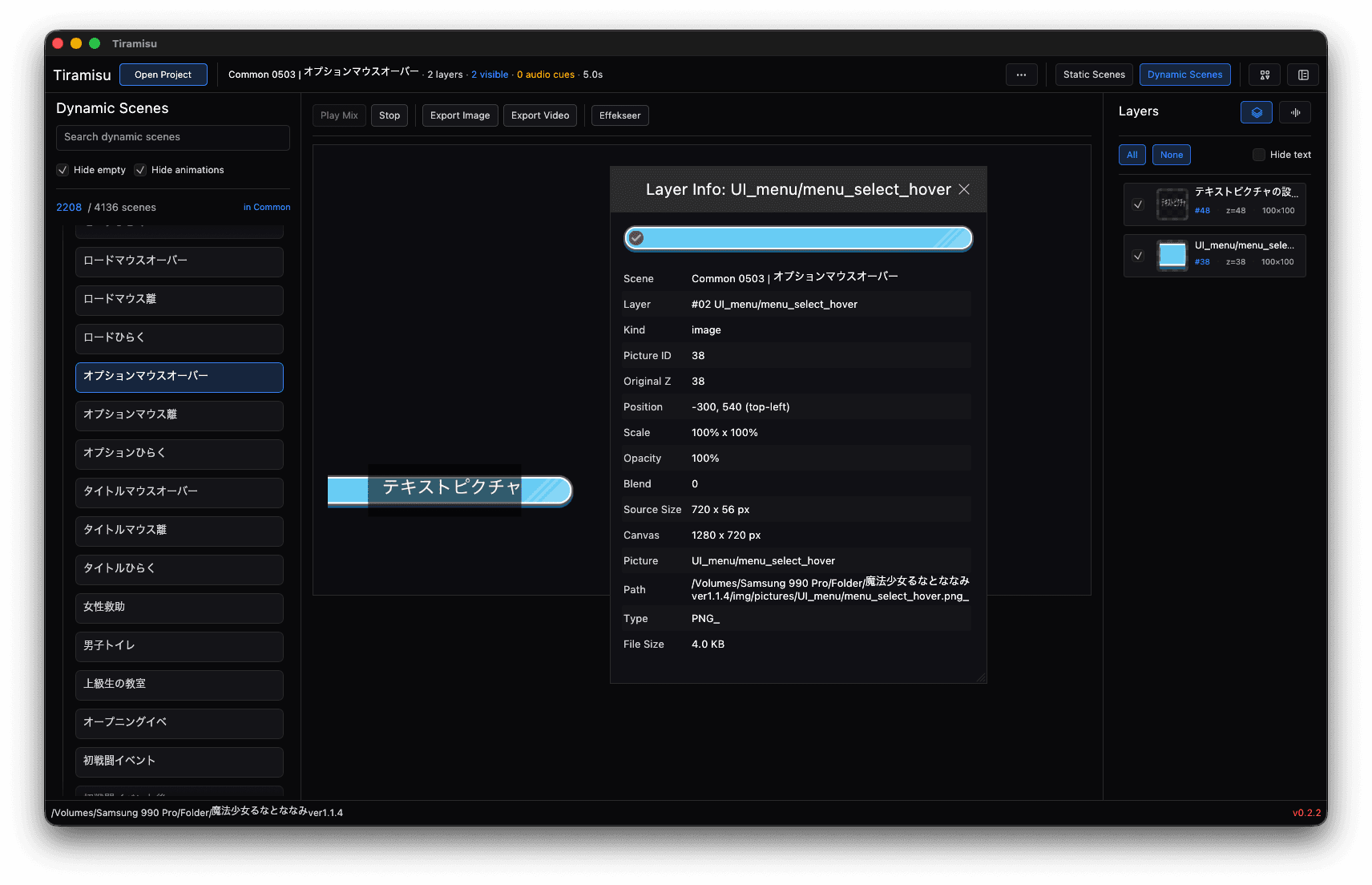
The Layer Info panel for one layer: scene, kind, picture ID, position, scale, opacity, blend, source size, canvas and the picture's path in the game folder

Music and voice, matched to the scene.

Audio cuesVoice linesPlay before you extract
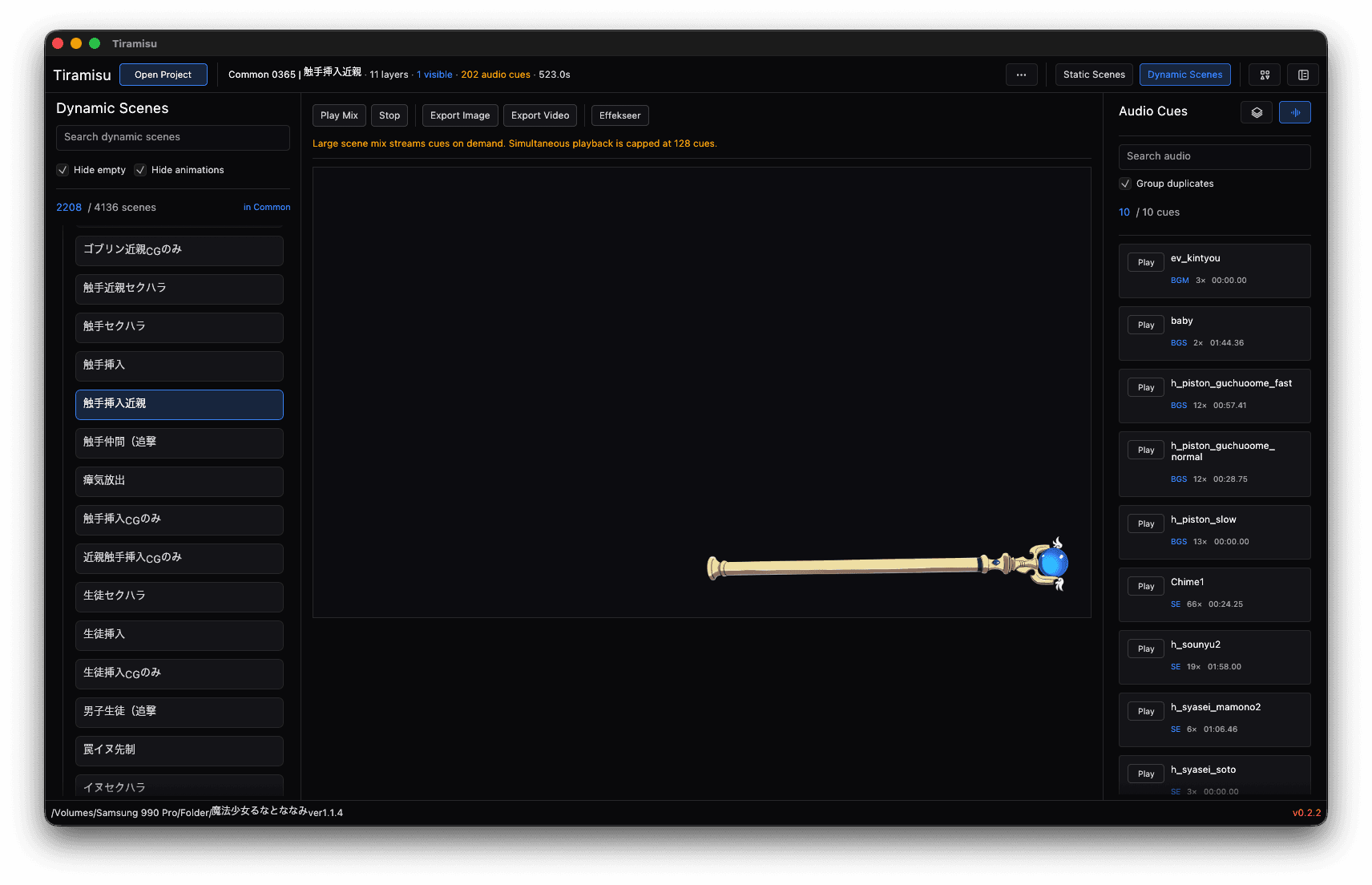
A dynamic scene with 262 audio cues: the Audio Cues panel lists every sound with a Play button beside it
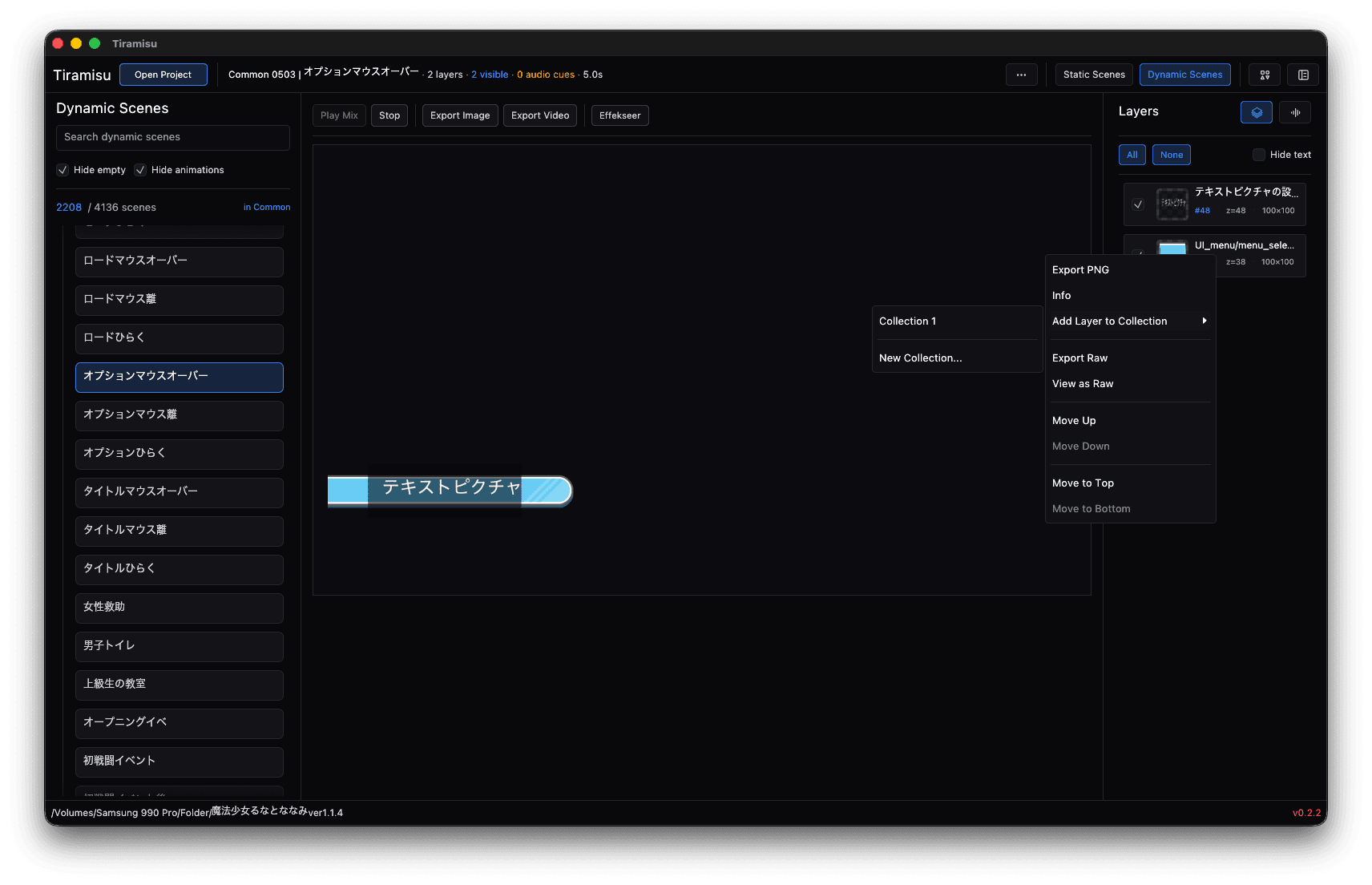
The layer context menu over a dynamic scene: Export PNG, Export Video, Add Layer to Collection, and move up or down

Games without a script become a gallery.

Grouped frame setsComposite modeConverted to PNG
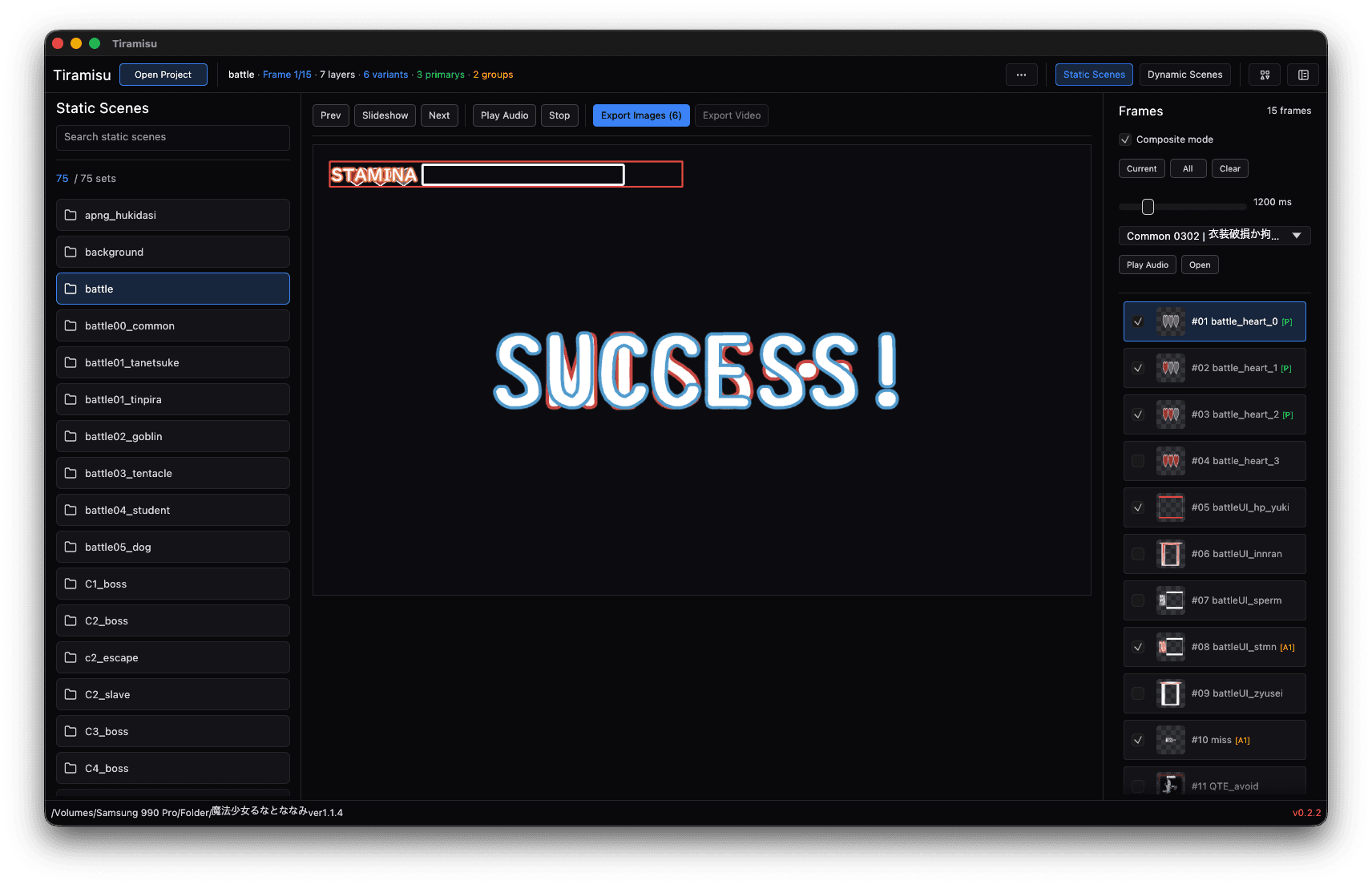
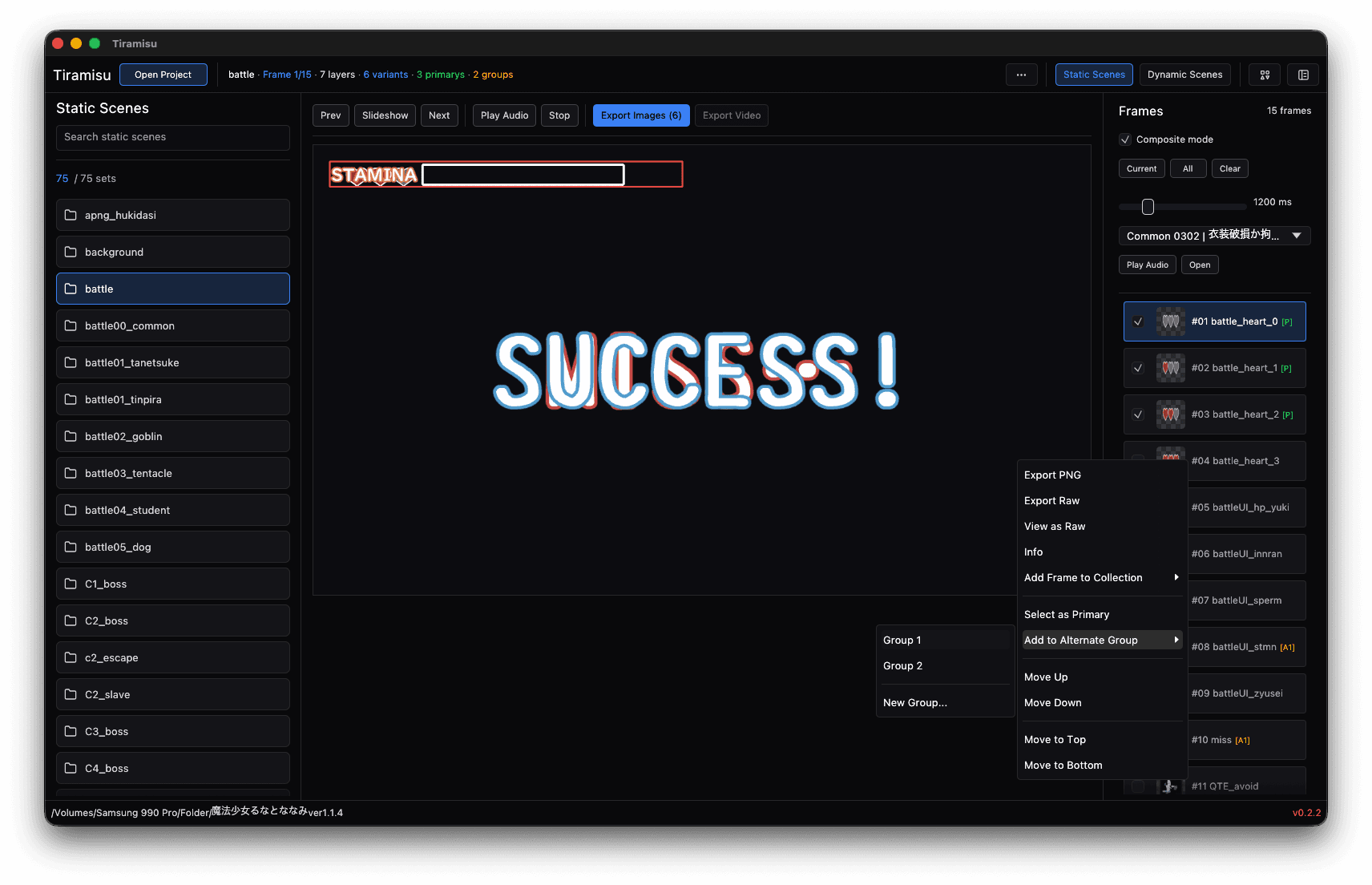
A static scene from a battle: a STAMINA bar and a pixel-art SUCCESS! banner on the canvas, with the Frames panel listing each frame beside it
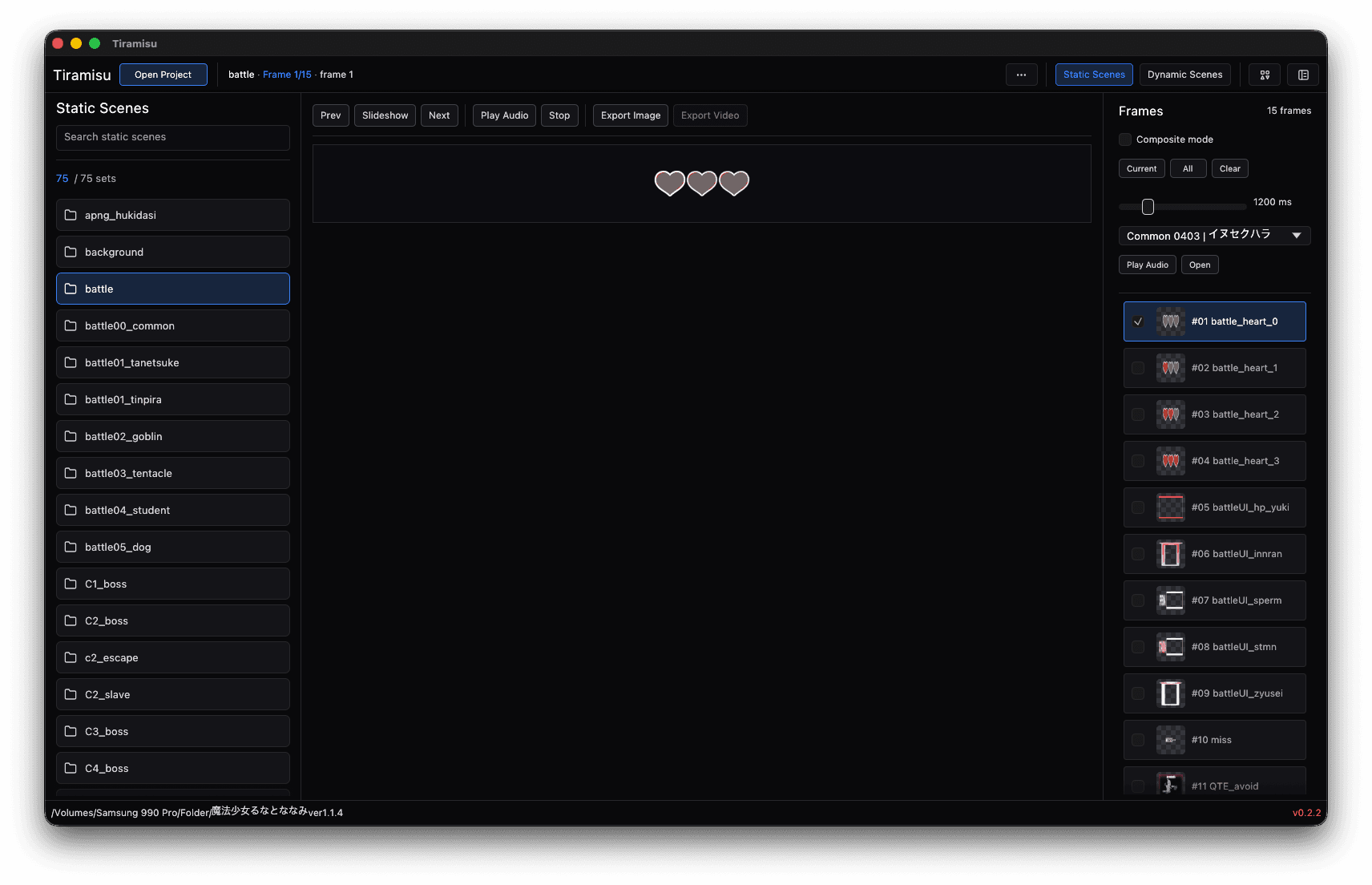
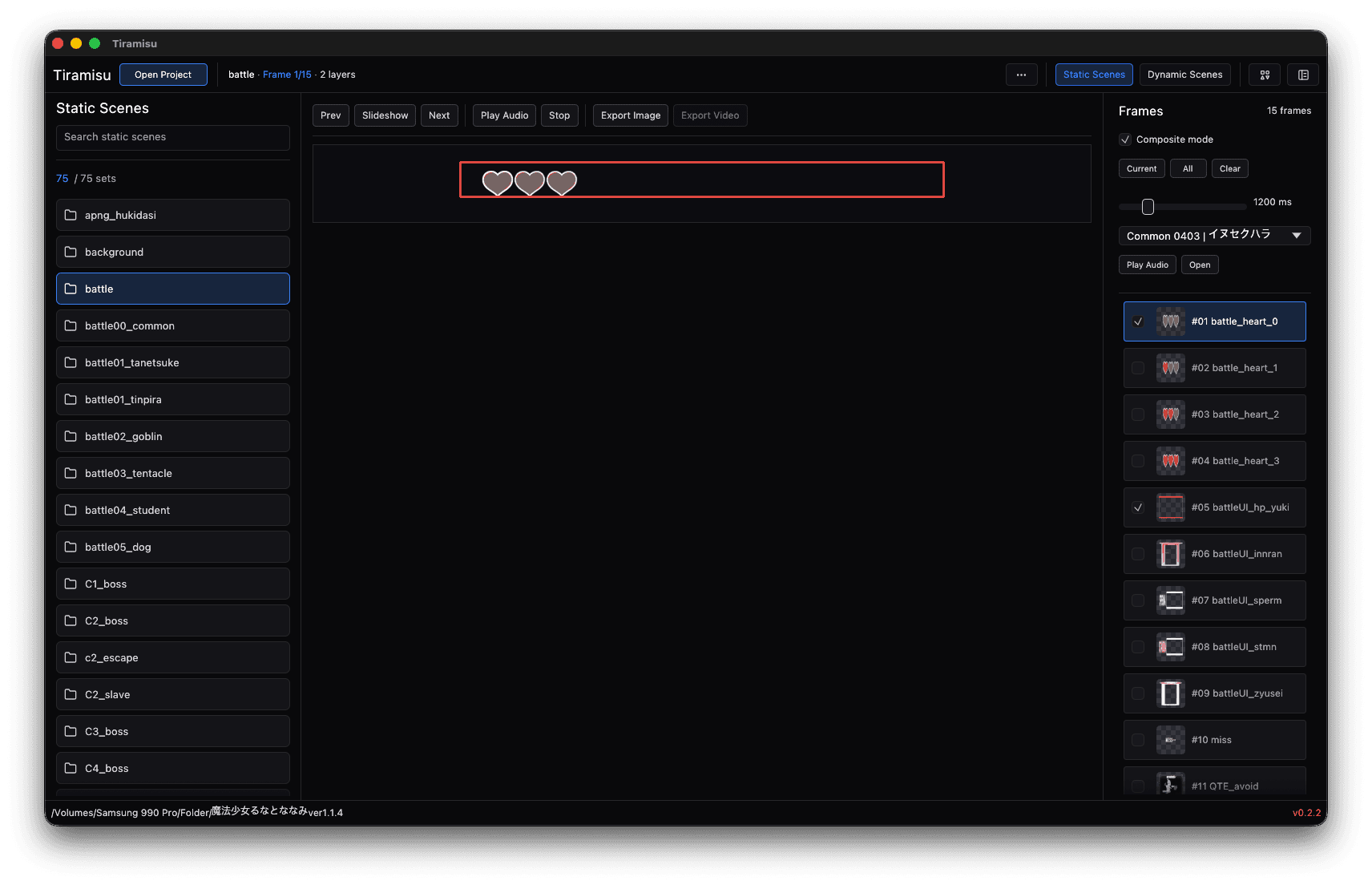
A static scene showing a three-heart life gauge, with Composite mode on and the heart frames listed in the Frames panel

The effects other tools skip entirely.

Real .efkefc effectsBuilt-in runtimePositioned and timed
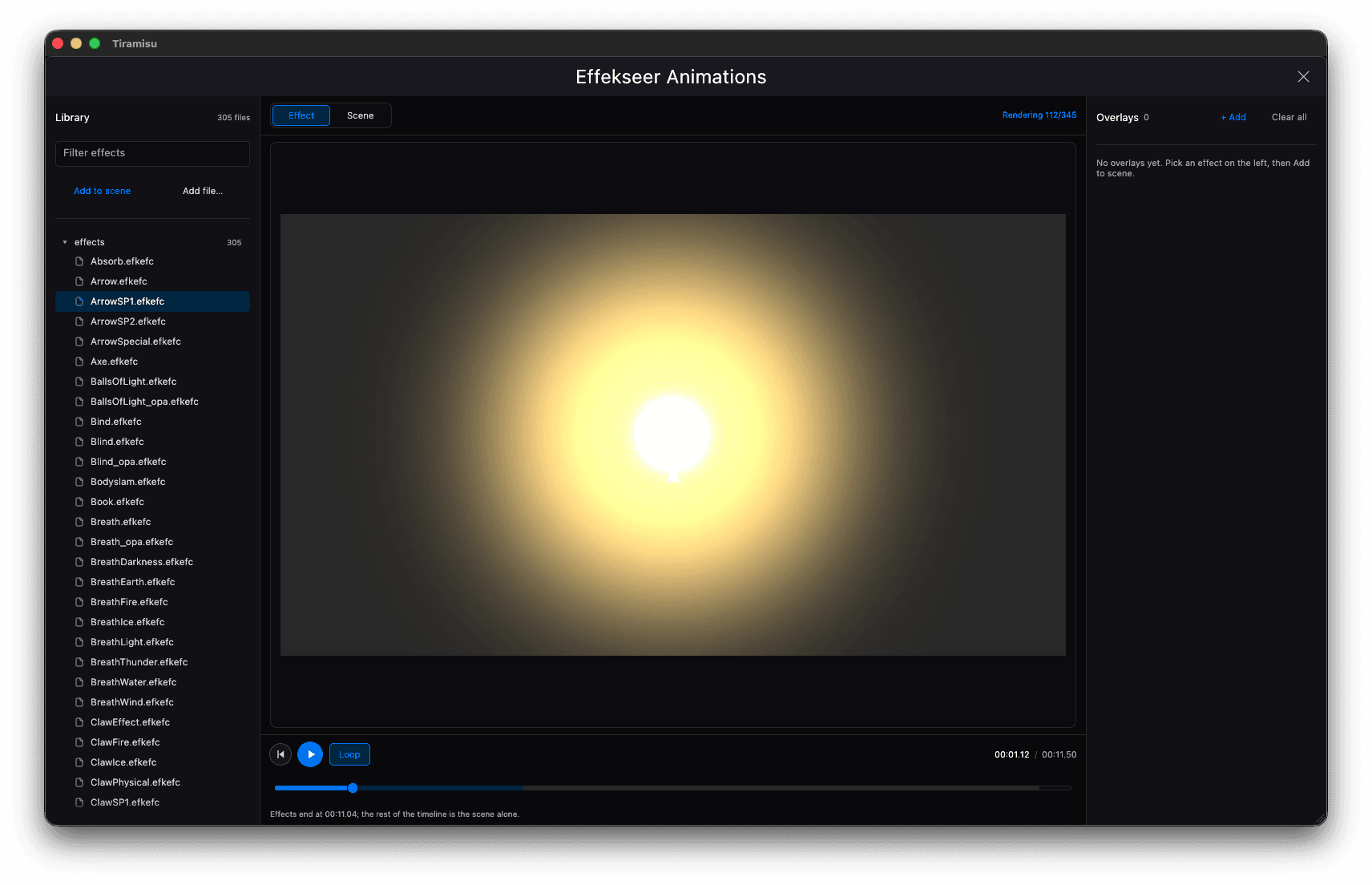
Tiramisu's Effekseer Animations window rendering a single .efkefc effect on the preview canvas
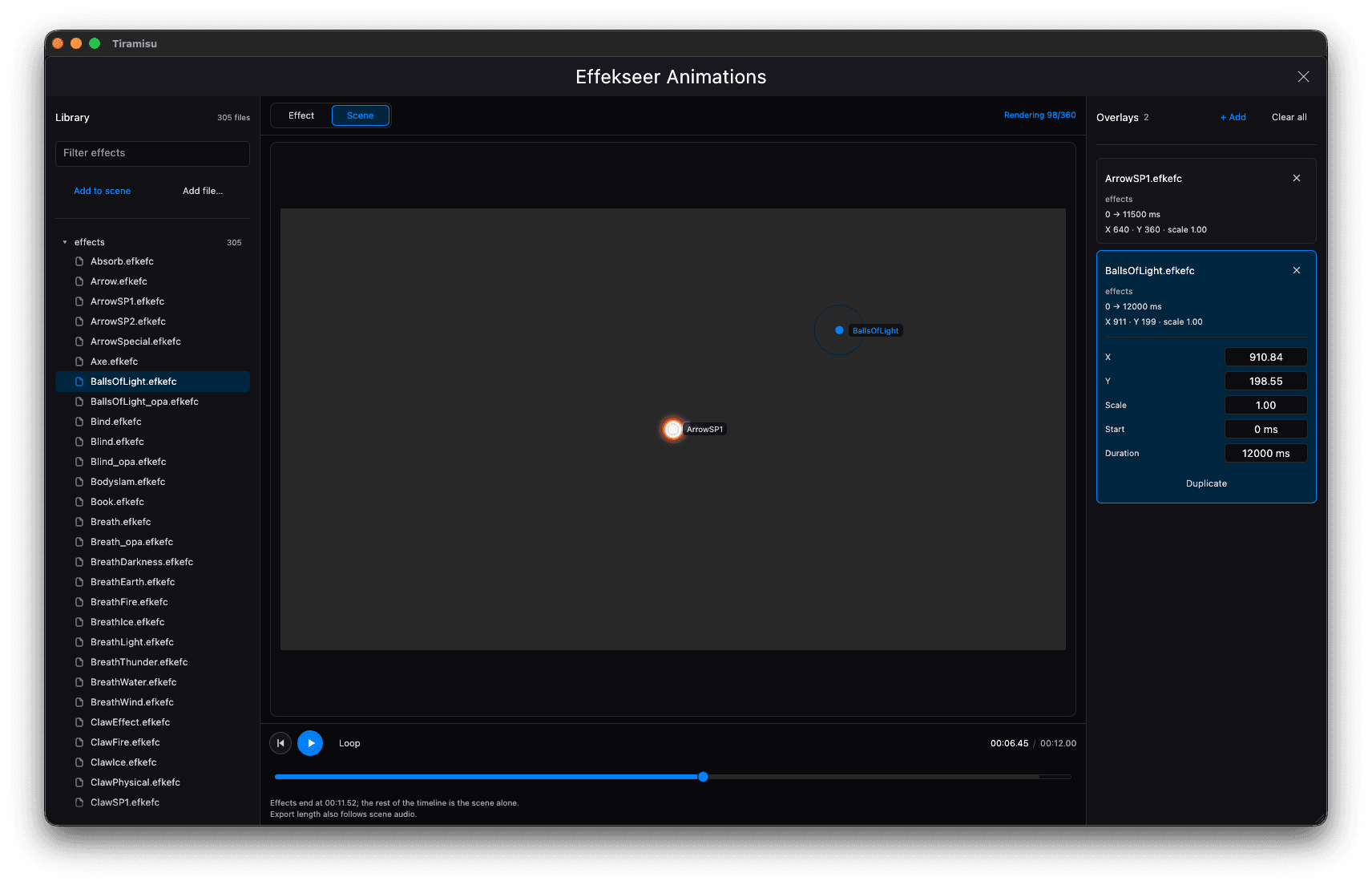
Effekseer scene composition: an overlay with numeric X, Y, scale, start and duration fields

Sixteen engines, one interface.

16+ engine formatsReads the game folder directlyRaw view of any file
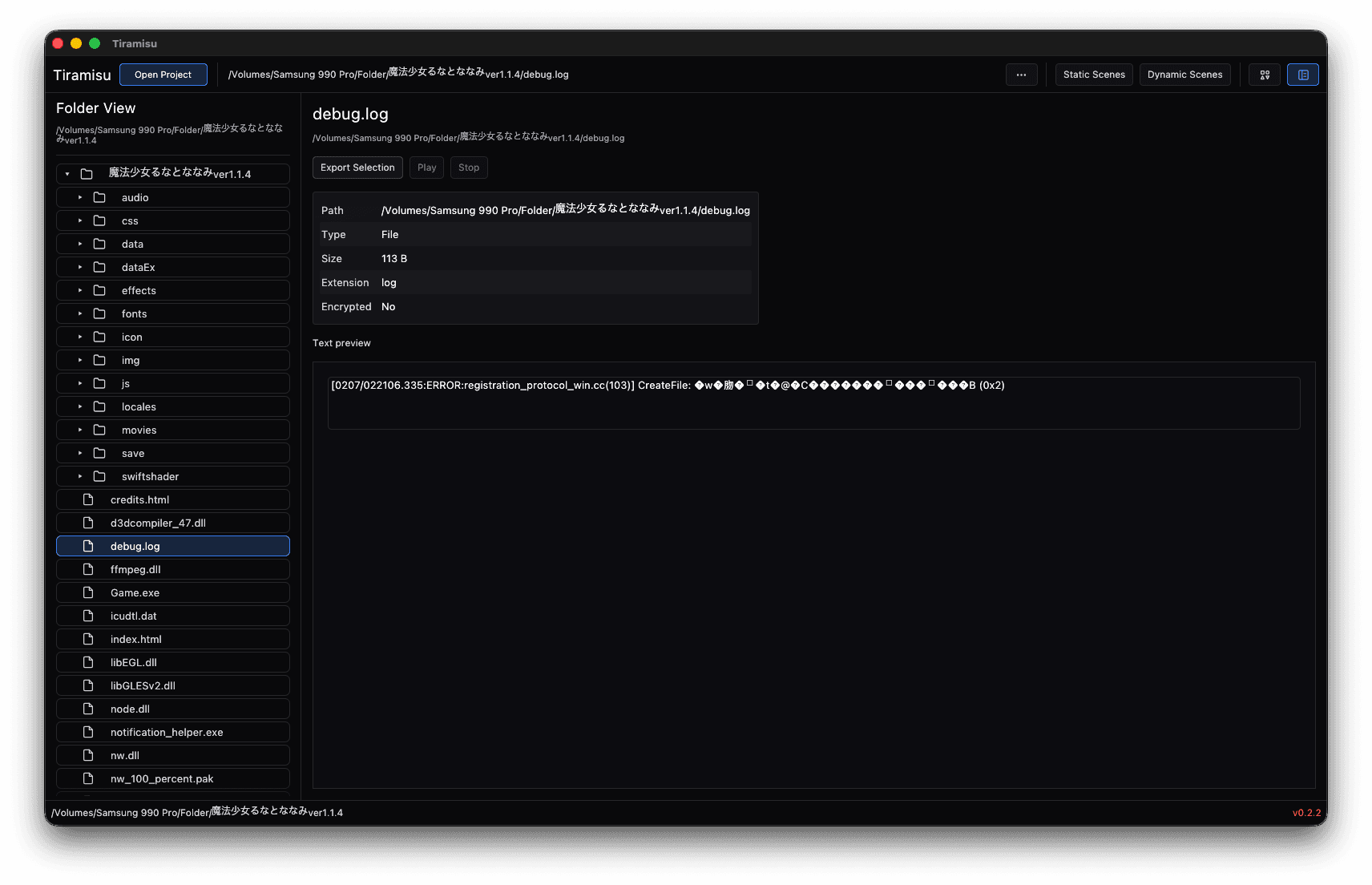
Folder View browsing the game's own files: audio, data, effects, fonts and plugins, with debug.log selected and its path, size, encryption state and a text preview
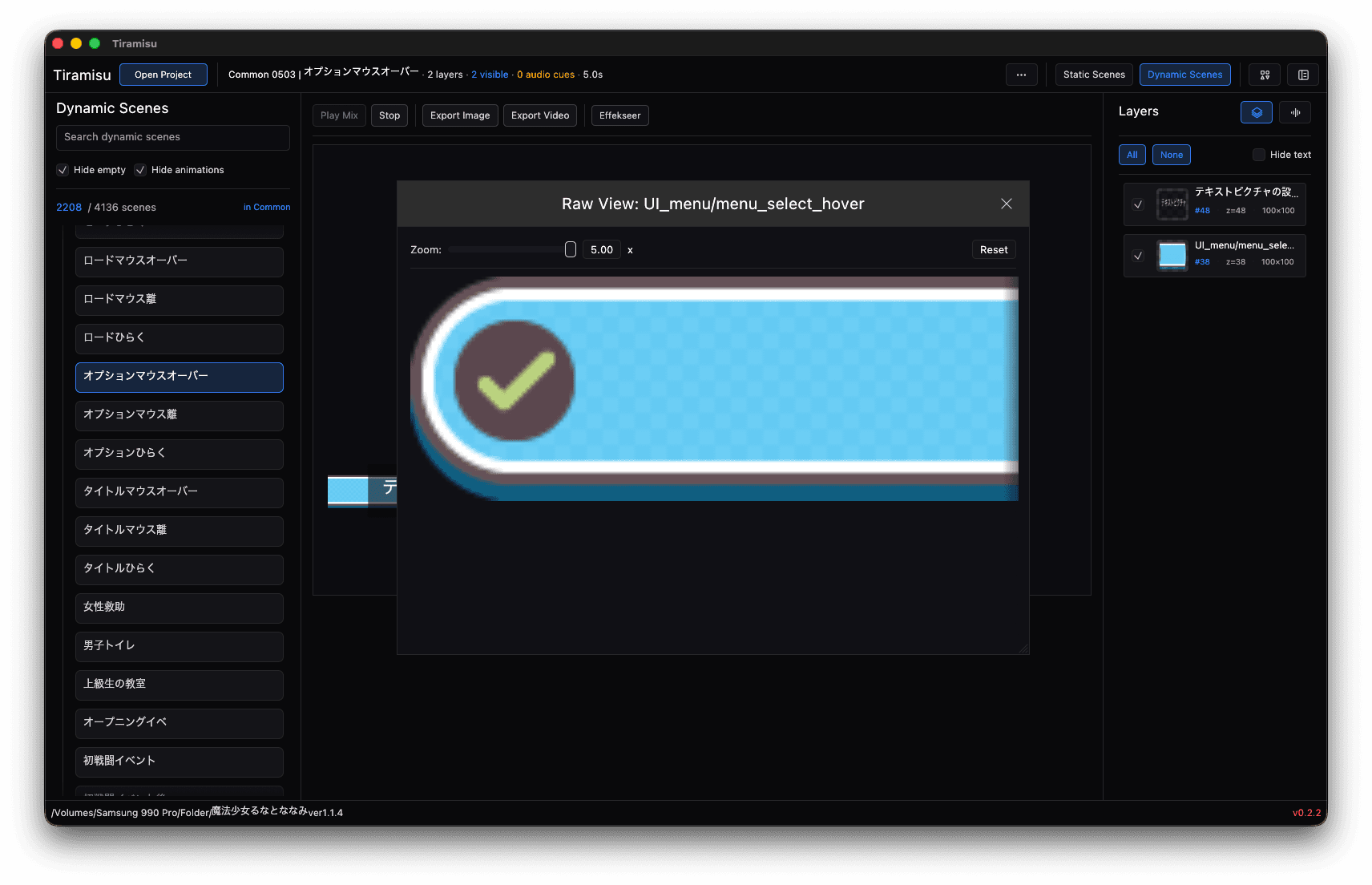
Raw View of a single picture from the game folder, zoomable, shown before any scene is composed

Encryption keys, found for you.

Automatic key detectionDecrypts as it readsPlain-language log
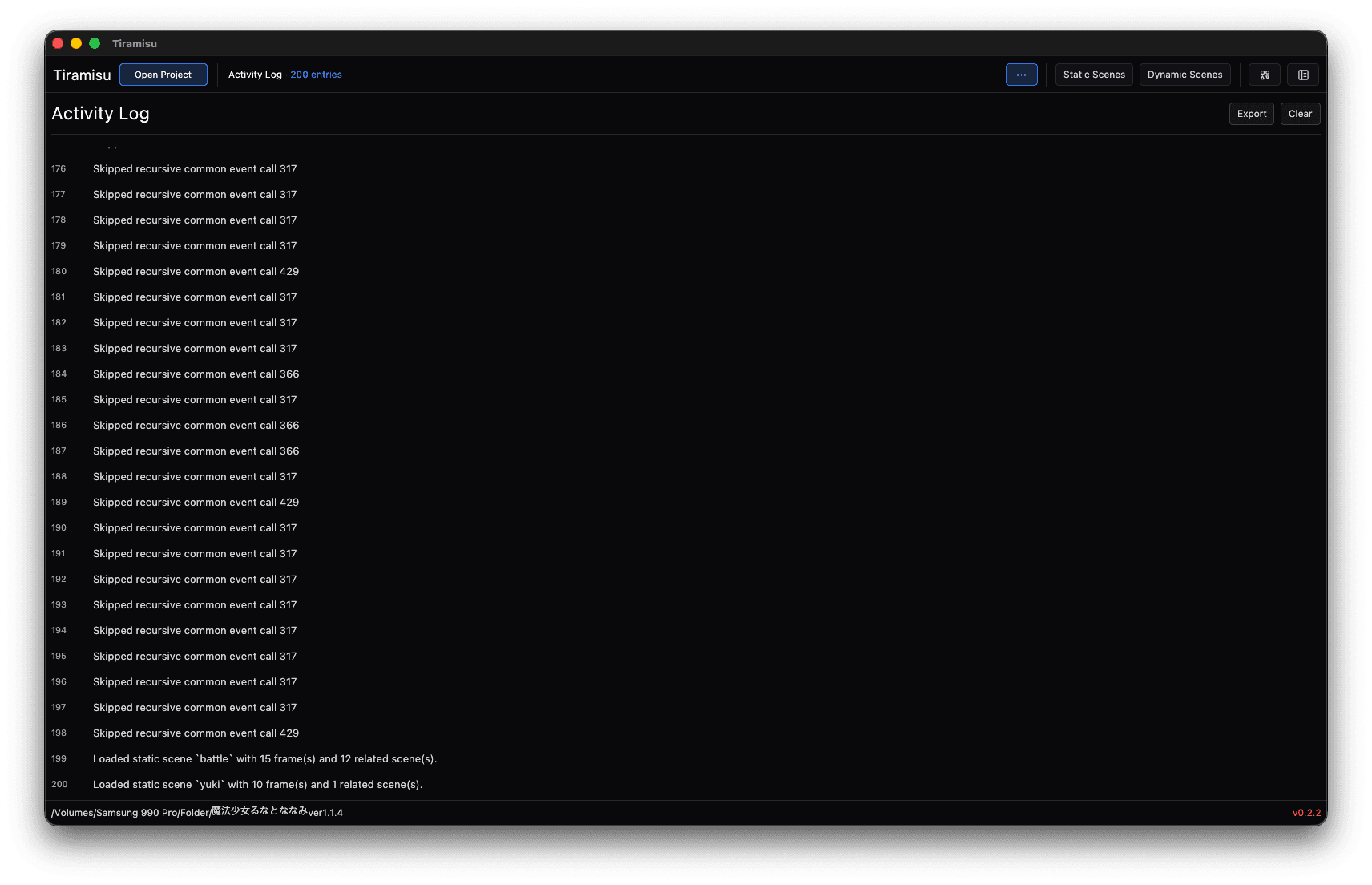
The Activity Log: plain-language lines for each scene loaded and each recursive common event skipped
The three-heart life gauge with its frame outlined on the canvas

One click to video.

Lossless PNGMP4 or AV1, with soundFrame-based videoProject media
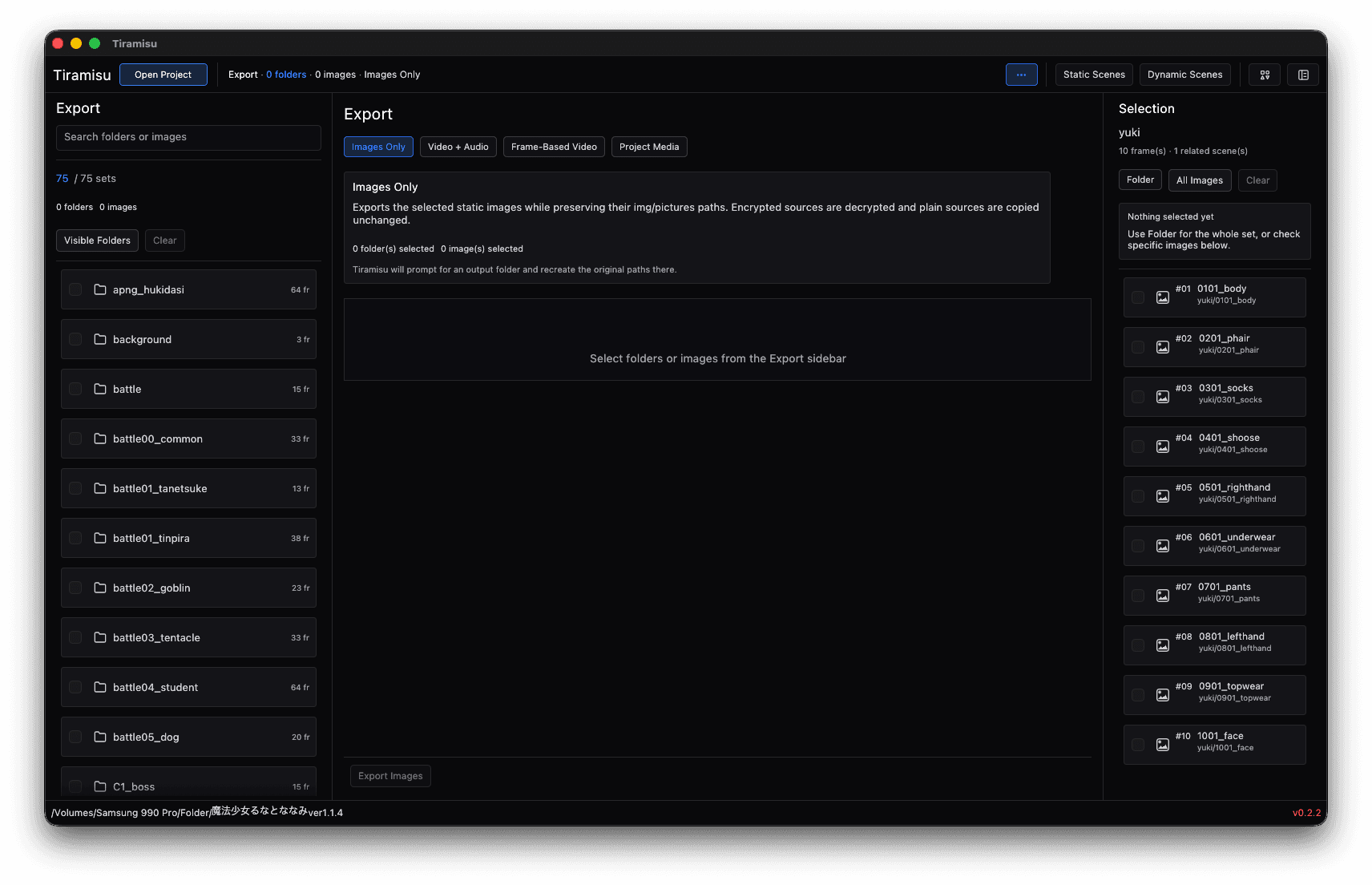
The Export panel with its four modes — Images Only, Video + Audio, Frame-Based Video and Project Media — and the Selection panel beside it
The same static scene with its context menu open: Export PNG, Export Video, Add Frame to Collection
16+
engine formats, one window
2
video codecs: MP4 · AV1
1
click from scene to video
2
platforms: macOS · Windows

For games that hide their best parts in archives.

Open the game folder, watch the scene play back, and take away the parts you want — with their context intact.