
Yoru
YouTube Music, played natively.
Music streams straight from YouTube Music and is decoded inside the app, with no web view or separate player behind it.
NewMusic player
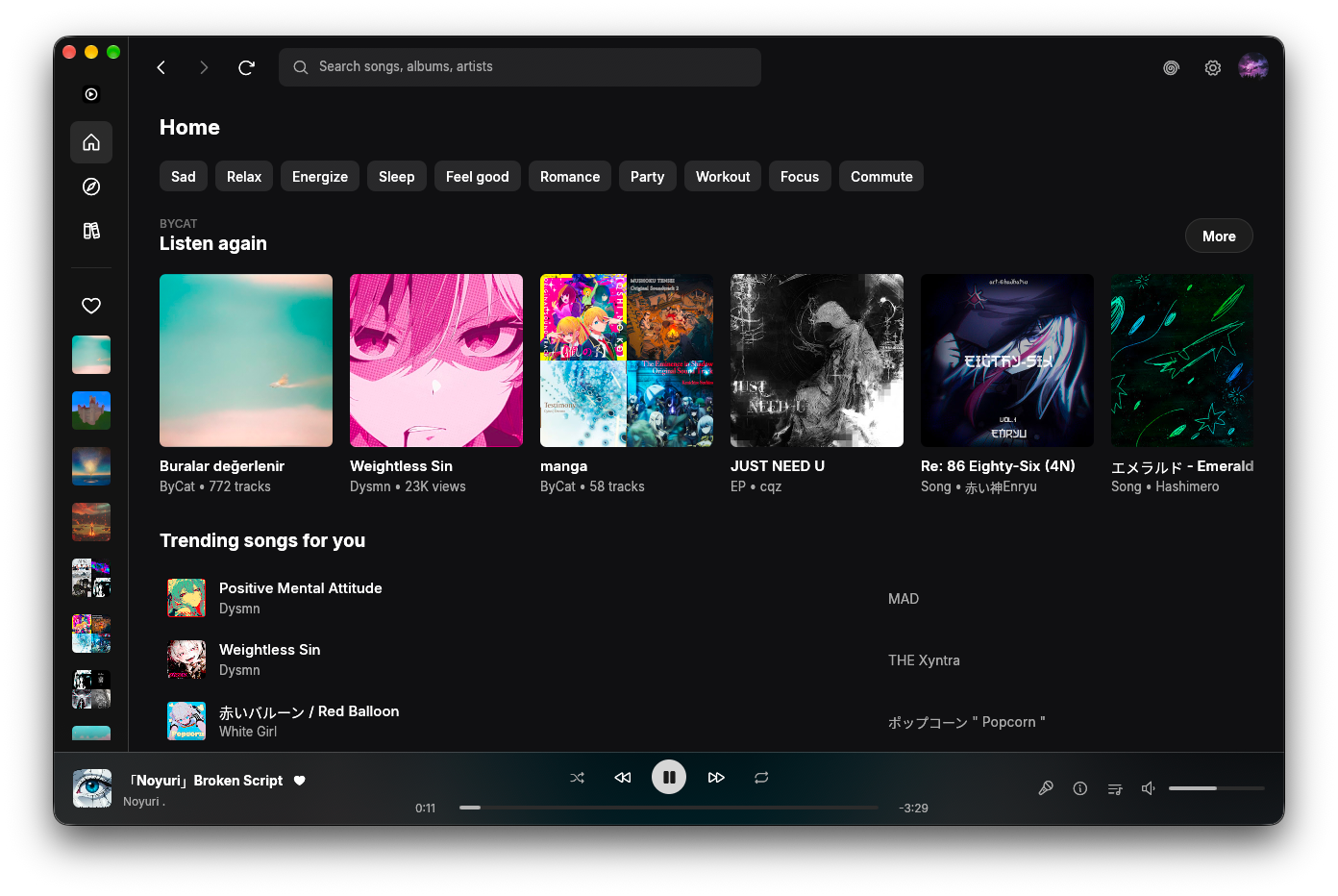
Truly native
A music app, not a browser tab.
Yoru is written in Rust and does its own streaming and decoding. Playback never touches a web view, so it starts fast, stays light and keeps working like a real desktop app. Sign in for your library, or just listen anonymously.
- Decoded in-process
- Windows and macOS
- Sign in or stay anonymous
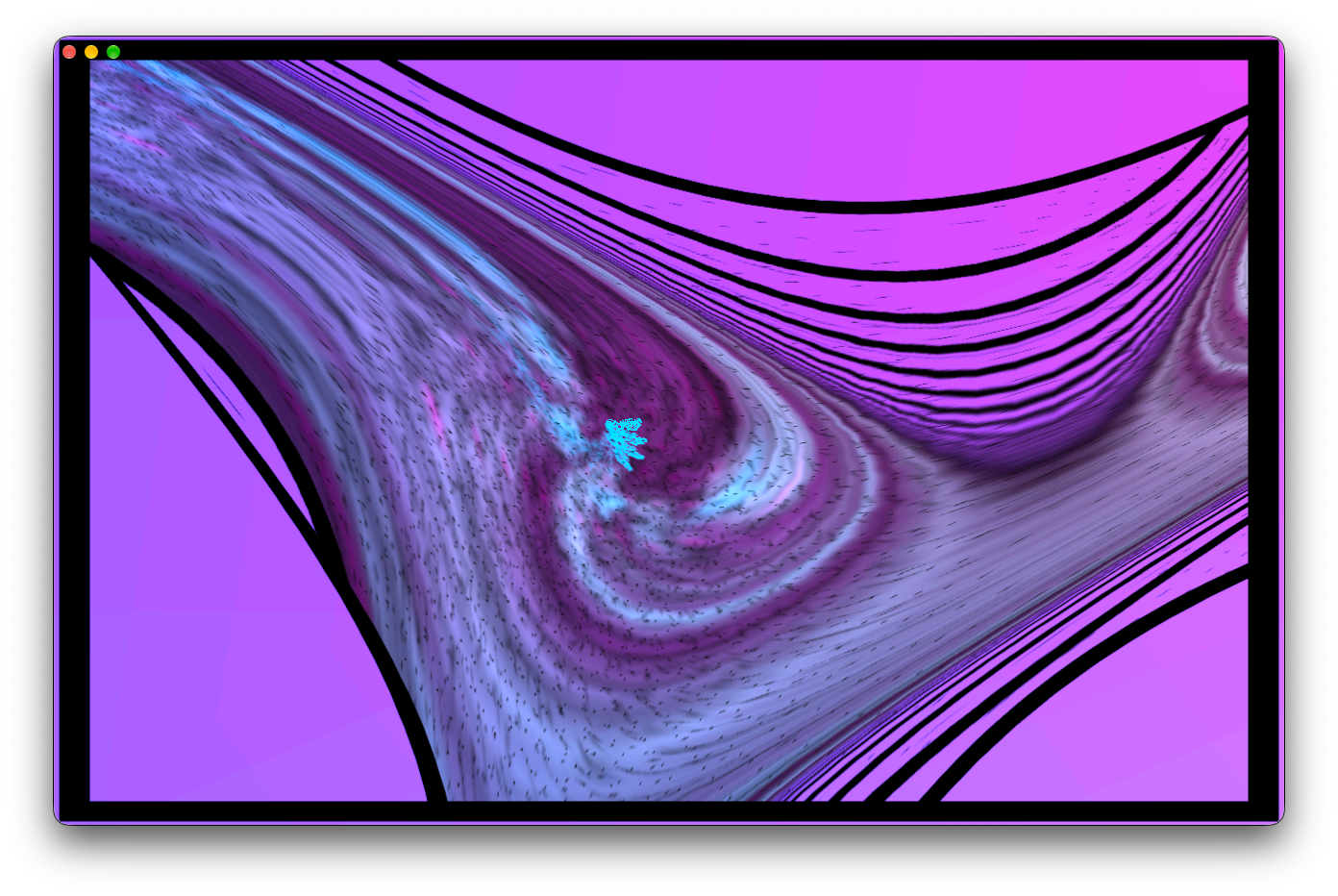
Visualizer
MilkDrop, right inside your player.
Yoru runs projectM, the open MilkDrop engine, so presets react to whatever is playing. Go immersive and let it fill the window.
Your music
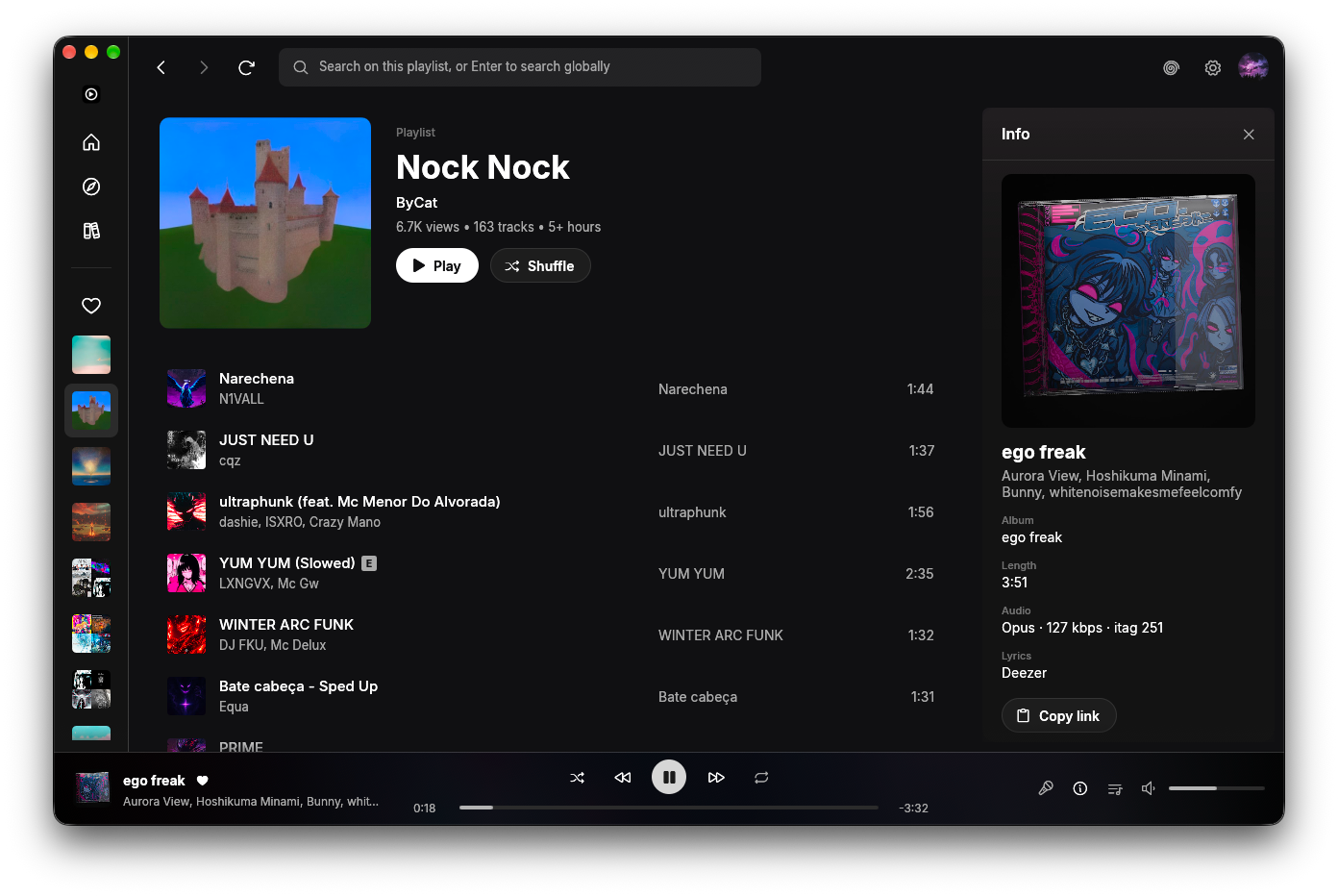
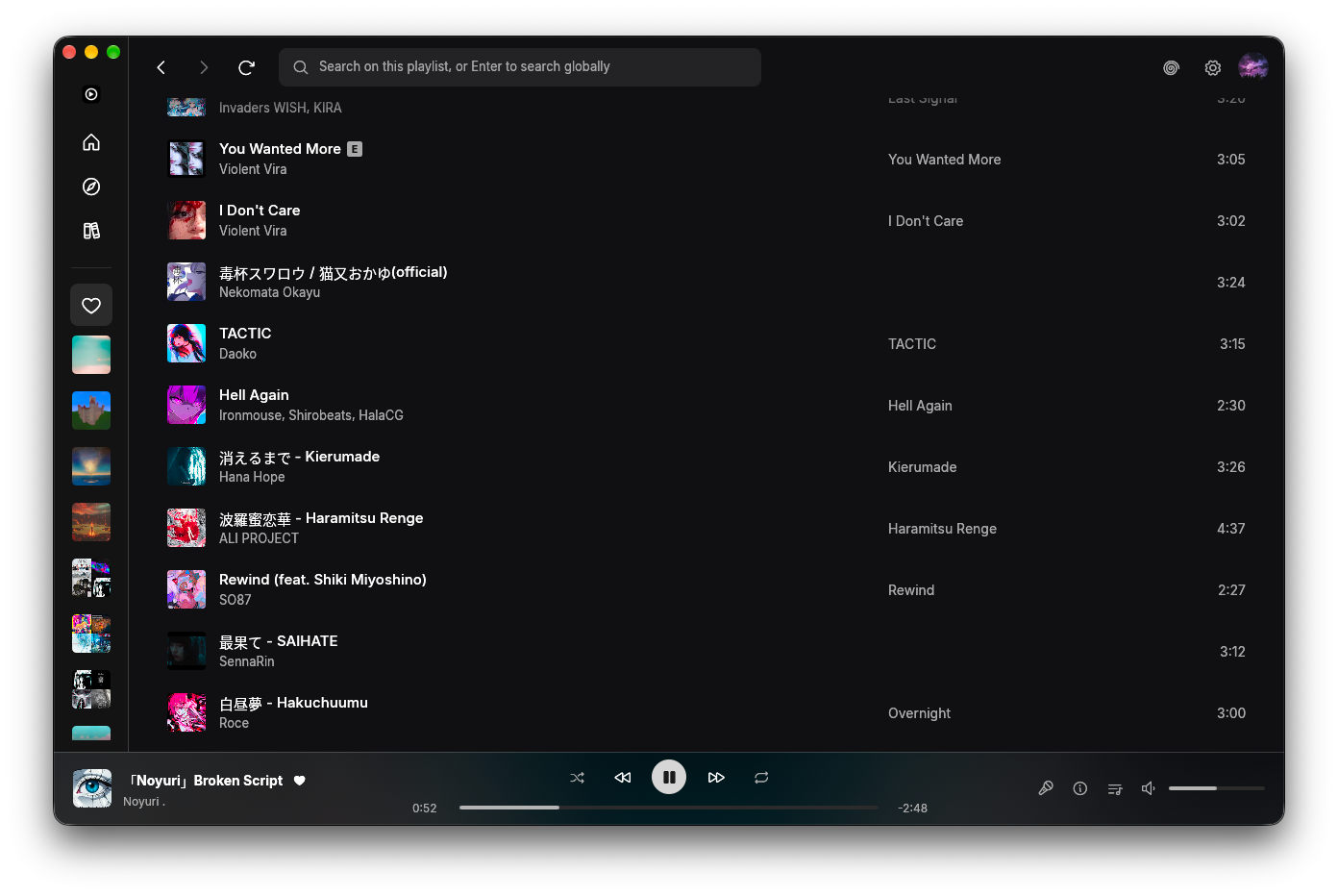
Browse, queue, and know what you're hearing.
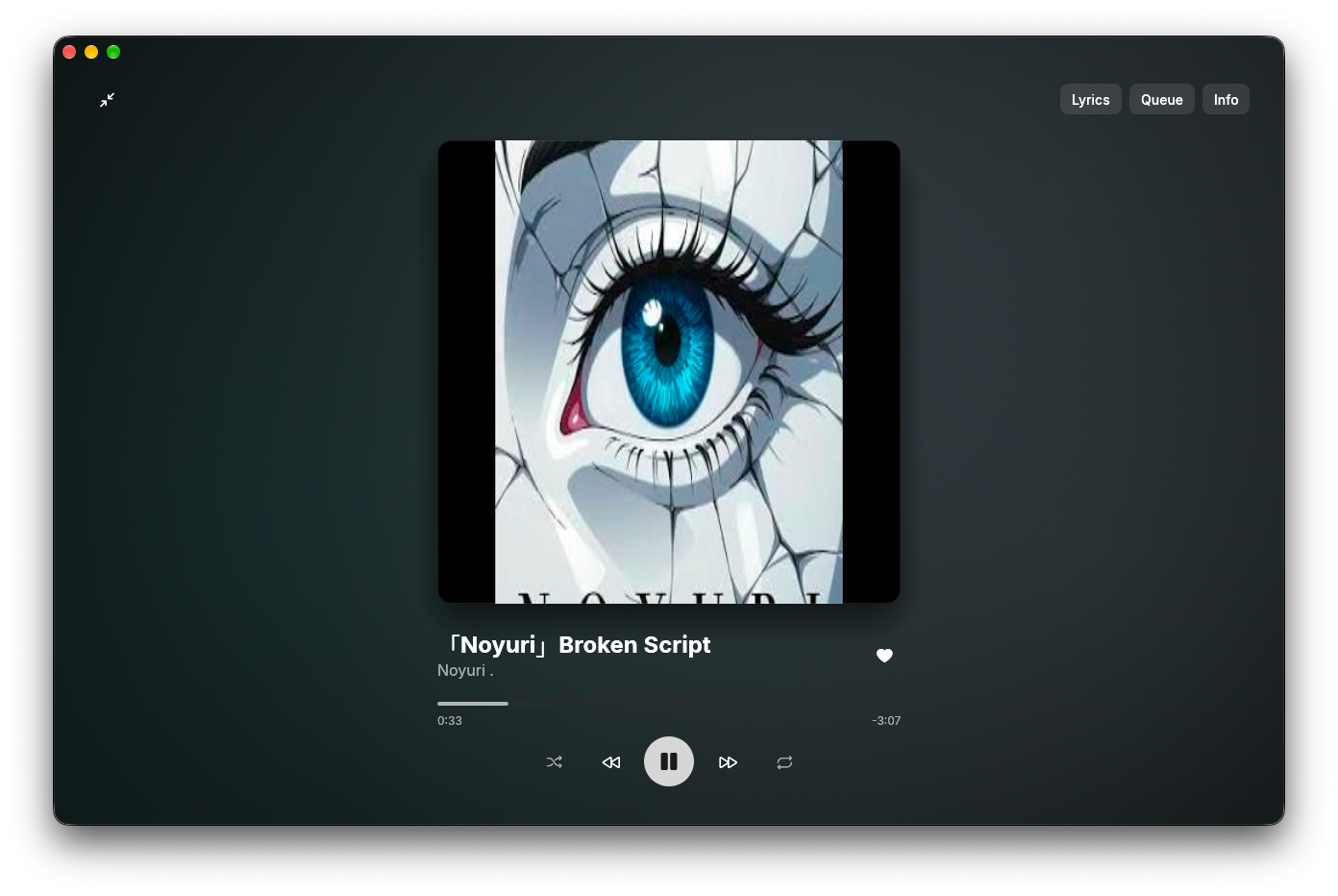
Home, playlists and your library sit beside a player that always shows the details: album, length, audio format and where the lyrics come from.
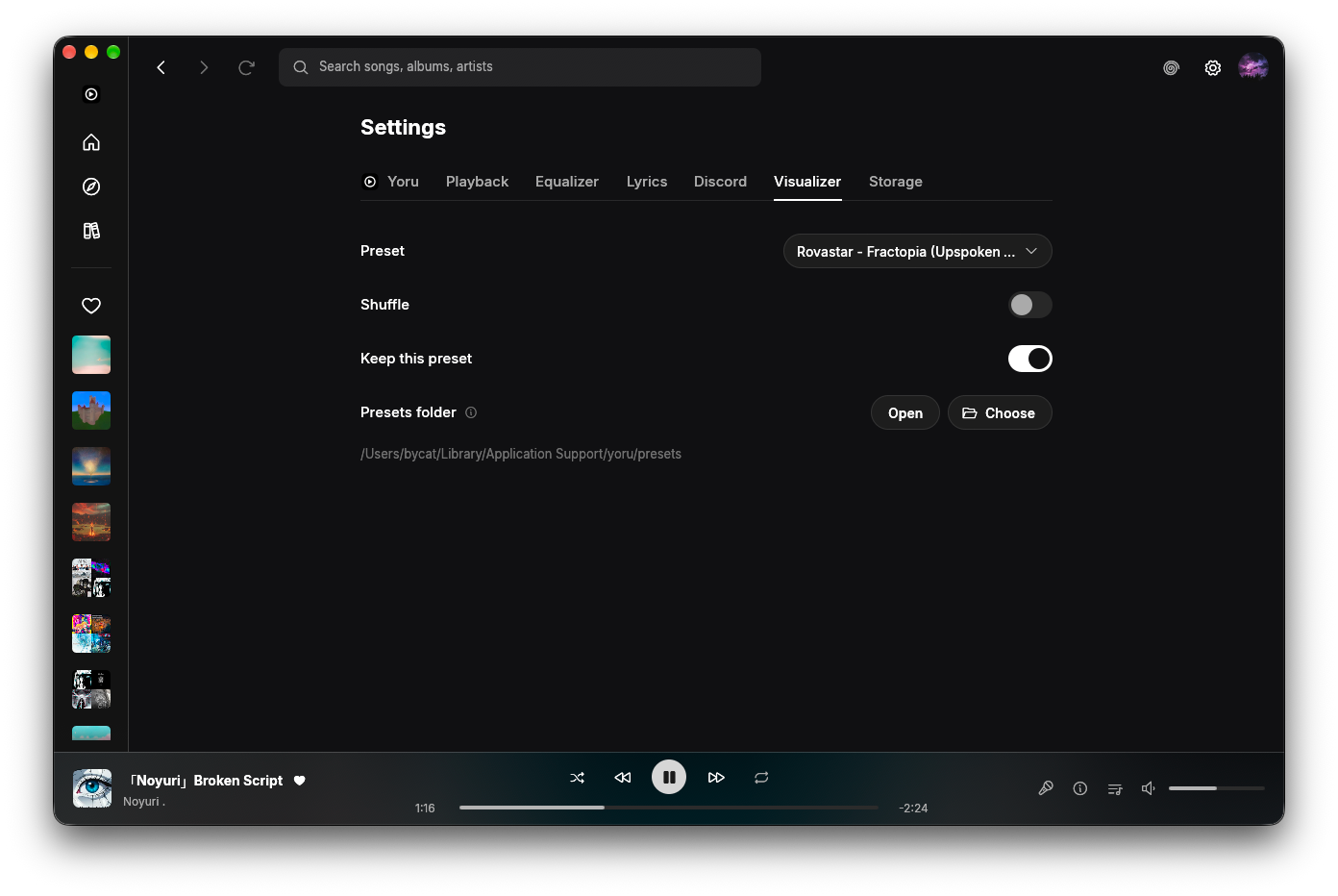
Yours to tune
Small settings that make a big difference.
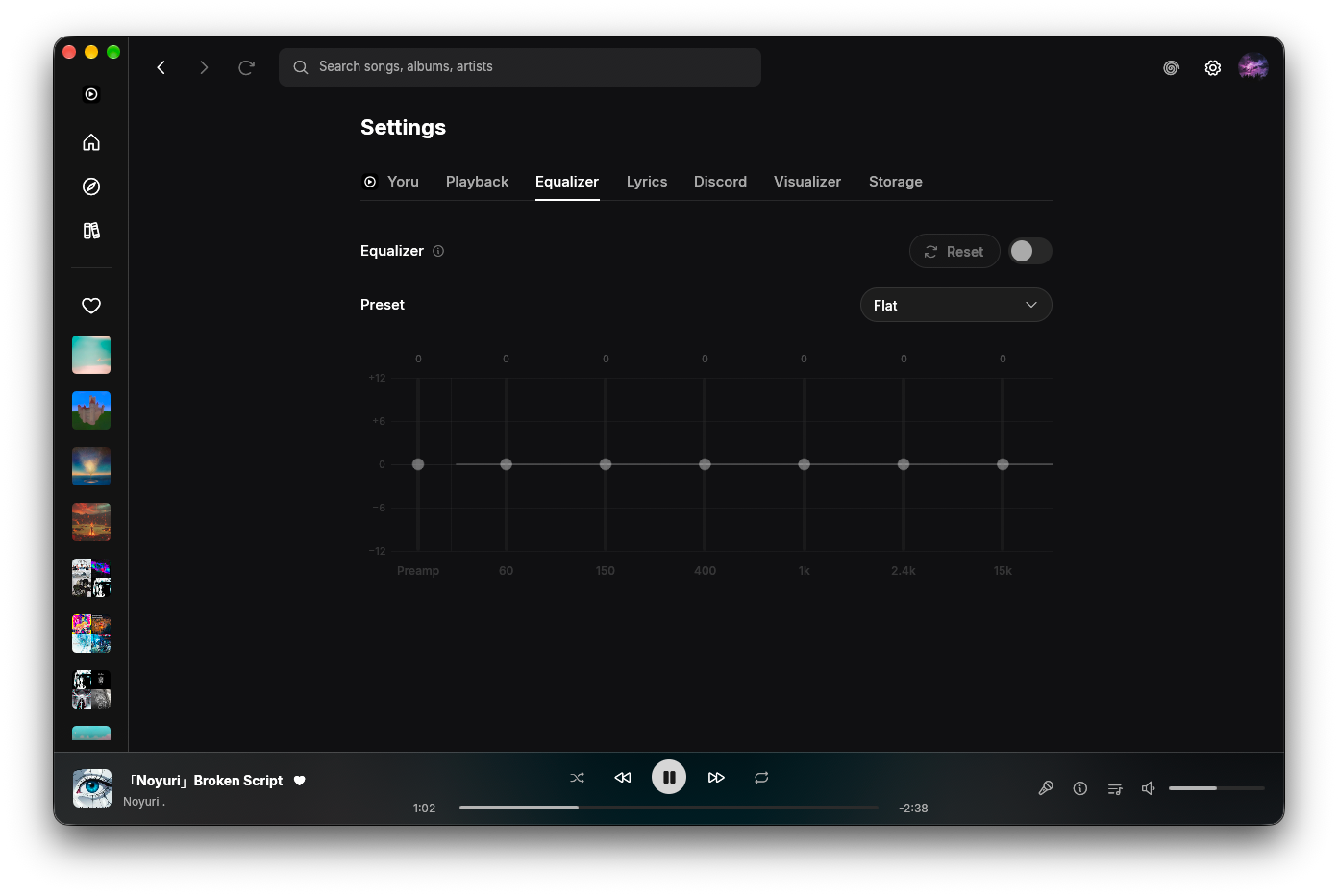
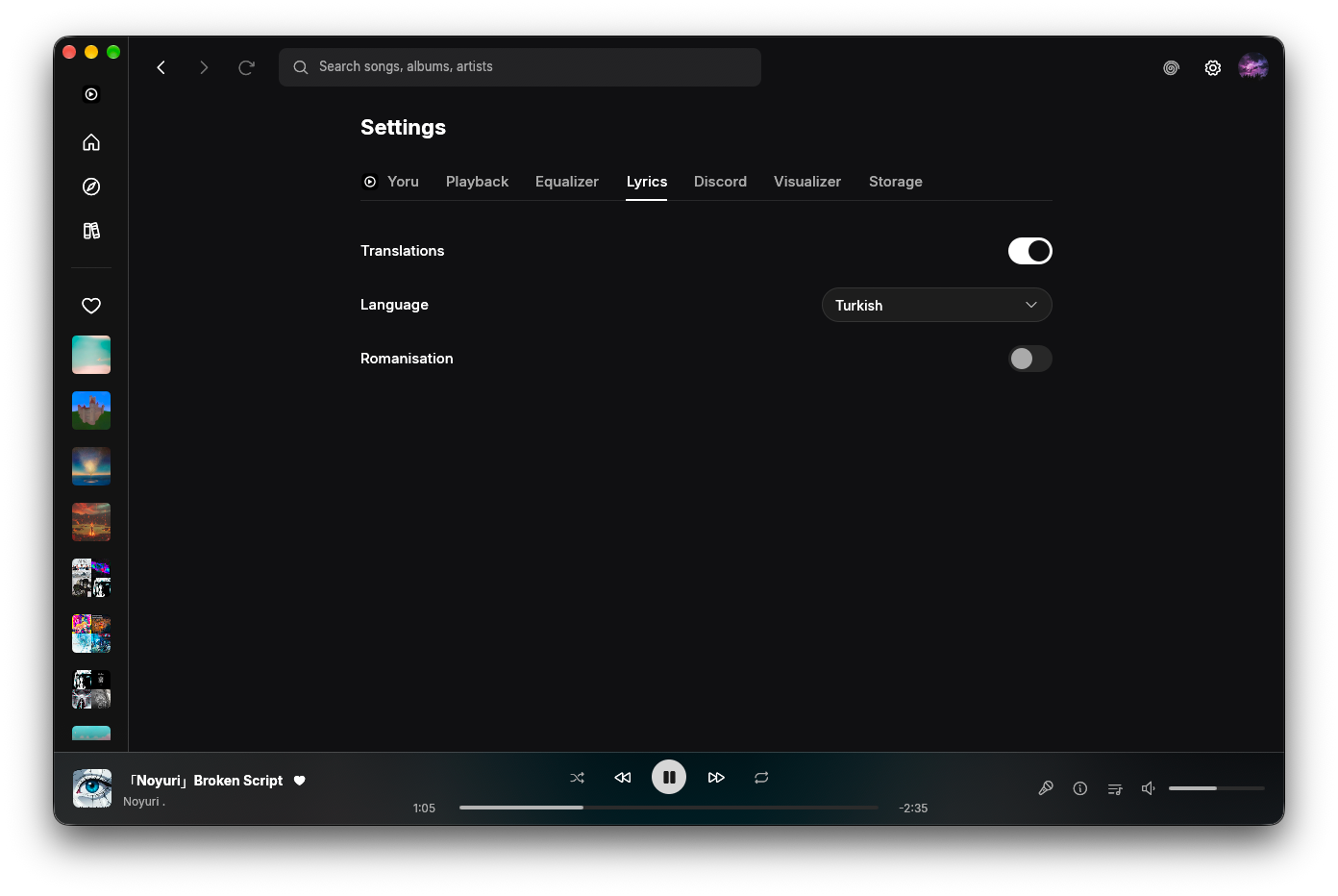
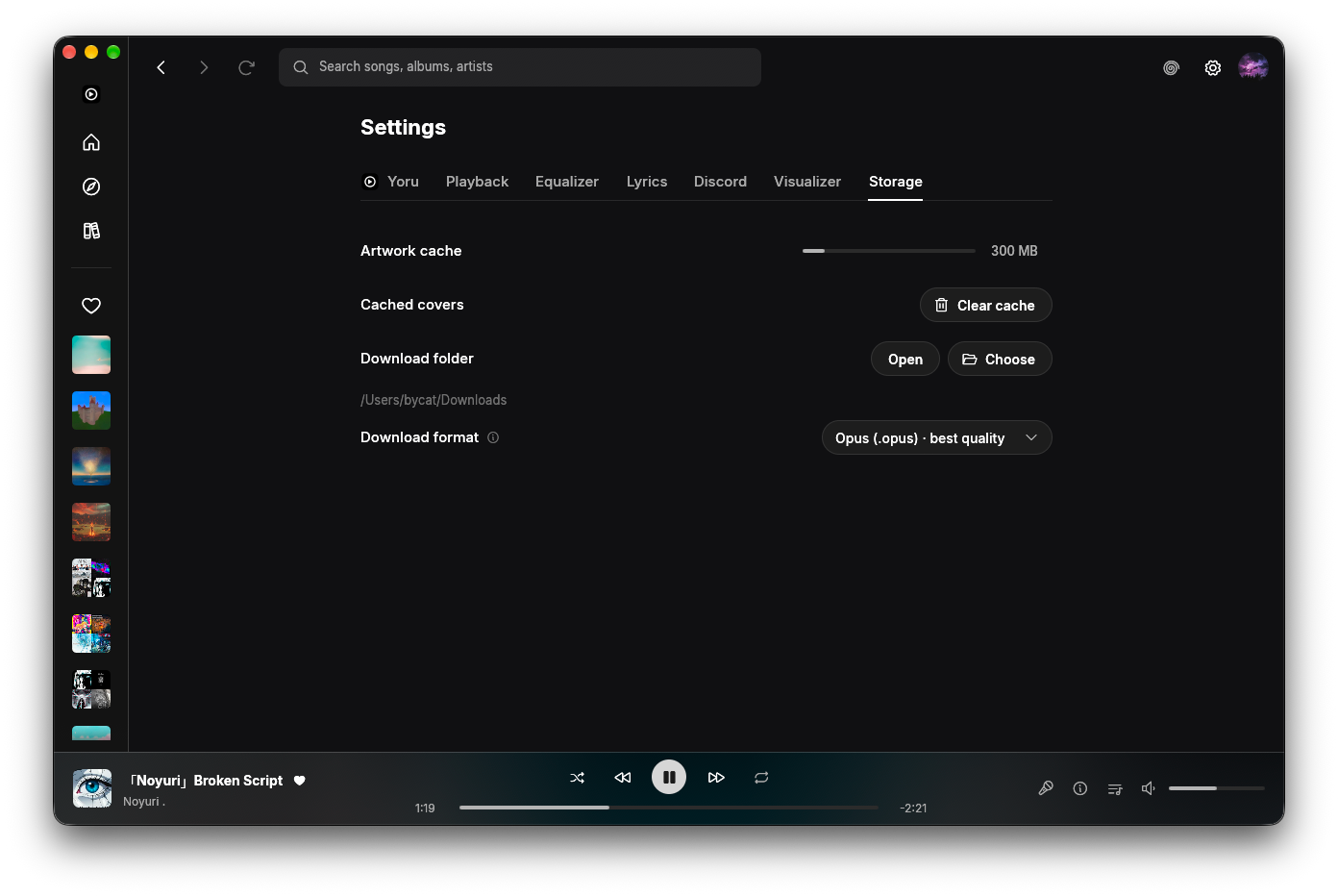
Choose your output device, shape the sound, show translated lyrics and decide how downloads are saved.
Everything a music app should do.
In-process audio
Streamed from YouTube Music and decoded inside the app, no web view or external player.
Queue
See what's next, reorder it and keep listening.
Track info
Album, length and audio quality for whatever is playing.
Equalizer
Seven bands, presets, volume normalisation and media keys.
Downloads
Save tracks as Opus, AAC, FLAC or MP3 to the folder you choose.
Discord presence
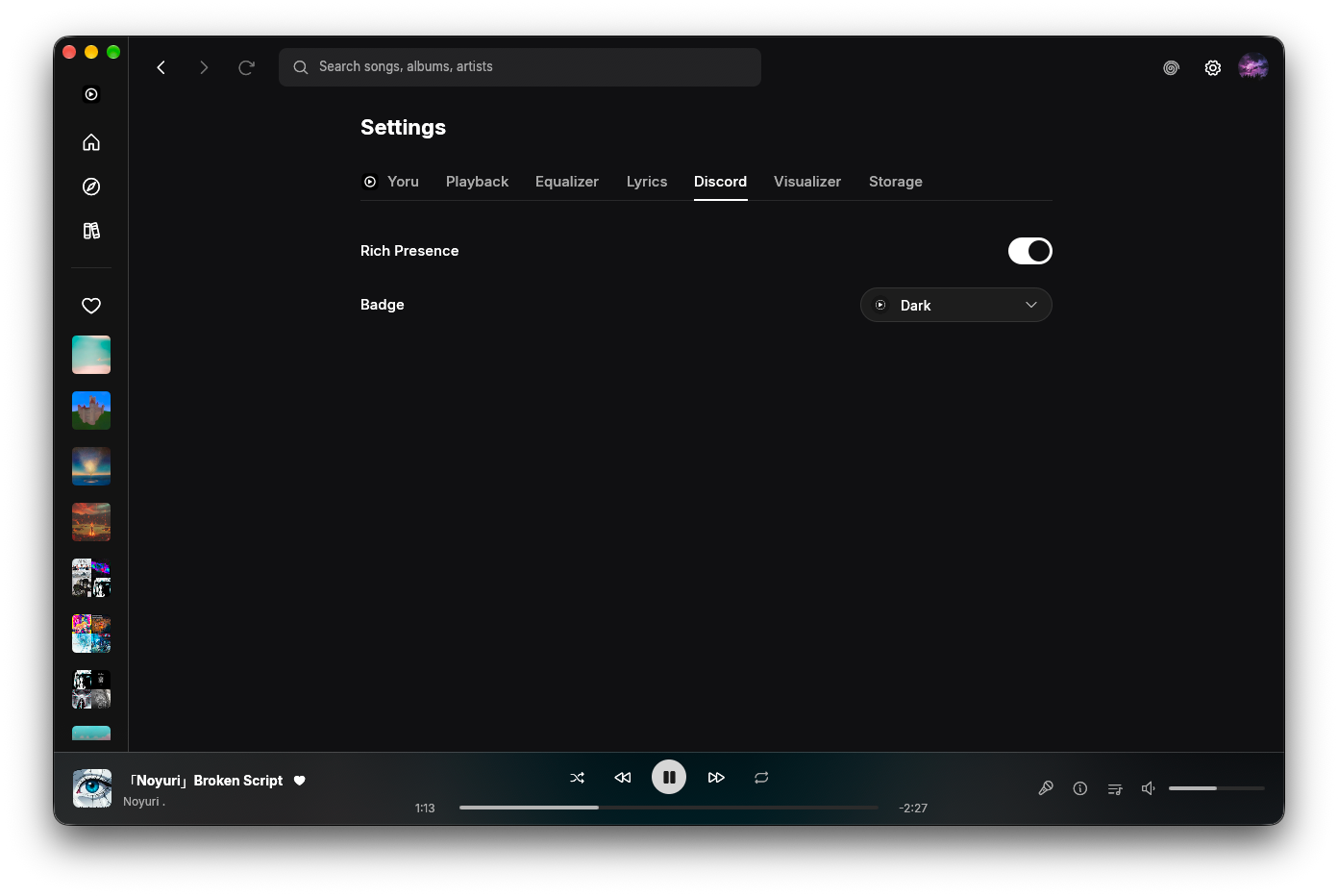
Show what you're playing on your Discord profile.
Sign in or don't
Use your account for your library, or listen anonymously.
Lyrics pane
Synced lyrics beside the player, with translations.