Kompresor
The archive manager that eats the archive as it goes.
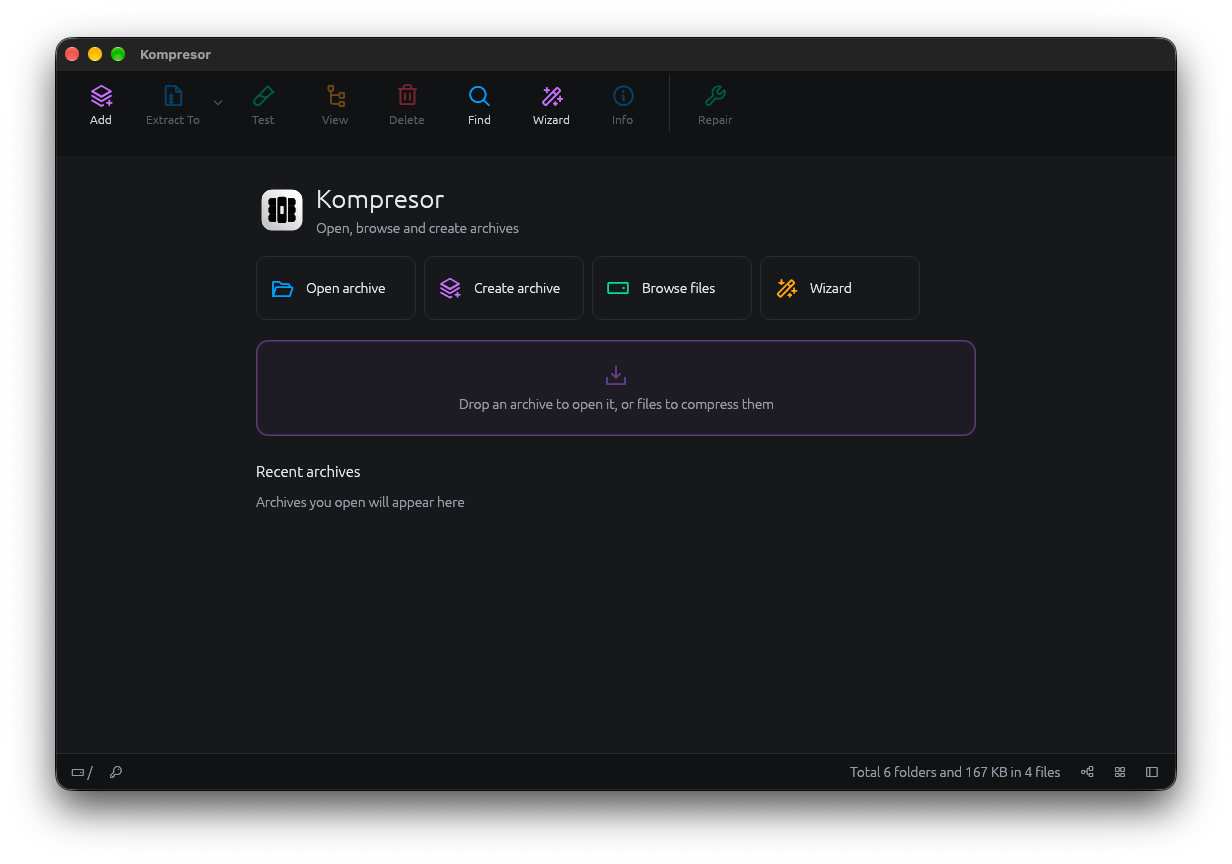
Open anything, look inside first, extract on purpose. Kompresor handles the formats other tools give up on.
NewArchive manager
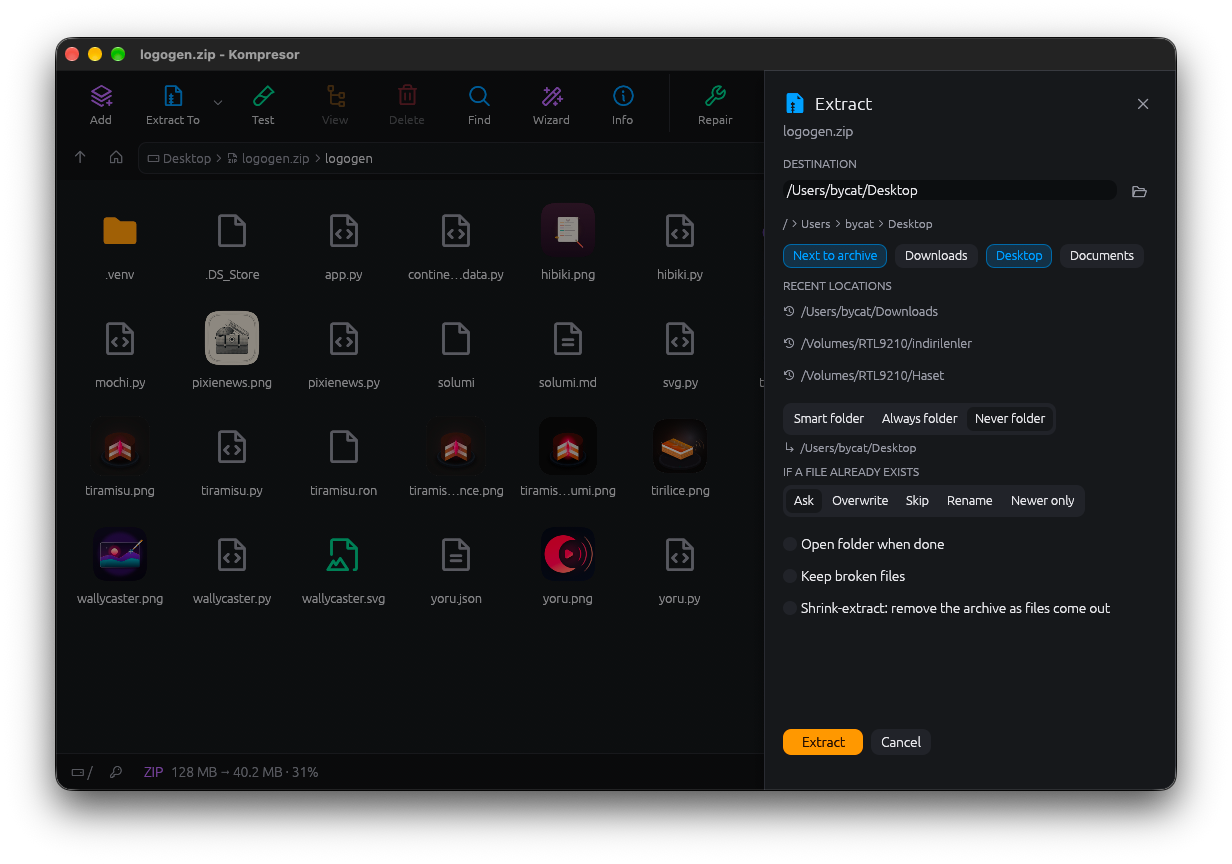
Shrink-extract
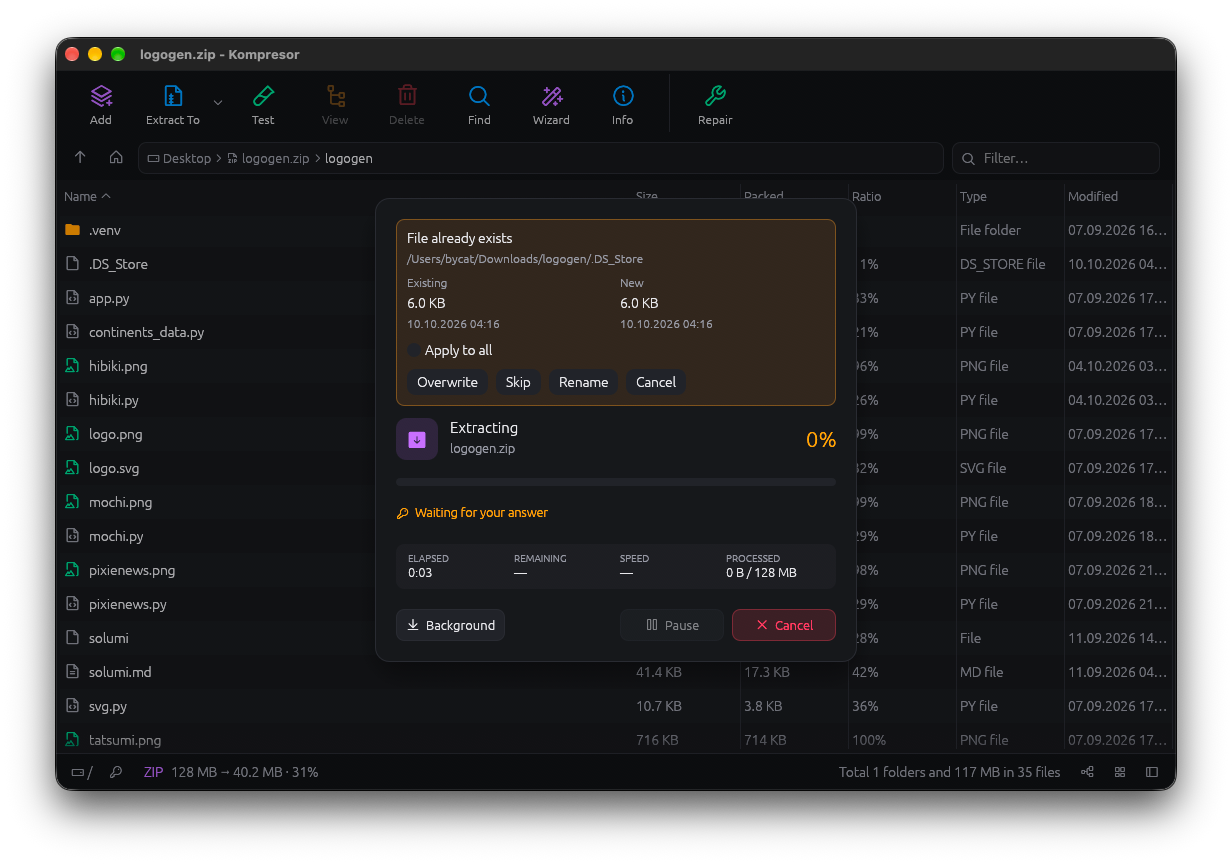
No room for both? You don't need it.
Normally extracting needs space for the archive and everything inside it at once. With shrink-extract, Kompresor removes the archive's data as each file comes out, so the archive shrinks while your folder grows. Works with ZIP, 7z, TAR and more.
- One copy of your data at a time
- Opt in per extraction
- Free-space floor you can set
Viewer first
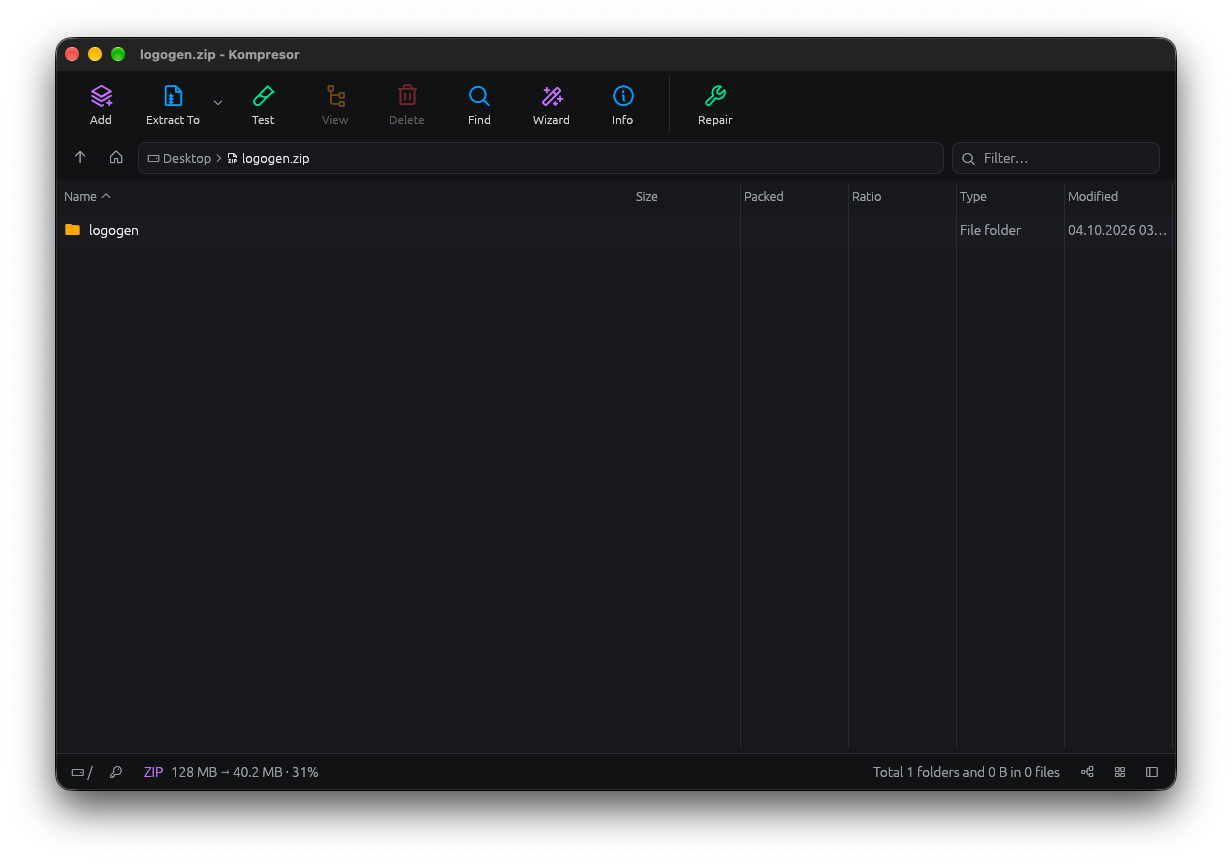
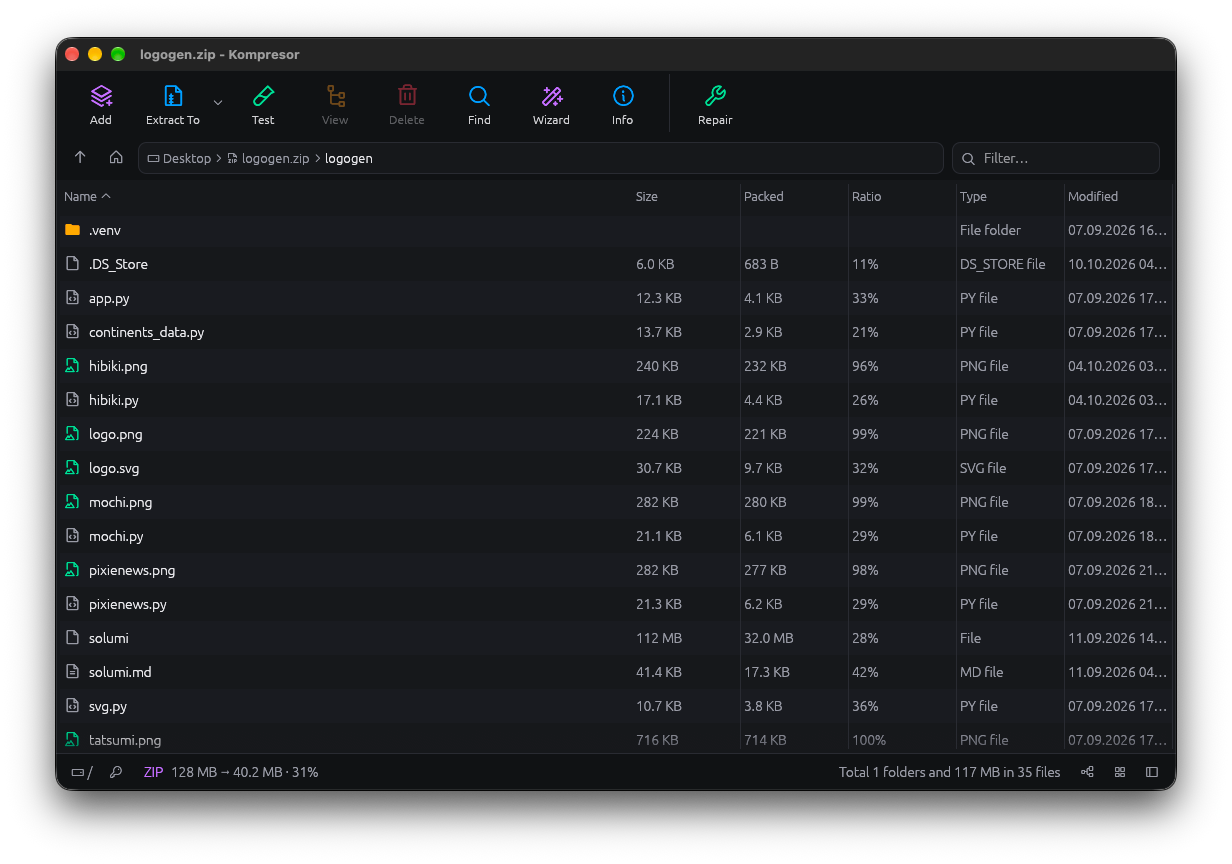
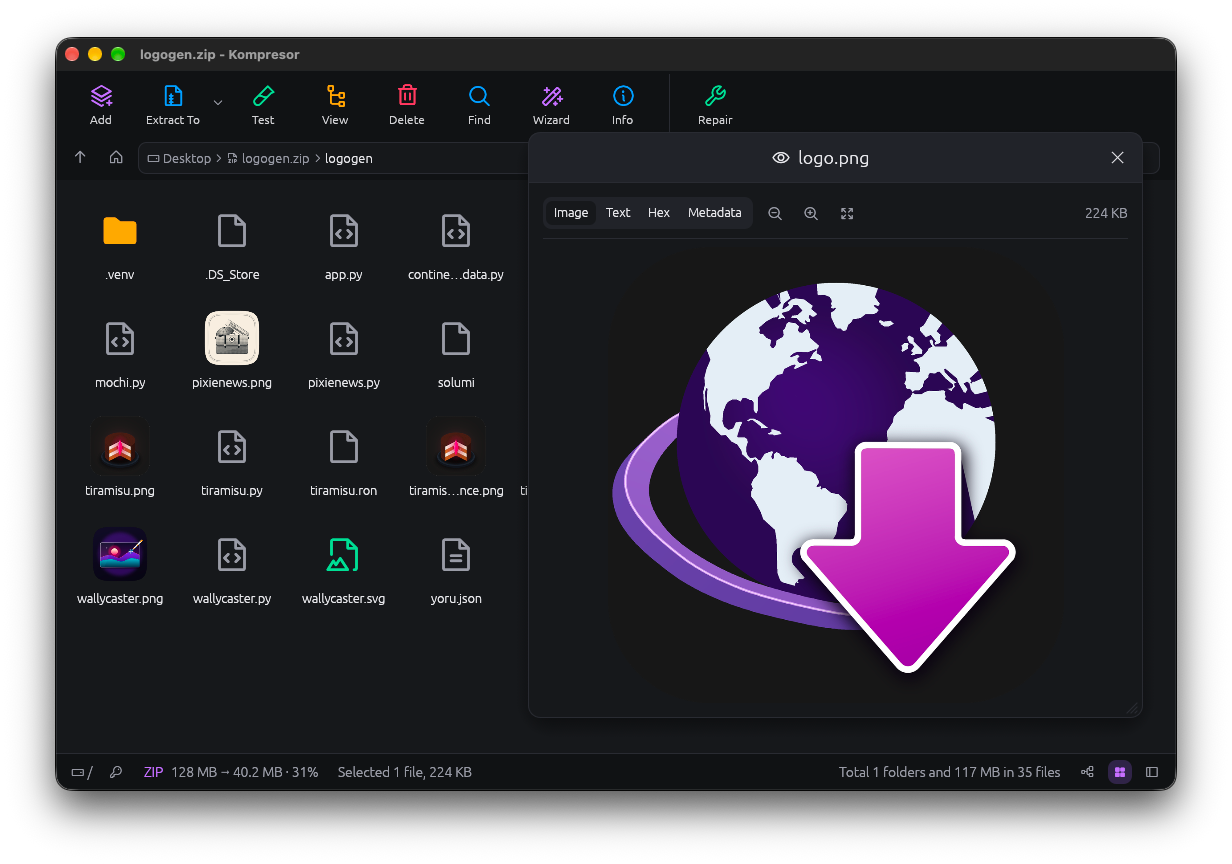
Opening an archive never extracts it.
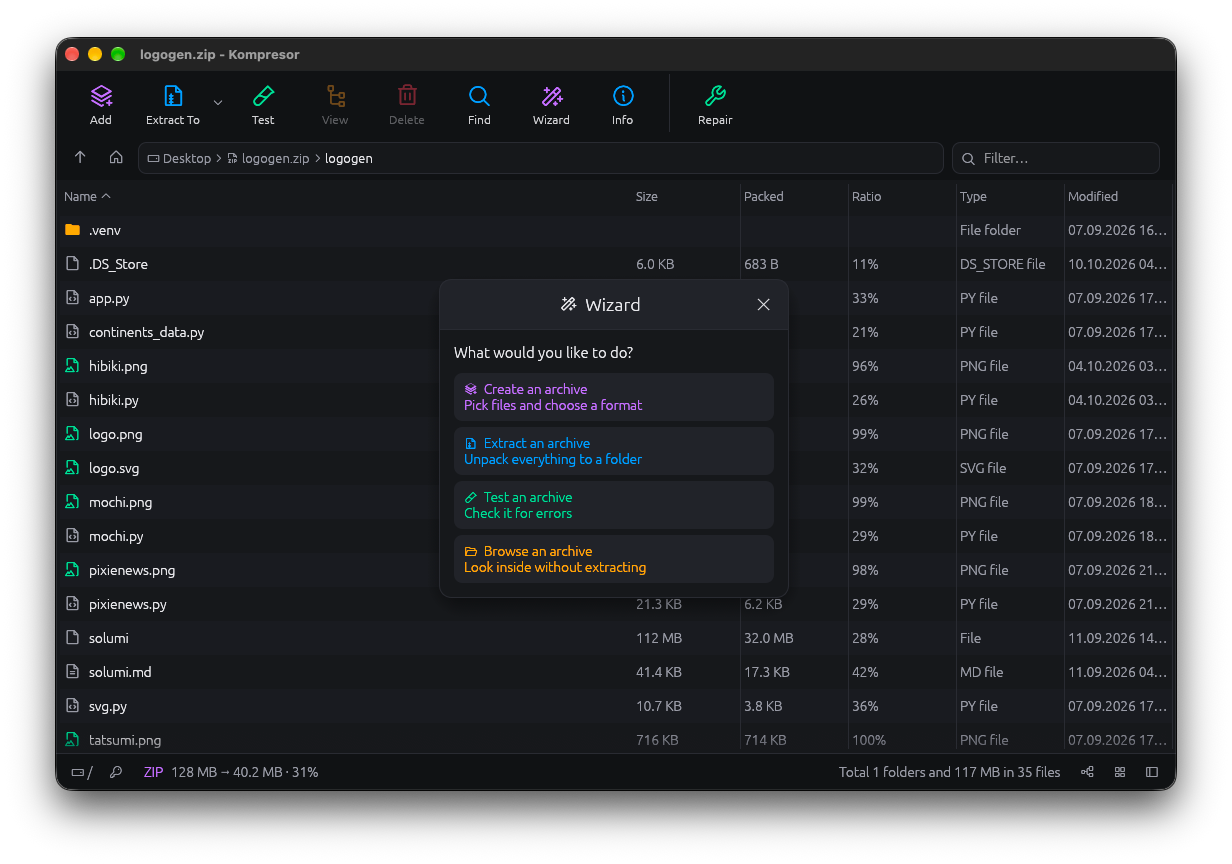
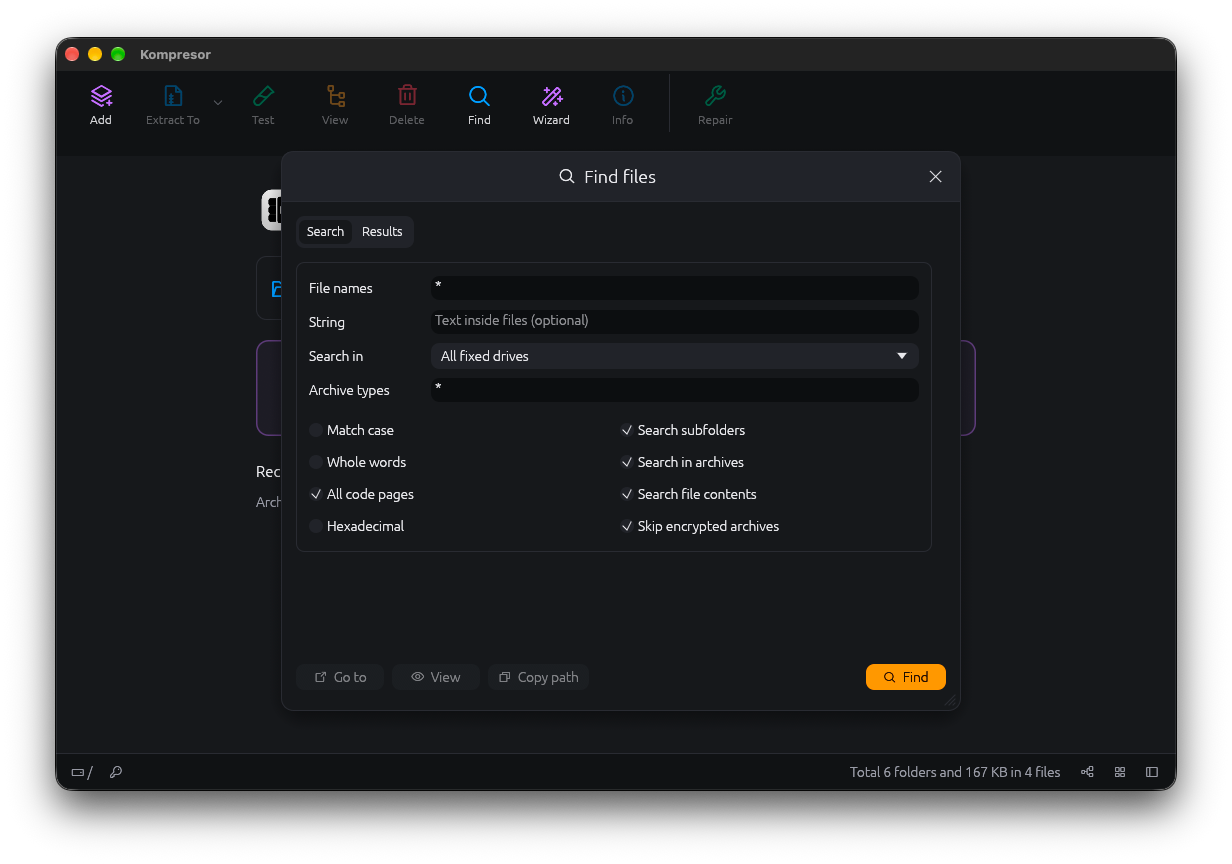
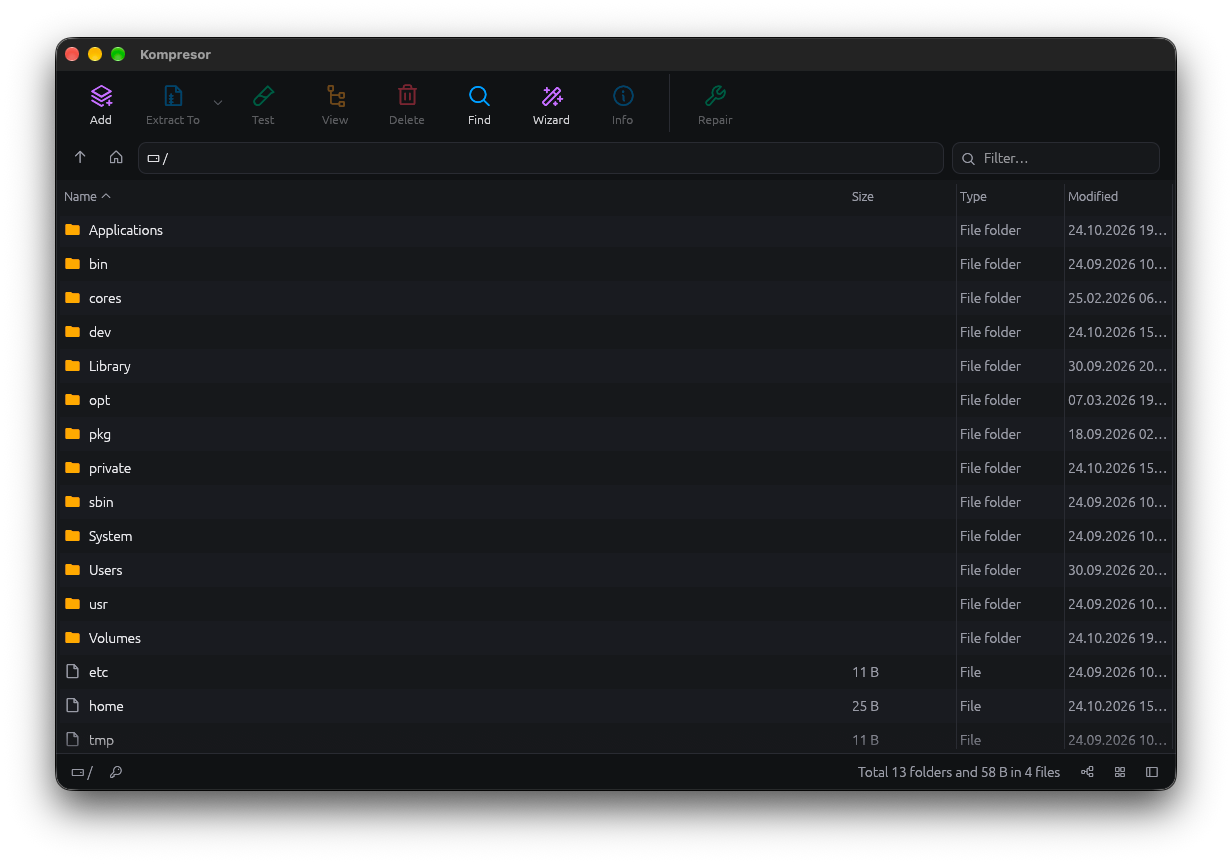
An archive opens like a folder. Browse, filter and preview first; extraction is always a step you choose. Disk images show their partitions as nested folders.
Every format you've met, and the ones you haven't.
Create, update, extract, test and repair across a huge range of archives, packages and disk images, with passwords, solid and multi-volume support.
- ZIP
- 7z
- RAR
- TAR
- gz
- xz
- zstd
- bzip2
- CAB
- UUE
- ACE
- ARJ
- ISO
- UDF
- WIM
- CHM
- NSIS
- squashfs
- APFS
- VHD
- VMDK
- VDI
- and more
Everything else, done properly.
Create and repair
Create, update, test and repair, with encryption, solid and multi-volume archives.
Safe writes
Failed writes never touch the destination. Files land atomically or not at all.
Saved passwords
Passwords are stored in your operating system's keychain, never in a file.
Job queue
Run several jobs at once, pause them, send them to the background or cancel.
Smart Extract here
Makes a folder only when the archive has several top-level items.
System integration
File associations, context menu entries and macOS Quick Actions.
Trash and drag-out
Delete to the Trash and drag files straight out of an archive.
Self-extracting
Build self-extracting archives that open without Kompresor installed.
Yours to tune
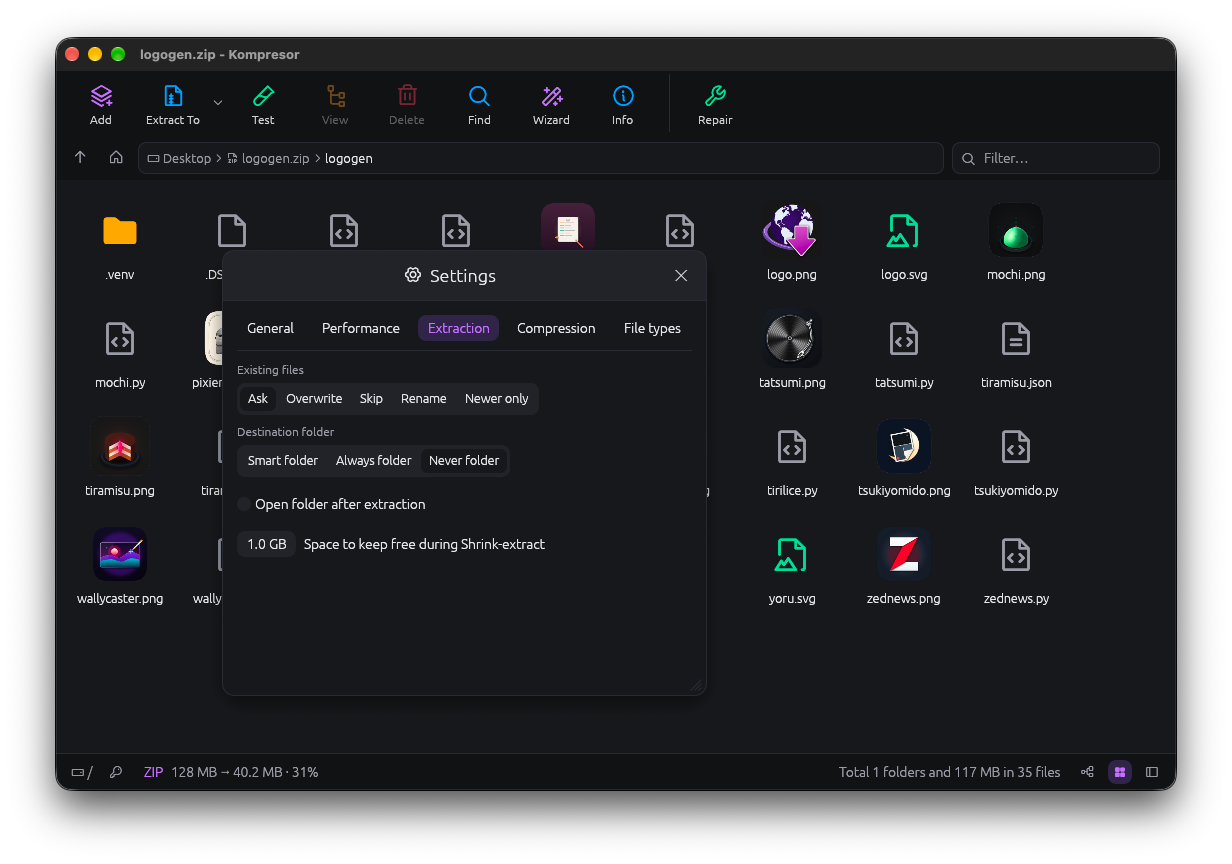
Guided when you want it, configurable when you don't.
A setup wizard walks through the common jobs, and settings cover extraction, performance, compression and file types. Dark, light or follow the system.