Hibiki
Your music library, properly tagged.
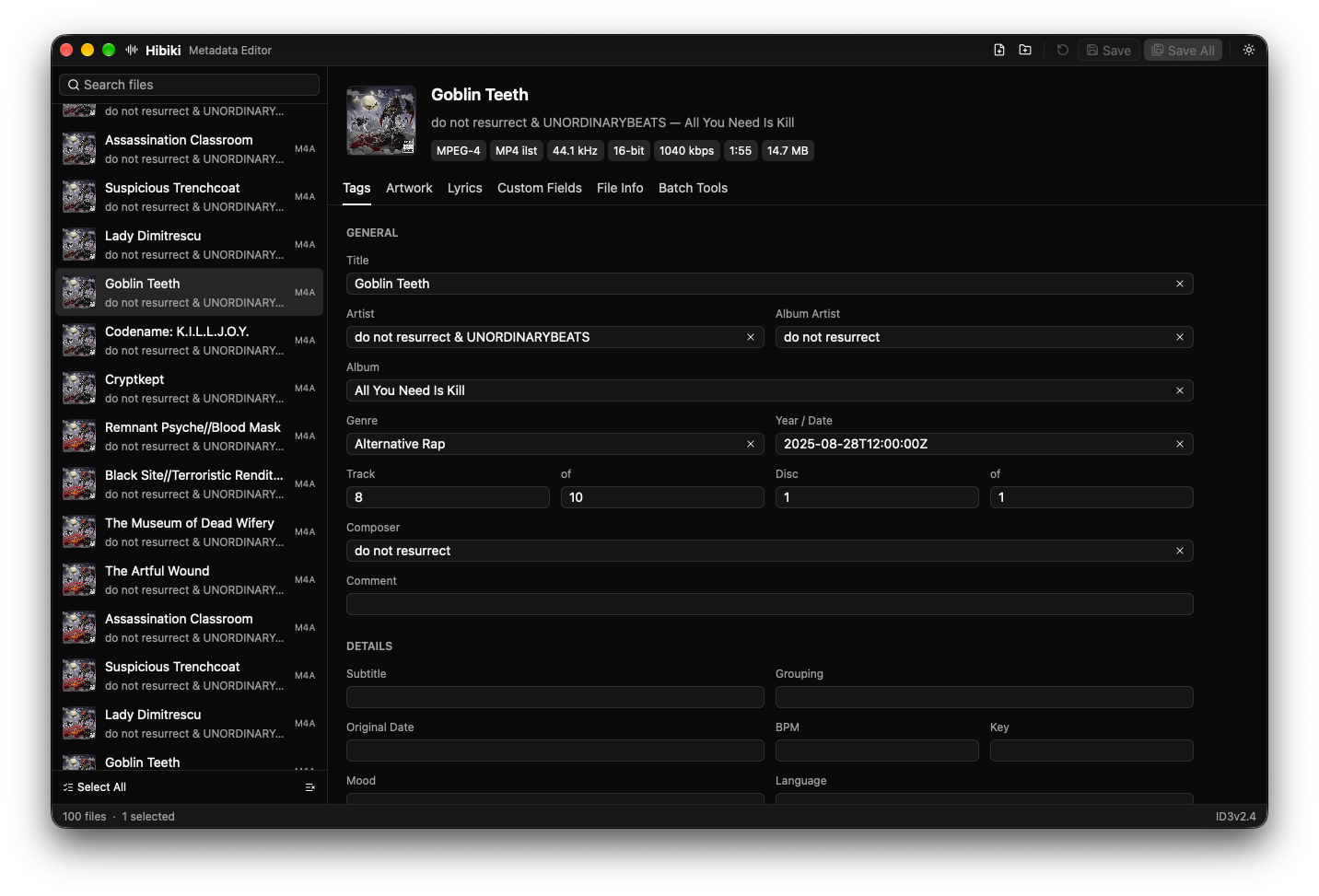
Edit tags, cover art and lyrics for FLAC, ALAC, MP3, AAC, Opus, Ogg Vorbis and WAV, one file or a whole album at a time.
NewMusic tag editor
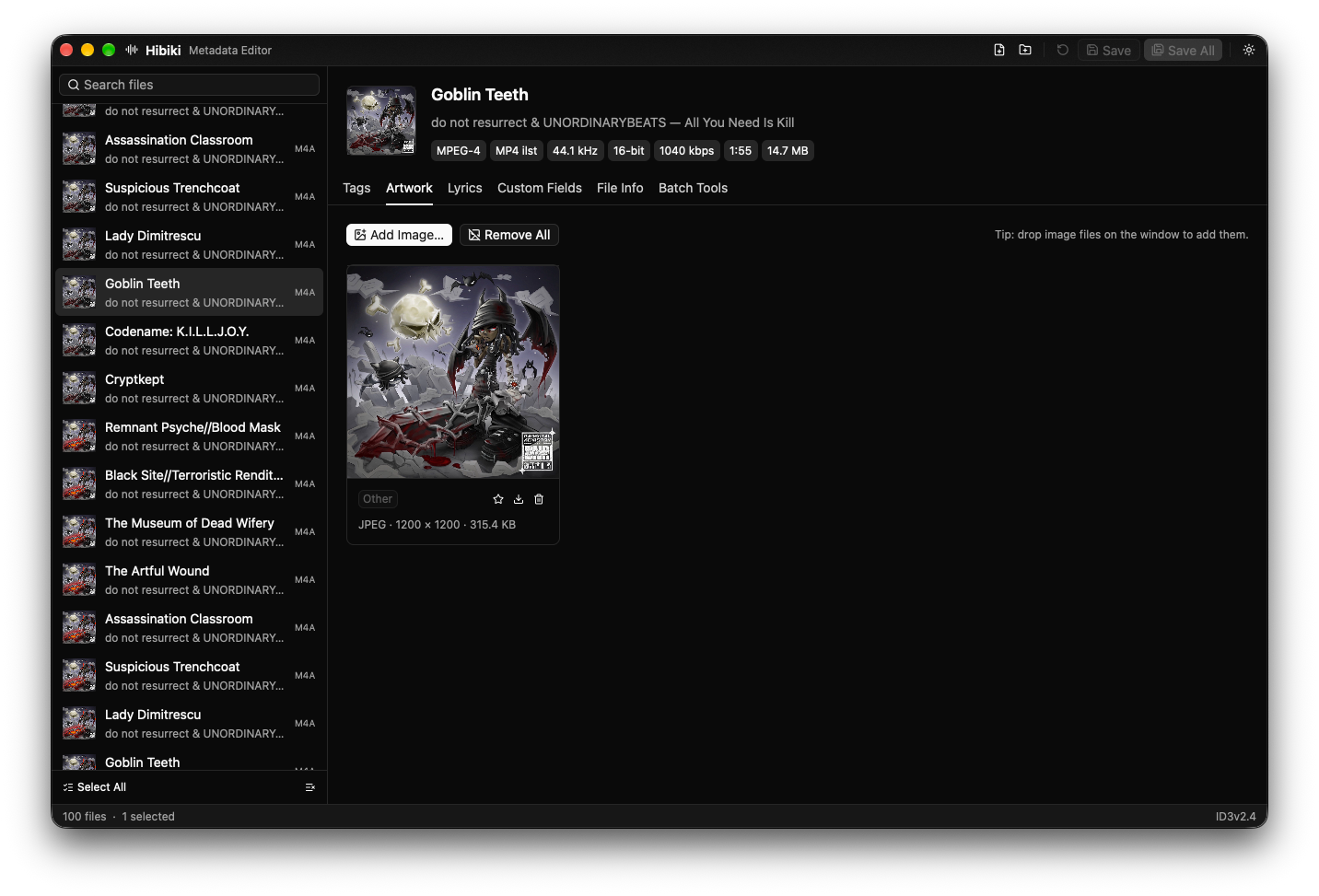
Cover art, in place.
See every embedded image with its size and format, add new ones by dropping them on the window, export or remove them in one click.
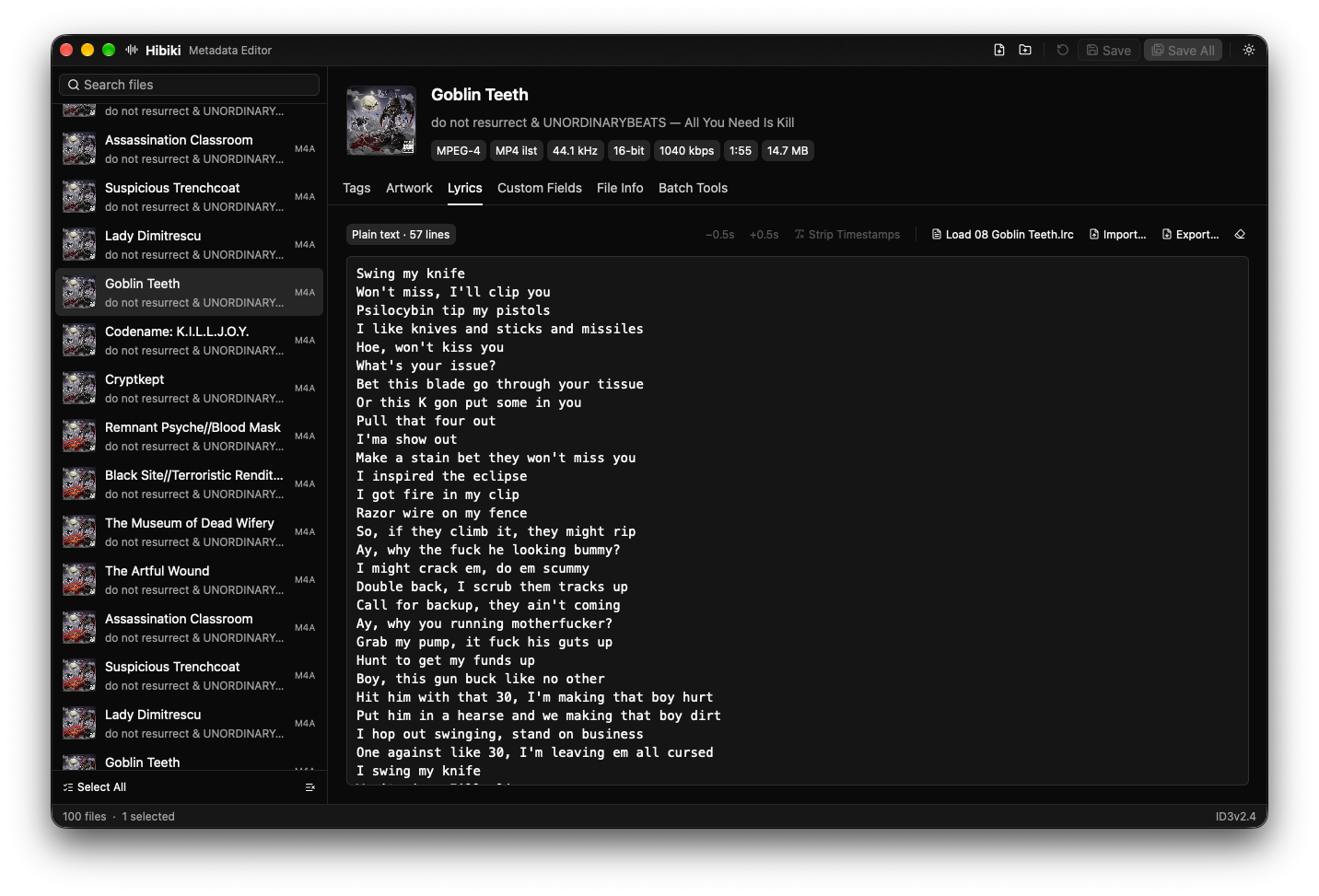
Lyrics, synced or plain.
Write lyrics by hand, load a matching .lrc file, shift timestamps by half a second or strip them, then import and export as you like.
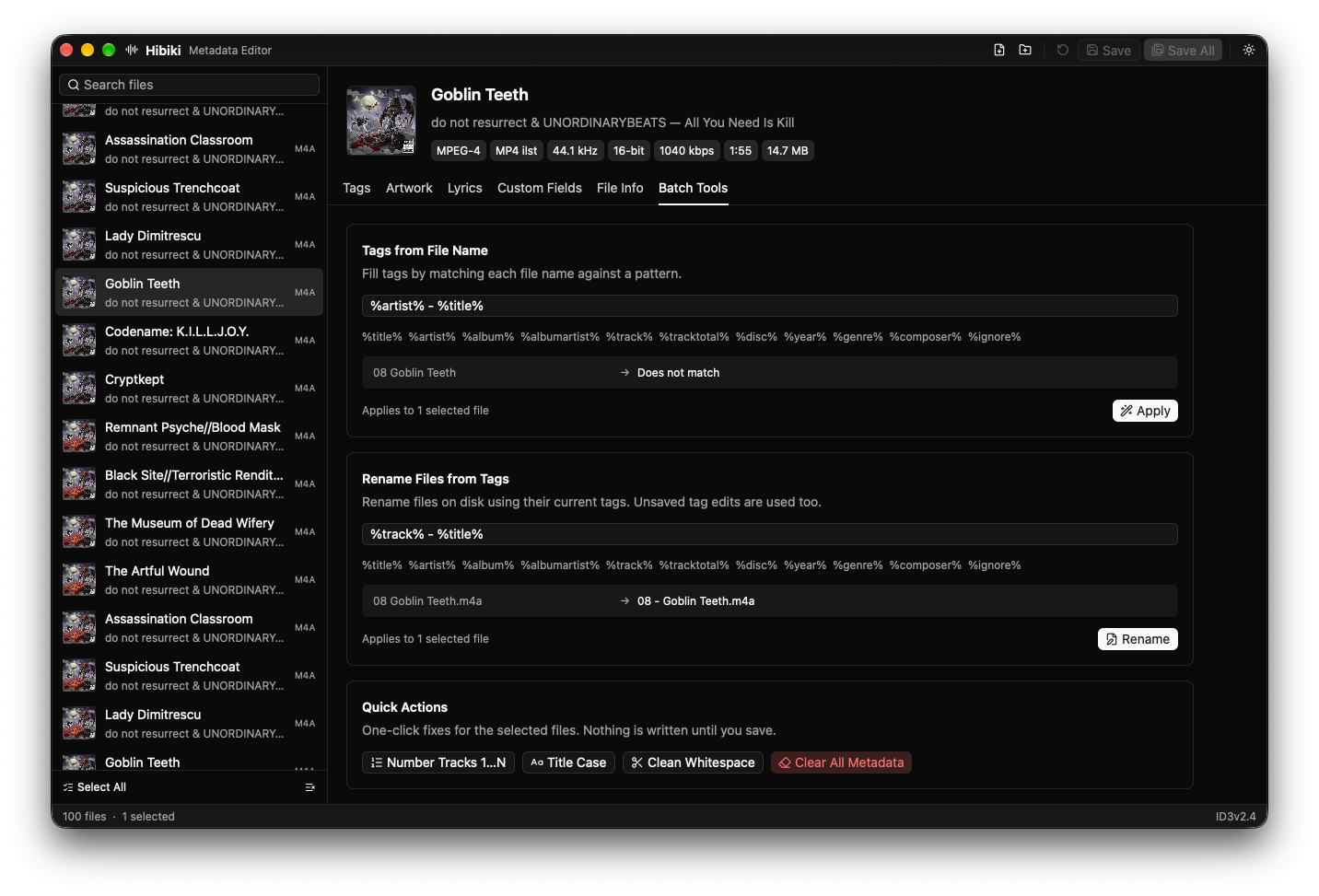
A hundred files, one pattern.
Fill tags from file names, rename files from tags, number tracks, fix title case and clean whitespace. Nothing is written until you save.
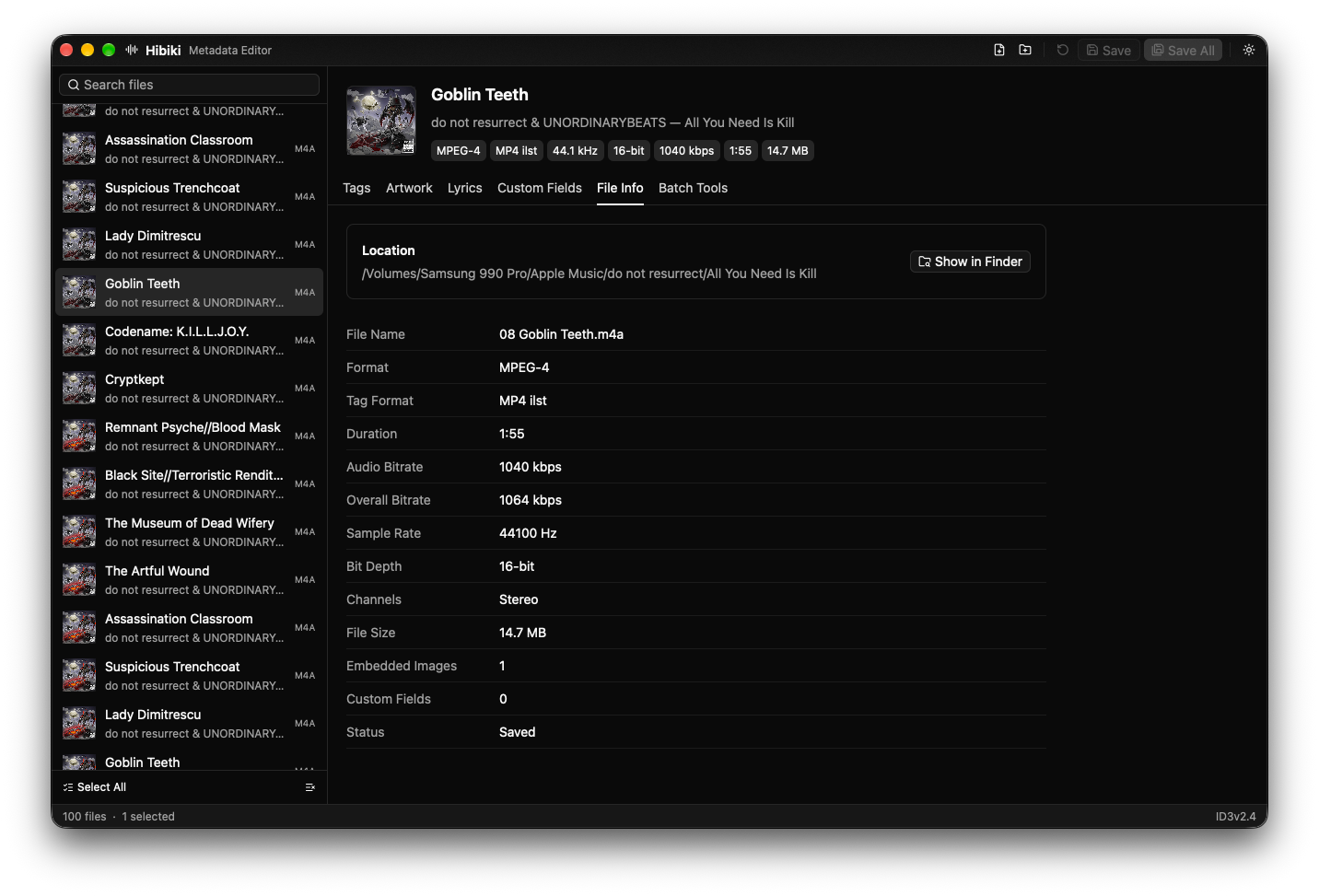
Know exactly what you have.
Format, tag type, bitrate, sample rate, bit depth and channels for every file, with a shortcut to show it in Finder.